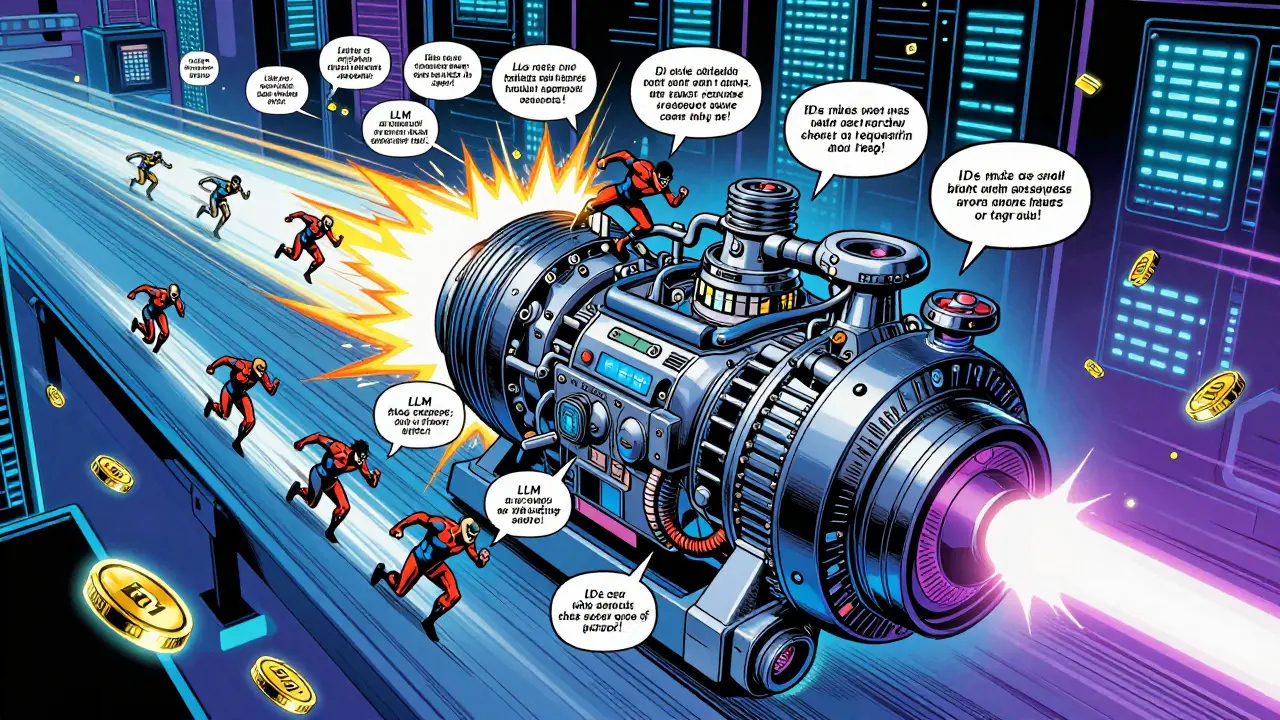
When you ask an LLM a question, it doesn’t just spit out an answer instantly. Behind the scenes, it’s doing millions of calculations-step by step, token by token. Now imagine doing that for 100 people at once. That’s where batched generation comes in. It’s not just about speed. It’s about making sure your GPU isn’t sitting idle while waiting for one slow request to finish. And the secret sauce? How those requests are scheduled.
Why Batching Matters More Than You Think
Early LLM deployments treated each request like a solo runner on a track. One person starts, finishes their lap, then the next goes. Simple. But terribly inefficient. GPUs can handle dozens of sequences at once-but only if you let them. Static batching tried to fix this by grouping requests together before running them. But if one request had a 500-word prompt and another had 10 words, the whole batch had to wait for the long one. That meant up to 60% of your GPU power was wasted. Enter continuous batching. This isn’t just batching-it’s dynamic, real-time reshuffling. Think of it like a toll booth where cars don’t all line up at once. Instead, as soon as one car passes through, another slips in from the back of the line. No waiting. No empty lanes. That’s what modern systems like vLLM and TensorRT-LLM do. They keep the GPU busy 90% of the time instead of 40%.How Continuous Batching Actually Works
Here’s the trick: instead of batching entire requests upfront, the system processes them token by token. Each time a model generates a new word, it checks: Who’s done? Who’s still going? Can I slot in a new request? This happens every few milliseconds. The vLLM framework uses two hard limits to control this:- max_num_seqs: Max 256 sequences per batch (that’s 256 different conversations running at once)
- max_num_batched_tokens: Max 4,096 total tokens across all sequences
The Memory Problem: KV Cache Fragmentation
Every time an LLM generates text, it remembers what it’s seen so far in something called the Key-Value (KV) cache. In old systems, this cache was stored as one big block per request. If a request needed 1,200 tokens, it got 1,200 tokens of memory-even if it only used 800. The rest sat there, unused. That’s called fragmentation. And it killed efficiency. PagedAttention changed that. Inspired by how operating systems manage virtual memory, it splits the KV cache into 16KB blocks. These blocks can be scattered across memory like puzzle pieces. When a request finishes part of its generation, only those specific blocks are freed. No wasted space. UCSD research showed this cuts memory fragmentation by up to 70%. That means you can run 2x more requests on the same GPU.
Scheduling Algorithms: It’s Not Just FIFO
Not all batching is created equal. The simplest method is FIFO-first in, first out. But that ignores a huge variable: how long each request will take to generate. A short prompt might finish in 0.3 seconds. A long one might take 4 seconds. If you put them in the same batch, the short ones get stuck. Length-aware scheduling tries to fix this by grouping similar-length prompts. Better, but still flawed. It doesn’t predict how long the output will be. Two users might type the same prompt, but one asks for a 50-word summary. The other asks for a 500-word essay. Same input. Totally different output length. That’s where learning-to-rank scheduling comes in. Researchers at UCSD trained a small model to predict generation length based on:- Input prompt length
- Application type (customer service vs. creative writing)
- Semantic features of the text
Advanced Systems: Magnus and SLAI
Some systems go even further. Magnus, introduced in mid-2024, uses four components working together:- A generator length predictor
- An adaptive batcher
- A serving time estimator
- A smart scheduler using HRRN (Highest Response Ratio Next)

What Developers Actually Experience
On paper, continuous batching sounds perfect. In practice? It’s a black box. Many developers using vLLM report confusion. One user on the vLLM forum wrote: “I send 1,000 prompts in one call. It batches them automatically. But when I check latency, it’s all over the place. Why is one request taking 5 seconds when others are under 1?” That’s because the scheduler is constantly adjusting. You don’t control the batch. The system does. And that’s intentional. But it makes debugging hard. If your app has inconsistent response times, it’s not a bug-it’s how the scheduler is working. The fix? Don’t send requests one at a time. Always batch them in groups. Send 10, 50, or 100 at once. Let the system do its job. And tune yourmax_num_batched_tokens setting. Too low? You’re not using the GPU well. Too high? You crash with OOM (out-of-memory) errors.
What You Should Do Right Now
If you’re running LLMs in production, here’s your action plan:- Use vLLM or TensorRT-LLM-they’re the most mature open-source options.
- Set max_num_seqs to 256 and max_num_batched_tokens to 4096 as a starting point.
- Monitor your GPU utilization. If it’s below 70%, you’re underutilizing. If it’s above 90% and you’re seeing timeouts, you’re overloading.
- Collect real request data for 6 hours. Use it to train a simple length predictor if you’re handling diverse use cases.
- Set a starvation threshold-if a request waits longer than 500ms, bump its priority. Prevents slow requests from getting stuck forever.



Chris Heffron
January 16, 2026 AT 03:19Adrienne Temple
January 16, 2026 AT 21:09Sandy Dog
January 17, 2026 AT 20:27Nick Rios
January 19, 2026 AT 03:34Amanda Harkins
January 20, 2026 AT 17:13Jeanie Watson
January 22, 2026 AT 08:28