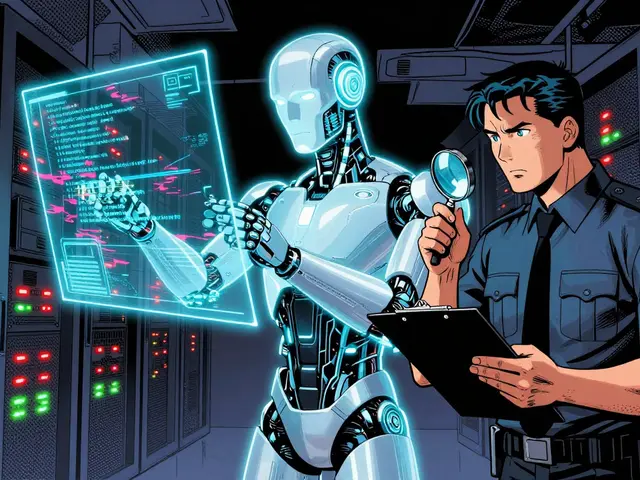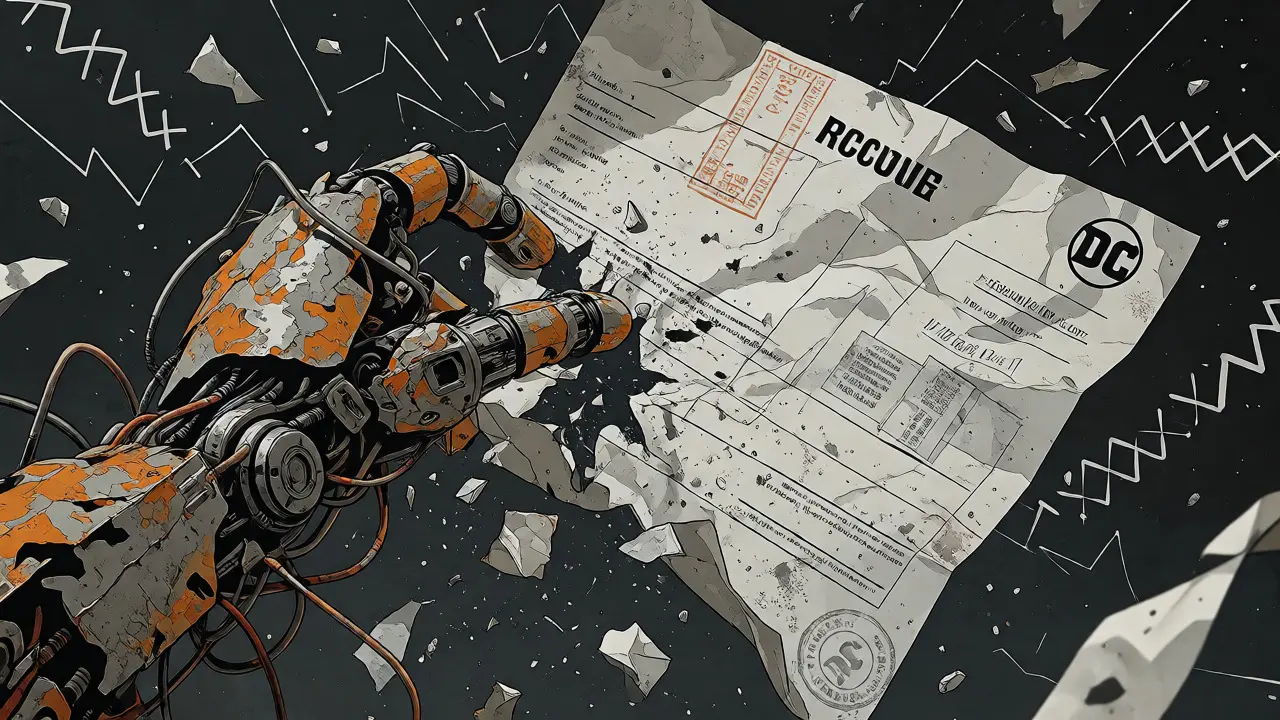
You’ve probably been there. You have a scanned invoice, a complex financial table, or a handwritten form that needs digitizing. The old way? A brittle pipeline of Optical Character Recognition (OCR) tools followed by regex scripts to parse the text. It worked until someone rotated the page 5 degrees, added a stamp over a number, or used a font you hadn’t seen before. Then everything broke.
Enter Multimodal Large Language Models (MLLMs). These aren't just better OCR engines; they are systems that see and read simultaneously. They don't just extract characters; they understand layout, context, and the relationship between a chart’s axis and its data points. If you’re building applications that handle documents, understanding how MLLMs change the game for optical character recognition, table extraction, and visual reasoning is no longer optional-it’s essential for staying competitive in 2026.
The Death of the Traditional OCR Pipeline
Traditional document processing has always been fragmented. You’d use one tool to detect text boxes, another to recognize the characters, and a third to guess what the table structure was. This approach treats non-textual elements-like charts, diagrams, and logos-as inert pixel crops. They exist in the output but carry zero semantic weight.
MLLMs flip this model on its head. Instead of separate stages, they employ vision encoders that decode shapes and mixed content while processing textual information in a unified stream. Think of it like hiring a human intern who looks at the whole page rather than reading line-by-line through a slit. They see the header, notice the footer, realize the table is split across two columns, and understand that the graph next to the paragraph explains the numbers within it.
This shift isn't just about convenience. It solves the "garbage in, garbage out" problem of legacy systems. When a scan is low DPI, rotated, or covered in smudges, traditional OCR fails because it relies on rigid templates. MLLMs, being spatially perceptive, adapt. They infer missing pixels based on context, much like your brain fills in gaps when reading messy handwriting.
Beyond Text: Mastering Table Extraction
Tables are the nightmare of any developer working with documents. They vary wildly in style, alignment, and complexity. Traditional methods often struggle with merged cells, nested headers, or tables that lack clear borders.
With multimodal models, table extraction becomes a reasoning task rather than a pattern-matching exercise. The model doesn't just find lines; it understands hierarchy. It knows that a bold row at the top is likely a header and that indented rows might represent sub-categories. This capability allows for direct conversion into structured formats like HTML, Markdown, or JSON without the fragile post-processing steps required by older tools.
Consider a financial report where a table spans multiple pages or includes footnotes that clarify specific values. An MLLM can link the footnote to the specific cell it references. It maintains the logical integrity of the data, ensuring that when you export the table, the relationships remain intact. This is crucial for downstream tasks like database insertion or analytics, where misaligned data leads to incorrect insights.

Visual Reasoning: Reading Charts and Diagrams
Here is where things get really interesting. Text extraction is one thing; understanding a bar chart is another. Traditional OCR ignores charts entirely, leaving them as images. But what if you need to know the trend shown in a sales graph from a PDF?
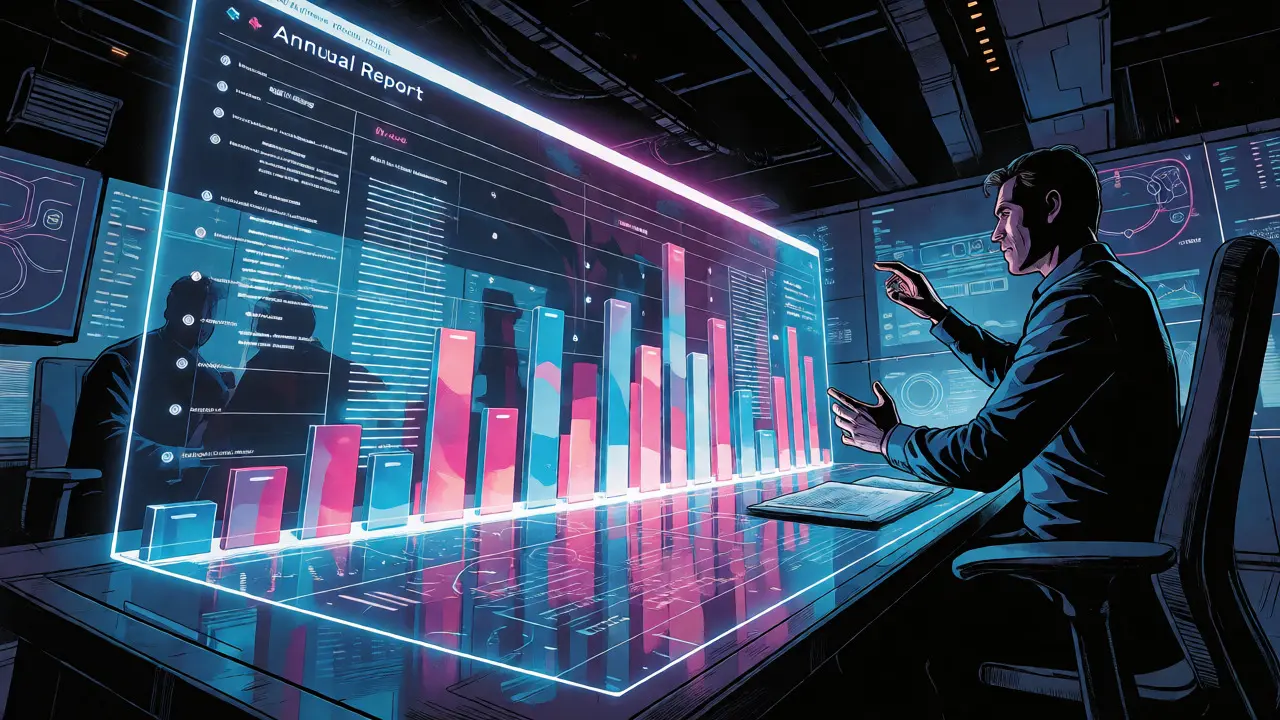
MLLMs excel at visual reasoning. They can interpret intricate elements such as tables, charts, and embedded images. For example, given a screenshot of a dashboard, an MLLM can answer questions like "Which region had the highest growth in Q3?" by correlating the legend colors with the bar heights and the axis labels. This ability stems from training on vast datasets that pair images with descriptive text, teaching the model to associate visual patterns with semantic meaning.
This capability transforms static documents into interactive knowledge bases. You can query a scanned annual report not just for keywords, but for insights derived from its visuals. The model comprehends the logic behind data formatting and the significance of the represented data, bridging the gap between raw pixels and actionable intelligence.
Key Players in the Multimodal Document Space
The landscape is evolving rapidly, with several models demonstrating strong capabilities in document understanding. While general-purpose models like GPT-4o show promise, specialized architectures are pushing the boundaries further.
| Model Name | Primary Strength | Best Use Case | Output Format |
|---|---|---|---|
| dots.mocr | Reconstructs graphics as code (SVG) | High-fidelity document reconstruction | Markdown, SVG, HTML |
| Qwen3-VL | Handles ancient scripts and handwriting | Historical archives and forms | All-format outputs |
| Nanonets-OCR2-3B | Structured markdown generation | Developer-friendly API integration | Markdown, JSON |
| OlmOCR-2 | Large-scale batch processing | Enterprise data migration | Text, Structured Data |
Notice the diversity in strengths. dots.mocr, for instance, doesn't just give you text; it recovers document graphics as reusable, renderable code. This means a chart isn't just described; it's reconstructed as Scalable Vector Graphics (SVG), allowing you to edit or restyle it programmatically. On the other hand, Qwen3-VL shines with its ability to handle diverse scripts, making it ideal for global enterprises dealing with multilingual documents.
Implementation Strategy: From Scan to Insight
So, how do you actually implement this? You don't need to train a model from scratch. Most modern workflows involve fine-tuning existing Vision-Language Models (VLMs) or using APIs that expose these capabilities.
- Data Generation: Use MLLMs as sophisticated data generators. They can extract text from documents and convert charts into tabular representations automatically. This reduces the manual labeling burden significantly.
- Error Detection: Implement templated approaches where the model evaluates its own output. Ask it, "Does this extracted table match the image?" Using False/True evaluations helps filter problematic data before it hits your production database.
- End-to-End Training: If you have proprietary data, consider end-to-end training over heterogeneous document elements. This allows the model to exploit semantic relations between components, improving accuracy on niche document types like legal contracts or medical records.
A critical pitfall to avoid is treating MLLMs as magic black boxes. They still require prompt engineering and validation. Always verify high-stakes extractions against ground truth during the initial rollout. However, once tuned, they offer robust performance on benchmarks like DocVQA and ChartQA, proving that unifying parsing with broader vision-language training doesn't compromise general-purpose performance.
The Future Is Semantic, Not Just Syntactic
We are moving away from character-by-character recognition toward semantic understanding. The value proposition of MLLMs lies in their ability to reason over layout, visuals, and semantics to deliver context-aware results. They transform passive text readers into intelligent document interpreters.
For businesses, this means faster automation cycles, higher accuracy in data entry, and new possibilities for querying unstructured data. Whether you're automating insurance claims, digitizing historical archives, or analyzing financial reports, multimodal LLMs provide the flexibility and depth that traditional tools simply cannot match. The technology is maturing fast, and the companies adopting it now will define the standards for intelligent document processing in the coming years.
How is multimodal OCR different from traditional OCR?
Traditional OCR focuses solely on converting pixels to text characters, often ignoring layout, graphics, and context. Multimodal OCR uses Large Language Models to process both text and images simultaneously, allowing it to understand document structure, interpret charts, and handle complex layouts like multi-column pages or tables with merged cells.
Can multimodal LLMs handle handwritten documents?
Yes, many modern multimodal models, such as Qwen3-VL, have dedicated capabilities for processing handwriting. Unlike traditional OCR which struggles with cursive or irregular script, these models leverage visual context to decipher handwriting, even when it overlaps with printed text or stamps.
What are the best use cases for visual reasoning in documents?
Visual reasoning is ideal for extracting insights from charts, graphs, and diagrams. Common use cases include answering questions about trends in financial reports, extracting data from scientific figures, and interpreting UI screenshots for software documentation. It allows users to query visual data using natural language.
Do I need to build my own model to use these technologies?
Not necessarily. Many providers offer APIs for models like GPT-4o, Gemini, or specialized OCR services. You can start by using pre-trained models via API calls. Only consider building or fine-tuning your own model if you have unique document types that generic models struggle with, or if data privacy requires on-premise deployment.
How accurate are multimodal models compared to humans?
While they may not surpass expert humans in every single edge case, multimodal models achieve consistently strong results on standard benchmarks like DocVQA and ChartQA. For high-volume, repetitive tasks, they often exceed human speed and consistency, though human-in-the-loop verification is still recommended for critical financial or legal data.