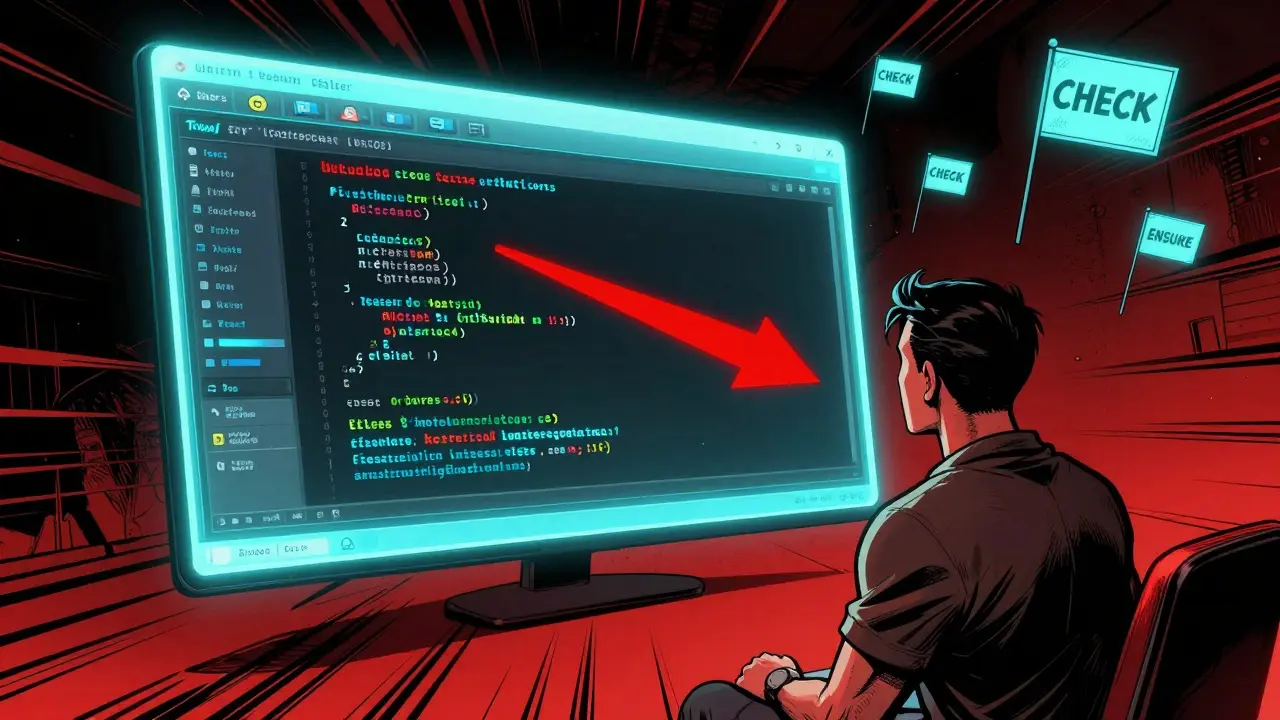
Most developers think performance issues are about writing faster code. They’re wrong. The real problem? Knowing where to look. You can spend weeks tweaking loops, rewriting functions, or switching libraries - only to find out the real bottleneck was a single texture loading 100 times a second. Or a debug flag that’s still on in production. Or a memory allocation that’s hammering the garbage collector. Without proper profiling, you’re not optimizing. You’re guessing.
Start with the right question
The first mistake most people make? They ask, "Why is my app slow?" That’s not a prompt. That’s a cry for help. A good prompt for performance profiling is specific, measurable, and tied to observable behavior.Instead of "Why is my app slow?" try:
- "What’s consuming 70% of the frame time on a Snapdragon 665 device?"
- "Which function is causing the most GC allocations in my Unity scene?"
- "Why does the 'Genre: Comedy' render take 17 seconds while 'Genre: Children' takes under 2?"
These aren’t vague complaints. They’re data-driven questions. They force you to look at numbers, not feelings. And they point directly to the tools you need - Unity Profiler, Intel VTune, or NVIDIA Nsight.
Build a baseline before you touch anything
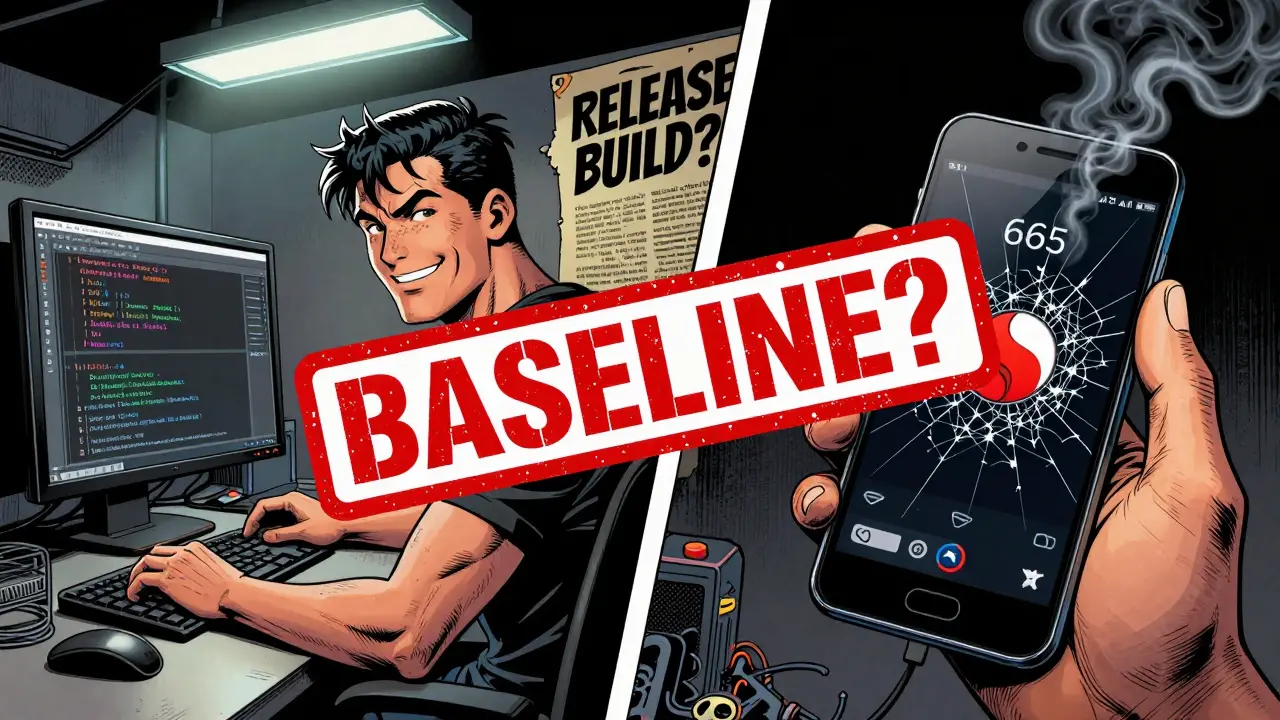
You can’t fix what you haven’t measured. Before you optimize anything, you need a baseline. That means running your app on real hardware - not your high-end dev machine. Use the lowest-spec device you plan to support. For mobile games, that’s often a Snapdragon 665 or equivalent. For web apps, test on an old laptop with 4GB RAM and a slow network.Measure three things:
- Frame time - How long does each frame take? Target 16.6ms for 60 FPS.
- Memory usage - Is GC kicking in every 2 seconds? That’s bad.
- CPU/GPU load - Are you CPU-bound or GPU-bound? Check the profiler’s breakdown.
Unity’s 2023 case study on Hollow Knight: Silksong showed a 30% performance gain just by starting with a baseline on the Nintendo Switch. Without that, they’d have optimized the wrong thing.
Use the right tool for the job
Not all profilers are created equal. And using the wrong one can send you down a rabbit hole.Instrumenting profilers (like Visual Studio’s Diagnostic Tools or Unity Profiler) insert timing code into your functions. They’re accurate - down to nanoseconds. But they slow things down by 5-15%. That’s fine for detailed analysis, but bad for seeing real-world behavior.
Sampling profilers (like perf on Linux or Intel VTune) interrupt your program every few microseconds and record the call stack. They add less than 1% overhead. Perfect for long-running sessions. But they’re approximate. If a function runs in 50 nanoseconds, it might never get sampled. You’ll miss it.
Here’s the trick: use both. Start with sampling to find the big offenders. Then switch to instrumenting to drill into those few hot functions.
Tool requirements matter too:
- Intel VTune needs a Skylake or newer CPU.
- NVIDIA Nsight requires a Pascal GPU or later (2016+).
- Unity Profiler works on Windows 10+, macOS 12+, and Ubuntu 20.04+ with 8GB RAM.
If your tool doesn’t match your hardware, you’re not getting real data.
Follow the top-to-bottom approach
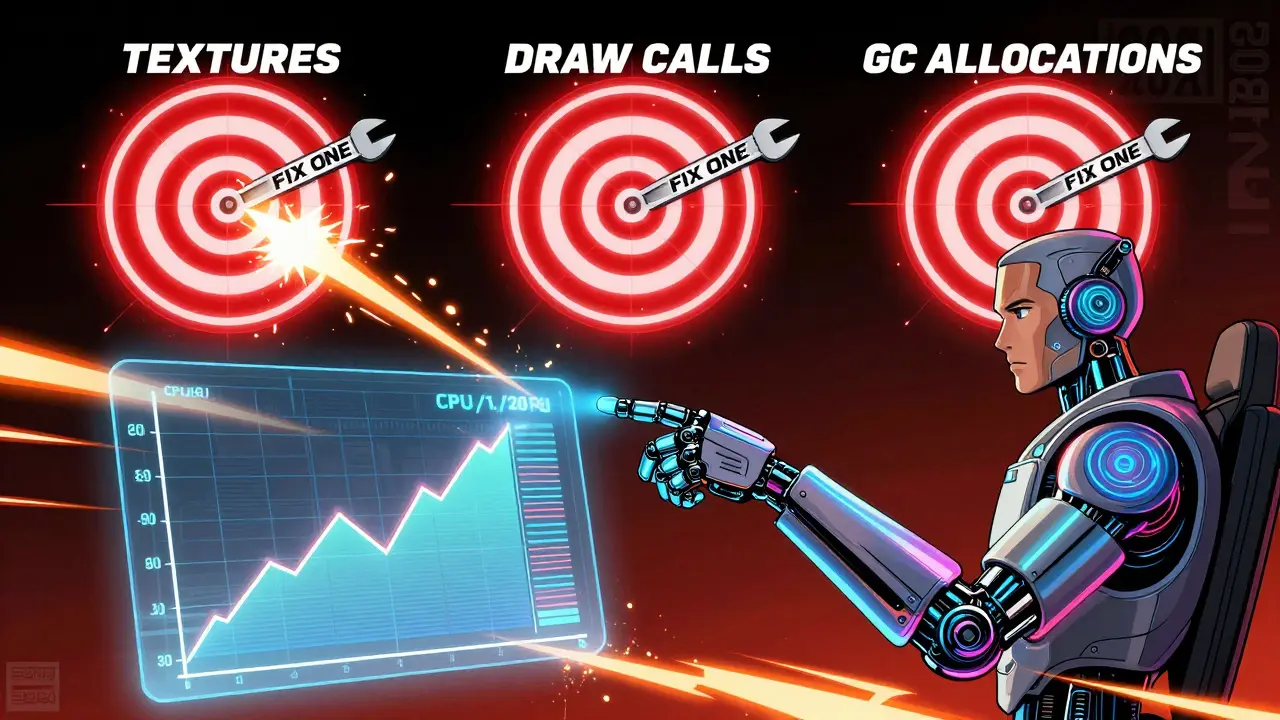
Alan Zucconi from Unity says 68% of mobile game performance issues come from just three places: texture sizing, draw calls, and garbage collection. That’s not a guess. That’s data from thousands of shipped games.Don’t start with code. Start with categories:
- Rendering - Are you drawing too many objects? Are textures too big? Check the GPU usage graph.
- Scripts - Are you calling expensive functions every frame? Look for Update() loops with heavy logic.
- Physics - Are colliders too complex? Are you using too many rigidbodies?
- GC Allocations - Are you allocating strings, lists, or objects in loops? That’s a silent killer.
Once you find the category, drill down. If rendering is the issue, look at draw calls. If scripts are the issue, look at which functions are taking the most time. Don’t assume. Let the profiler tell you.
Remove debug flags - immediately
This one catches even experienced devs. In Unreal Engine, Development builds have debug checks likecheck() and ensure(). They’re great for testing. They’re terrible for performance. Epic Games found they add 18-25% overhead. That’s like running your game at 40 FPS when it should be 55.
Harvard’s 2023 study showed removing debug flags gave 22-37% speed gains across 87% of scientific workloads. Same story in Unity: Release or Master builds are mandatory for profiling.
Always ask: "Is this build the same as what we ship?" If the answer is no, your numbers are garbage.
Measure before and after - every time
Optimizing without measurement is like driving blindfolded. You might get somewhere. But you won’t know if it’s faster.Every time you make a change - whether it’s a new shader, a different data structure, or a memory pool - run a full benchmark. Use the same device. Same scene. Same input. Compare frame time, CPU usage, and memory before and after.
Trimble Maps did this with their geospatial engine. One change reduced "Genre: Comedy" processing from 17.8 seconds to 1.7 seconds. That’s a 90% improvement. But they only saw it because they measured.
Don’t optimize what doesn’t matter
This is the biggest trap. You see a function taking 3% of CPU time. It looks expensive. You rewrite it. You spend a day. You ship it. And nothing changes.Why? Because 3% is 3%. Even if you cut it to 0%, you gain 3% total. That’s not worth it.
Focus on the top 1-3 offenders. The ones eating up 70% of your time. That’s where the real gains are. Reddit’s r/gamedev thread in February 2024 found 78% of devs said setting hardware tiers was the most impactful thing they did. Why? Because they stopped trying to make everything perfect. They focused on what users actually experienced.
Future-proof your process
Performance isn’t a one-time fix. It’s a habit. The best teams profile continuously:- Every build runs a lightweight profiler.
- Every PR has a performance check.
- Every milestone compares against the baseline.
Unity reports that 71% of developers using their 2023 LTS release now profile continuously - up from 49% in 2021. That’s not a coincidence. It’s a culture.
And the future? NVIDIA’s CUDA Graph Analyzer uses AI to predict bottlenecks before you even run the code. Unreal Engine 5.4 (coming Q3 2024) will show performance feedback as you type. You’ll see a red flag in your editor if a function might slow things down. That’s not sci-fi. That’s next year.
What to do next
If you’re stuck:- Set up a baseline on your lowest-spec device.
- Run a sampling profiler for 30 seconds.
- Find the top function consuming >5% of time.
- Switch to an instrumenting profiler and look at its call tree.
- Check if debug flags are enabled.
- Fix one thing. Measure. Repeat.
You don’t need to be an expert. You just need to be systematic.
What’s the best free profiling tool for beginners?
For Unity developers, use the built-in Unity Profiler. It’s free, integrated, and gives you everything you need: CPU, GPU, memory, and GC stats. For C++ or system-level code on Windows, use Visual Studio’s Diagnostic Tools (Debug > Windows > Show Diagnostic Tools). On Linux, use "perf" - it’s lightweight, accurate, and comes with most distros. Start here. Don’t overcomplicate it.
Can I profile without a dedicated testing device?
You can, but you’ll get misleading data. Your dev machine is 10x faster than a budget phone. If you optimize for your machine, you’ll ship a game that runs poorly on real users’ devices. At minimum, use device emulators (like Android Studio’s emulator or Xcode’s iOS simulator) with low-end specs set. But real hardware is always better. Borrow a friend’s old phone. Use cloud device labs like AWS Device Farm. Don’t skip this step.
Why does my profiler show a function as slow, but the game feels fine?
Two reasons. First, sampling profilers can misattribute time. A fast function that runs right when the profiler samples looks like a bottleneck. Second, the function might be called infrequently. If it takes 10ms but runs once per second, it’s not a problem. Look at total time, not individual calls. Check the "Total Time" column, not "Self Time."
Is AI really changing how we profile?
Yes. Tools like NVIDIA’s CUDA Graph Analyzer and Unity’s Adaptive Profiling use ML to predict bottlenecks and reduce measurement noise. In beta tests, they cut misdirected optimization efforts by 22-37%. You still need to understand the basics - AI can’t replace knowing what a draw call is - but it helps you focus faster. Think of it as a co-pilot, not a replacement.
How long should I spend profiling before shipping?
The best teams spend 15-25% of their total dev time on profiling. That’s not wasted time. That’s insurance. A game that runs at 60 FPS on low-end devices gets 3x more positive reviews. A game that stutters gets buried. If you’re shipping a mobile game or web app, treat profiling like testing. You wouldn’t ship without QA. Don’t ship without performance validation.


Tia Muzdalifah
February 23, 2026 AT 02:07bro i just used unity profiler on my grandma's android phone and we went from 12fps to 48fps by turning off debug logs. no joke. i thought i was optimizing shaders but it was just a print statement in update() that was killing it. thanks for the post lol
Zoe Hill
February 24, 2026 AT 09:18i cant believe how many devs skip the baseline step. i had a client who swore their game was "fine" until we tested it on a $150 tablet. frame time was 80ms. turned out they were loading 200mb of textures every scene. we compressed them, dropped the resolution by half, and boom - 22ms. never skip real hardware. even if it looks like a brick.
Albert Navat
February 25, 2026 AT 20:42you’re absolutely right about sampling vs instrumenting. but let’s be real - most teams don’t have the bandwidth to toggle between profilers. i’ve seen teams waste weeks trying to "get accurate data" while the actual bottleneck was a coroutine spawning 1000 GameObjects per second. the tool doesn’t matter if you don’t know what you’re looking for. start with the top 3 categories: draw calls, GC, and script overhead. everything else is noise.
King Medoo
February 27, 2026 AT 17:38let me tell you something. performance isn't about tools. it's about discipline. 🤔 i've seen engineers rewrite entire systems because a profiler said "function X took 4%" - and then shipped the same game with 30% worse performance because they forgot to disable debug flags. 🚫 you don't need AI. you need a checklist. every build. every time. no exceptions. if your QA team doesn't check for debug flags, they're not QA - they're liability generators. 🤬
Rae Blackburn
March 1, 2026 AT 15:07LeVar Trotter
March 2, 2026 AT 05:38really appreciate this breakdown. one thing i’d add - don’t just measure frame time. measure *frame time variance*. a game running at 16ms on average but spiking to 60ms every 3 seconds feels worse than one running at 20ms consistently. that’s what players notice. also, if you’re using Unity, enable the "Frame Timing" profiler module - it breaks down render vs script vs physics time per frame. game changer.
Tyler Durden
March 3, 2026 AT 06:54so i tried the "start with sampling" thing and it worked like magic - found a 12ms spike in my particle system. switched to instrumenting, traced it to a single OnParticleCollision() call that was doing string concatenation in a loop. fixed it. 15 minutes. saved 40% cpu. but here’s the thing - i almost didn’t do it because i thought "it’s just particles, who cares?" turns out, particles are the silent killers. if you’re not profiling everything, you’re not serious. also - yes, debug flags. always check. i’ve lost 3 weekends to this. never again.
Aafreen Khan
March 4, 2026 AT 07:45Pamela Watson
March 5, 2026 AT 10:33michael T
March 7, 2026 AT 04:47they told me to use profiling tools. i did. i cried. i screamed. i deleted my whole project. then i rebuilt it. now it runs like butter on a hot pan. i didn't optimize code. i optimized my *mindset*. stopped caring about "clean code". started caring about "does it run?". if it doesn't run on a $200 phone, it's garbage. i don't care if it's elegant. i care if it's fast. and yeah - debug flags. always. every. single. time. 🤯