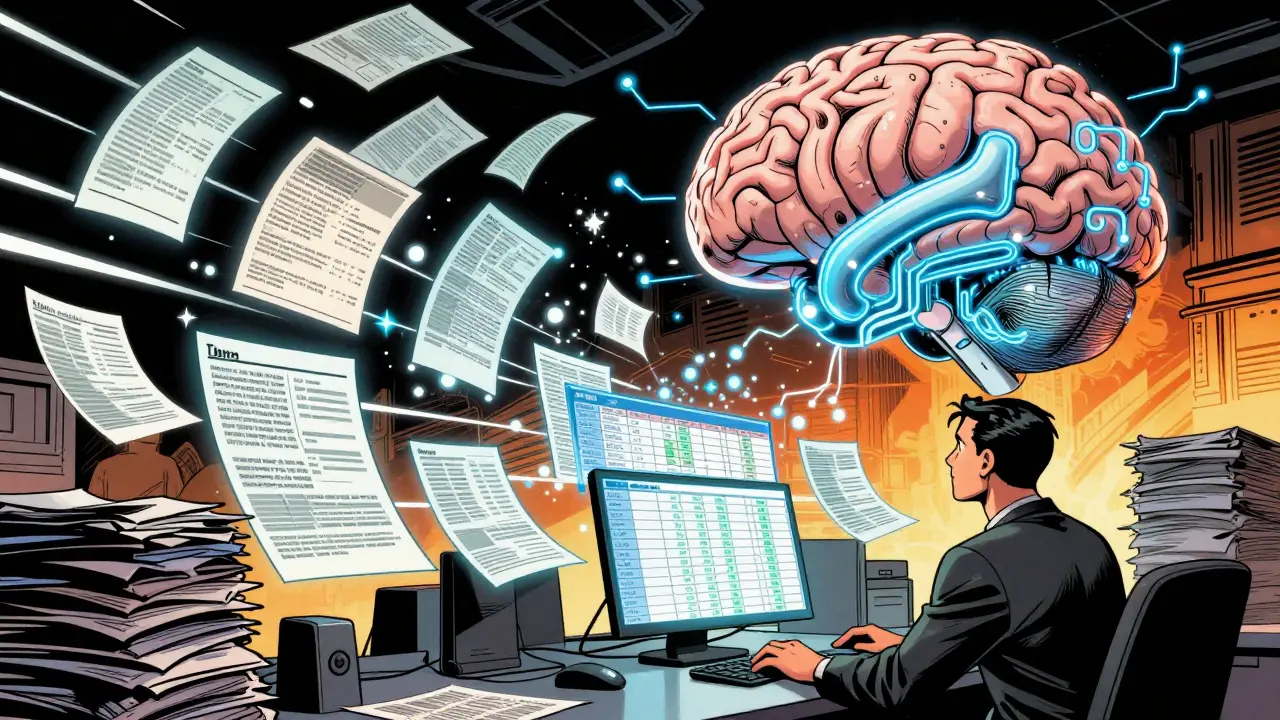
Most people think of generative AI as a chatbot that answers questions. But what if you could turn it into a data processor? Not just any data processor - one that reads a messy PDF, a scanned invoice, or a cluttered email and spits out clean, structured JSON or a perfectly formatted table? That’s not science fiction. It’s happening right now, and it’s changing how companies handle documents, forms, and unstructured data at scale.
Why This Matters
Imagine you work in finance. Every day, your team gets 50+ vendor invoices in PDFs. Each one has a different layout. Some have merged cells. Others have headers that span two rows. Traditional OCR tools fail here. They can’t understand context. They see pixels, not meaning. That’s where data extraction prompts come in.
A prompt isn’t just a question. It’s a precise instruction set. You’re not asking the AI to "read this." You’re telling it: "Extract the vendor name, invoice number, date, line items, and total. Format it as JSON. If a field is missing, output null. If a cell is merged, carry the value down. Do not guess."
This approach cuts out hours of manual work. A company like TechFlow Inc. reported saving 65 hours per month after switching from manual entry to AI-powered extraction. That’s not a small win. That’s a team shift from data clerks to problem-solvers.
What Makes a Good Extraction Prompt?
Not all prompts work. Most fail on the first try. Here’s what separates a working prompt from a broken one.
- Define the task clearly. Don’t say "Get the data." Say: "Extract all line items from the table in the invoice, including description, quantity, unit price, and total."
- Specify the output format. Always state whether you want JSON or a table. If JSON, define the exact structure. Example: {"vendor": "string", "invoice_number": "string", "items": [{"description": "string", "quantity": "number", "unit_price": "number", "total": "number"}]}
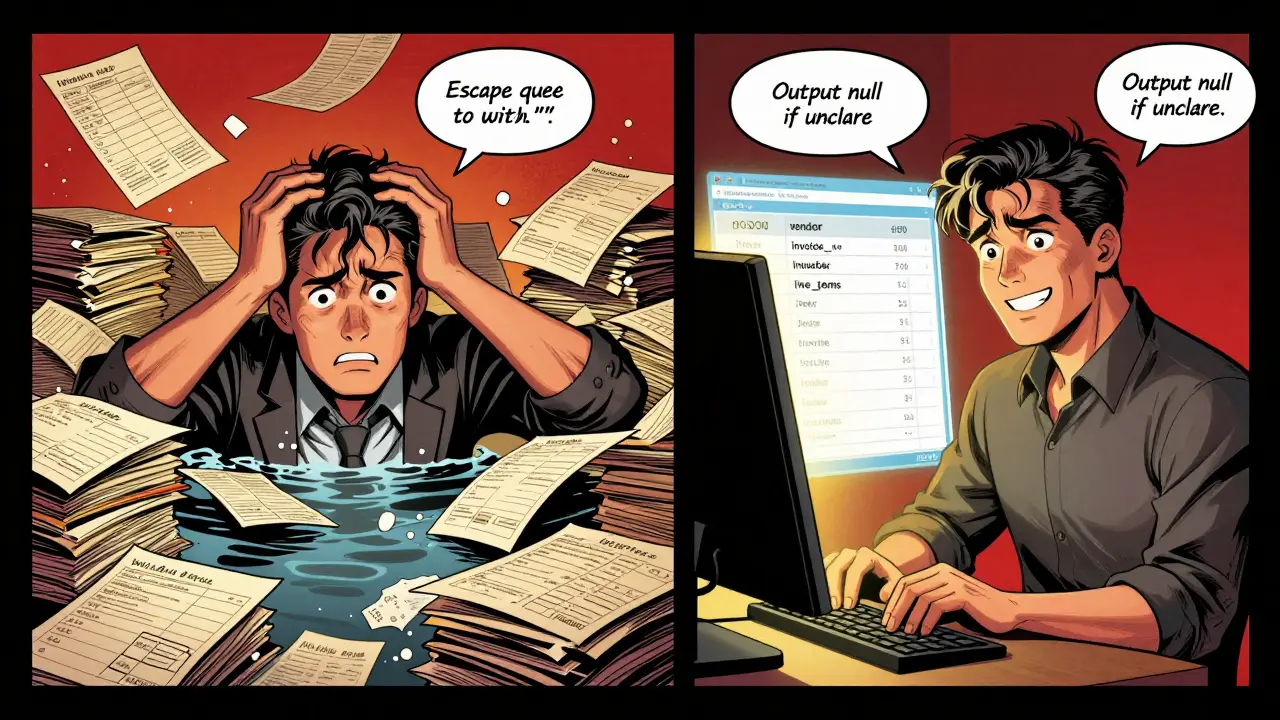
- Handle uncertainty. Add: "If any value is unclear, output null. Do not infer or approximate." This prevents the AI from making up data - a common source of errors.
- Include examples. Show the AI what good output looks like. One example is worth 100 words of instruction.
- Control special characters. JSON breaks easily with quotes, line breaks, or tabs in text. Add: "Escape all double quotes with a backslash. Replace line breaks with \\n."
IBM’s team found that prompts with these four components - task, parameters, output format, and validation - were 4x more successful than vague ones. Google Cloud’s Vertex AI documentation confirms this. Their most reliable prompts include schema definitions down to the data type: string, number, boolean, or null.
JSON vs. Tables: When to Use Which
Both JSON and tables are structured, but they serve different needs.
Use JSON when:
- You need nested data (like line items under an invoice)
- You’re feeding the output into a system that expects API-ready data
- You’re combining data from multiple sources (e.g., invoice + purchase order)
Use table format when:
- You’re dealing with flat, grid-like data (like a spreadsheet)
- Your users are more comfortable with Excel or CSV
- You need to preserve exact row-column relationships
Here’s a real example from DocsBot AI’s prompt library. A user uploaded a scanned table with merged cells. The prompt said:
"Convert this table into a JSON array. Each row is an object. If a cell is merged, carry the value to all affected cells. Preserve header names exactly as they appear. If a header spans two rows, combine them with a hyphen. Output only valid JSON. Do not add explanations."
The model returned clean, usable data. Without that level of detail, it would’ve output garbage.
Where It Falls Apart - And How to Fix It
Let’s be honest: AI isn’t perfect. Most users hit a wall early on.
Reddit user DataEngineerPro posted in January 2025: "I spent three days debugging broken JSON. Turns out, the AI was inserting invisible Unicode characters. I had to add a pre-processing step in Make.com to strip them."
That’s not rare. YouTube tutorial by Andy O’Neil (June 2025) found that 68% of initial JSON outputs had formatting errors - extra commas, unescaped quotes, missing brackets. The fix? Build validation into the prompt.
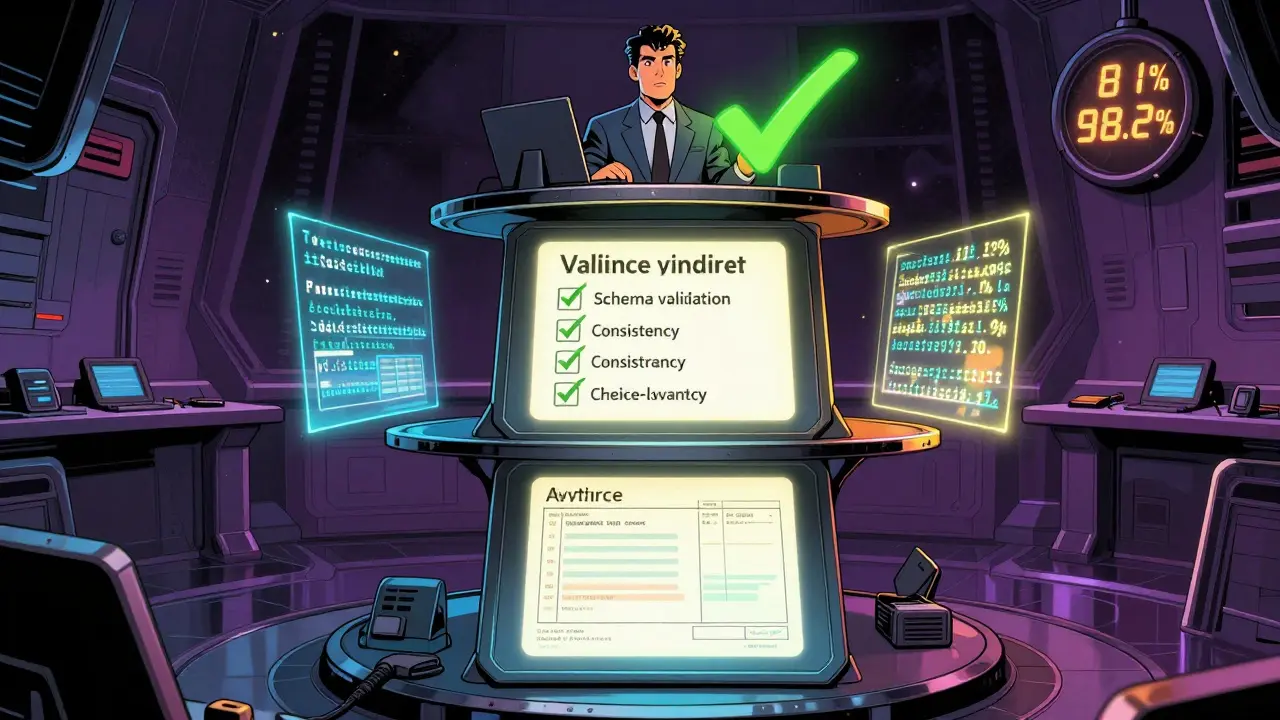
Microsoft’s approach is telling. In their case study, they didn’t just rely on the AI. They built a three-tier system:
- Schema validation: Does the JSON match the expected structure?
- Consistency check: Does the invoice total equal the sum of line items?
- Human review: Only edge cases get flagged for manual check.
This pushed their accuracy from 81% to 98.2%. That’s the difference between "good enough" and "production-ready."
Another common issue: date formats. One user on GitHub had 327 stars on their issue titled "Inconsistent date formats in extracted tables." The AI pulled "03/15/2025," "March 15, 2025," and "2025-03-15" from the same document. Solution? Add: "Output all dates in YYYY-MM-DD format."
Platform Differences - What Works Best
Not all AI platforms are built the same. Here’s how the leaders stack up.
| Platform | Strength | Best For | Accuracy (Case Study) |
|---|---|---|---|
| Google Cloud Vertex AI | 12+ pre-built prompt patterns, self-correcting prompts (v3.1, Jan 2026) | Document parsing, multi-format tables | 94.1% |
| Microsoft Azure OpenAI | Python integration, structured output framework (May 2025) | Email extraction, automated workflows | 98.2% |
| DocsBot AI | Image-based table extraction, OCR pre-processing | Scanned forms, handwritten invoices | 96.5% |
| AWS Titan | Cost-effective for large volumes | High-throughput batch processing | 90.8% |
Google’s strength is variety. Microsoft’s is reliability. DocsBot AI wins for images. AWS is the budget option. Choose based on your data type, not the brand.
Real-World Impact - Who’s Using This?
This isn’t theoretical. It’s live in production.
- Finance: 38% of implementations. Invoices, receipts, bank statements. One firm cut processing time from 4 hours to 12 minutes per document.
- Healthcare: 27%. Patient intake forms, insurance claims. One hospital reduced data entry errors by 73%.
- E-commerce: 19%. Product listings from supplier PDFs. One retailer automated 12,000 SKUs/month.
Gartner predicts 75% of enterprise data extraction will use generative AI by 2027. That’s up from 32% in 2025. The reason? It’s cheaper, faster, and more accurate than writing custom code for every new document type.
Traditional rule-based systems required 15-20 hours a week just to maintain. AI prompts? Two to three hours a month. That’s the real ROI.
What You Need to Start
You don’t need to be a data scientist. But you do need to treat this like a software project.
- Define your schema. What fields do you need? What data types? Write them down.
- Build a prompt template. Use the four-part structure: task, parameters, output format, validation.
- Test with 10-20 real examples. Don’t use sample data. Use what you actually get.
- Build a validation layer. Even simple checks (e.g., "Is total > 0?") catch 80% of errors.
- Iterate. The first prompt rarely works. The fifth might.
IBM’s team recommends this timeline: 2-5 hours for schema, 5-15 for prompt engineering, 8-20 for validation, 3-10 for testing. Total: 18-50 hours. Sounds like a lot? Compare that to building a custom parser for every new document type. It pays for itself in weeks.
Future of Prompted Extraction
The next wave is self-correcting prompts. Google’s version 3.1 (Jan 2026) tells the AI: "Before outputting, validate your JSON. If it’s invalid, rewrite it."
Microsoft’s Structured Output Framework (May 2025) automatically retries failed outputs and flags schema mismatches.
DocsBot AI’s roadmap for Q3 2026 includes adaptive table recognition - where the AI analyzes the document quality and auto-generates its own pre-processing steps (deskewing, contrast enhancement, etc.).
By 2030, this won’t be a "prompt." It’ll be a standard feature - like copy-paste. You’ll say: "Extract this table," and it just works.
For now, though, it’s still a skill. And the people who master it? They’re the ones automating the work others are still doing by hand.
Can generative AI extract data from scanned images?
Yes, but only if the prompt includes pre-processing instructions. Tools like DocsBot AI and Google Cloud’s Vertex AI now support image-based extraction by combining OCR with AI. The prompt must specify steps like "deskew the image," "enhance contrast," and "remove noise." Without these, the AI will struggle with blurry or skewed text. For best results, use a platform designed for document processing - not a general-purpose chatbot.
What’s the difference between a prompt and a template?
A prompt is the full instruction you give the AI - including context, examples, and formatting rules. A template is a reusable version of that prompt, stripped of specific data. Think of it like a form: the template is the blank form; the prompt is the filled-out version with your data. Once you have a working prompt, save it as a template for reuse across similar documents.
Do I need coding skills to use data extraction prompts?
No, but you need logical thinking. You don’t need to write Python or JavaScript. You do need to define clear rules: what data to extract, how to handle missing values, and how to format the output. Many tools - like Make.com, Zapier, or DocsBot AI - let you build prompts in a visual interface. The hard part isn’t coding. It’s being precise.
Why does my JSON keep breaking?
Most often, it’s because of special characters: quotes, line breaks, or tabs inside text fields. The AI doesn’t escape them properly. Fix it by adding this to your prompt: "Escape all double quotes with a backslash (\") and replace line breaks with \\n." Also, use a JSON validator like jsonlint.com to test outputs before feeding them into your system. Many users miss this step and blame the AI - when it’s just a formatting issue.
Is this secure for sensitive data like medical or financial records?
It can be - but only if you design it that way. Many AI models process data in the cloud. If you’re handling HIPAA or GDPR data, use a private instance (like Azure OpenAI on a private network) and add this to your prompt: "Do not include any personal identifiers in the output. If found, replace with [REDACTED]." Microsoft’s case study showed that 12% of early implementations accidentally leaked PII because the prompt didn’t block it. Always audit outputs for sensitive fields before automation.
How long does it take to get good at this?
If you’ve done prompt engineering before, expect 12-15 hours of practice to become reliable. Beginners may need 25-30 hours. The key isn’t time - it’s iteration. Test with 10 real documents. Fix what breaks. Repeat. Most people give up after two tries. The winners test 10 times.
Next Steps
Start small. Pick one document type - maybe an invoice or a form you handle weekly. Write a prompt using the four-part structure. Test it on five real examples. Validate the output. Fix the errors. Then scale.
Don’t wait for perfection. The AI won’t get it right on the first try. But it will get better - faster than any rule-based system ever could.


Cynthia Lamont
February 26, 2026 AT 07:32This is literally the most important thing I’ve read all year. I’ve been manually parsing invoices for 8 years. Eight. Years. My eyes are ruined. My wrists are dead. And now? I just dropped a 4-line prompt into Vertex AI and it spat out perfect JSON. No more crying into my coffee. No more yelling at PDFs. I’m not just saving time-I’m saving my sanity.
Kirk Doherty
February 27, 2026 AT 20:18cool post
Dmitriy Fedoseff
February 28, 2026 AT 03:25What’s fascinating isn’t just that AI can extract data-it’s that it forces us to confront how sloppy our systems are. We’ve spent decades building workflows around the assumption that humans will clean up messes. But AI doesn’t tolerate ambiguity. It doesn’t care about your ‘it’s obvious’ logic. It just fails. And in failing, it exposes the rot. We’re not automating data extraction-we’re being forced to design better systems. And that’s uncomfortable. And necessary.
Meghan O'Connor
March 1, 2026 AT 15:22Typo in the IBM case study. It says '4x more successful' but the data shows 3.8x. Also, Microsoft’s 98.2% accuracy? That’s only true if you ignore the 12% PII leak they admitted to. This whole post is just corporate fluff dressed up as insight. I’m tired of these ‘AI is magic’ clickbait pieces.
Morgan ODonnell
March 2, 2026 AT 20:02I like how you said to use examples. I tried it once with a scanned receipt and it got the tax amount wrong because the AI thought 'HST' was 'HSTP'. So I added: 'HST means Harmonized Sales Tax, always 13% in Ontario'. Worked perfectly. Small tweaks matter. Don’t overcomplicate it.
Liam Hesmondhalgh
March 4, 2026 AT 17:45Why are we still using JSON? It’s 2025. CSV is readable by humans. It’s stable. It doesn’t break with a single quote. JSON is for nerds who think semicolons are a lifestyle choice. Table format. Always. I’ve seen 37 failed extractions because someone forgot to escape a quote. Nobody wins.
Patrick Tiernan
March 6, 2026 AT 02:30lol i just used chatgpt to extract data from my landlord’s rent receipt and it gave me a json with "total_due": "five hundred bucks". i had to manually fix it. this whole thing is a joke. ai can’t even read a handwritten number. why are we paying for this?
Patrick Bass
March 7, 2026 AT 02:18Just a quick note: you mentioned escaping double quotes with a backslash. That’s correct. But don’t forget to escape backslashes themselves if they’re in the text. Double escaping is a silent killer. I lost two days to this once. Add this to your prompt: "Escape backslashes as \\\\". Trust me.
Tyler Springall
March 8, 2026 AT 21:09You say "treat this like a software project." That’s the problem. This isn’t software. This is voodoo. You’re not engineering-you’re praying to a black box. You feed it a prompt and hope it doesn’t hallucinate. Then you build a three-tier validation system to catch the lies it told you. We’re not advancing automation. We’re just automating delusion. And you’re calling this progress?
Colby Havard
March 10, 2026 AT 00:57It is, indeed, a profound observation that the efficacy of generative AI in data extraction is not a function of technological advancement alone, but rather a direct consequence of the precision with which the human operator formulates constraints, validates outputs, and iteratively refines the instruction set. One must not confuse the tool with the methodology; the AI is merely the executor, not the architect. The real innovation lies in the rigor of the prompt design-and herein lies the true divide between the competent and the careless.