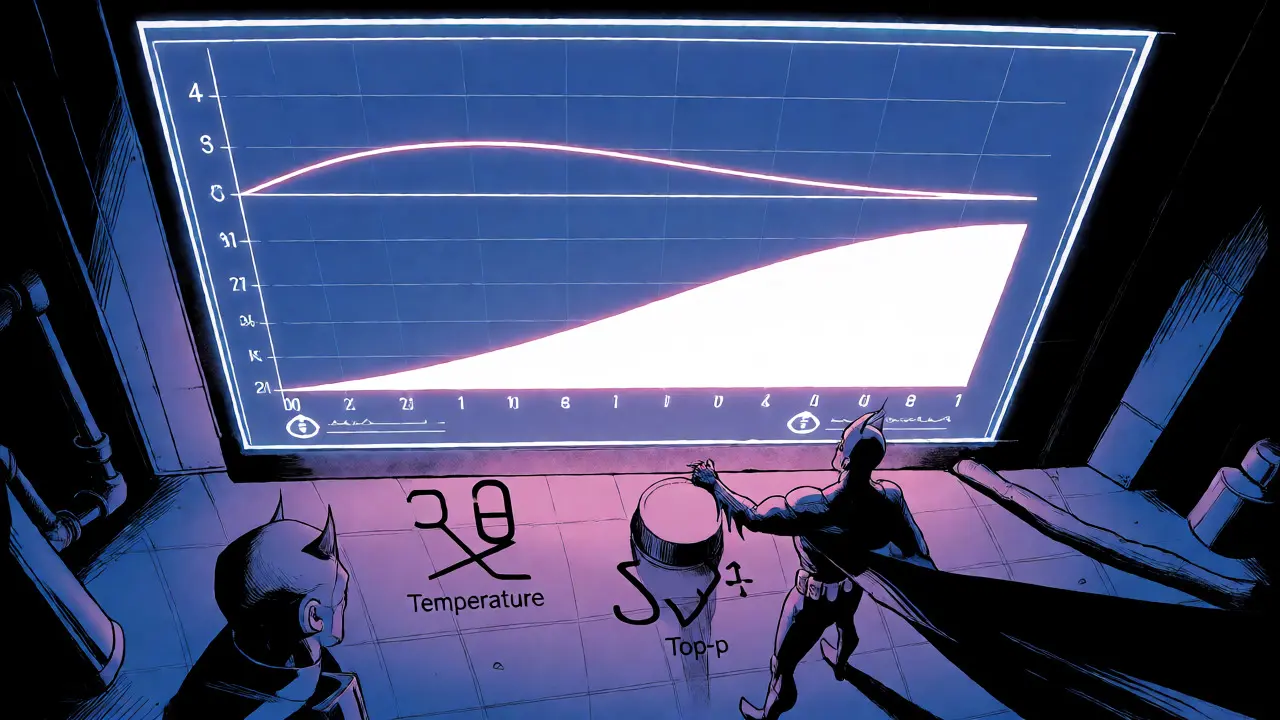
You've probably noticed that asking a Large Language Model the same question twice can yield two completely different answers. One might be dry and factual, while the other is surprisingly creative or even slightly hallucinated. This isn't a bug; it's a feature controlled by two specific knobs you likely haven't touched: temperature and top-p (also known as nucleus sampling). These aren't just technical jargon for data scientists-they are the primary levers you use to decide whether your AI acts like a strict librarian or a wild-eyed poet.
If you're building chatbots, generating code, or writing marketing copy, understanding these parameters is the difference between an app that feels broken and one that feels magical. Most users leave them at default settings, which often leads to suboptimal results. By tweaking these values, you can force the model to stick to facts when accuracy matters or let it roam free when you need fresh ideas. Here’s how they actually work, without getting lost in the math weeds.
The Core Problem: Why AI Needs Randomness
At its heart, a Large Language Model doesn't "know" the next word. It predicts probabilities. When you ask it to complete the sentence "The capital of France is," it assigns high probability scores to words like "Paris" and low scores to words like "banana." If the model always picked the highest-probability word, every response would be identical, repetitive, and boring. You'd get the same answer every time, regardless of context nuances.
To avoid this robotic repetition, developers introduce randomness into the selection process. But uncontrolled randomness creates chaos-sentences that drift off-topic or lose coherence. Temperature and top-p are the mechanisms that balance this tension. They control how much freedom the model has to choose less obvious words. Think of them as a filter system: one adjusts the shape of the options, and the other decides which options are even allowed to compete.
Understanding Temperature: The Creativity Dial
Temperature is a scalar value that modifies the probability distribution of potential next tokens before the model picks one. Mathematically, it divides the raw scores (logits) assigned to each possible word by the temperature value. This simple division has profound effects on the output's predictability.
When you set the temperature low (close to 0), you sharpen the probability curve. The most likely word becomes overwhelmingly dominant, and less likely words become almost impossible to pick. At a temperature of exactly 0.0, the model becomes deterministic-it will always pick the single most probable token. This is great for tasks where consistency is king, like extracting data from a document or answering a factual query.
Conversely, raising the temperature (above 1.0) flattens the curve. It boosts the probabilities of lower-ranked words, making them more competitive with the top choices. A temperature of 1.5 might make the model choose "rooftop" instead of "roof" because the gap between their probabilities has narrowed. This introduces diversity and creativity but increases the risk of nonsense. If you push temperature too high, the model starts picking random words that have nothing to do with the context, leading to incoherent ramblings.
- Low Temperature (0.0 - 0.3): Highly deterministic. Best for coding, fact-based Q&A, and summarization.
- Medium Temperature (0.4 - 0.7): Balanced. Good for general conversation and standard content generation.
- High Temperature (0.8 - 1.5+): Creative and diverse. Ideal for brainstorming, poetry, and fictional storytelling.
Top-p Sampling: The Quality Filter
If temperature changes the shape of the probability mountain, top-p (nucleus sampling) decides which part of the mountain is climbable. Unlike older methods like top-k sampling, which always considers a fixed number of words (e.g., the top 50), top-p is dynamic. It looks at the cumulative probability of the most likely words and stops adding candidates once that sum exceeds a threshold p.
Imagine the model predicts the next word after "The cat sat on the..." with these probabilities: 1. mat: 60% 2. floor: 25% 3. rug: 10% 4. moon: 4% 5. banana: 1%
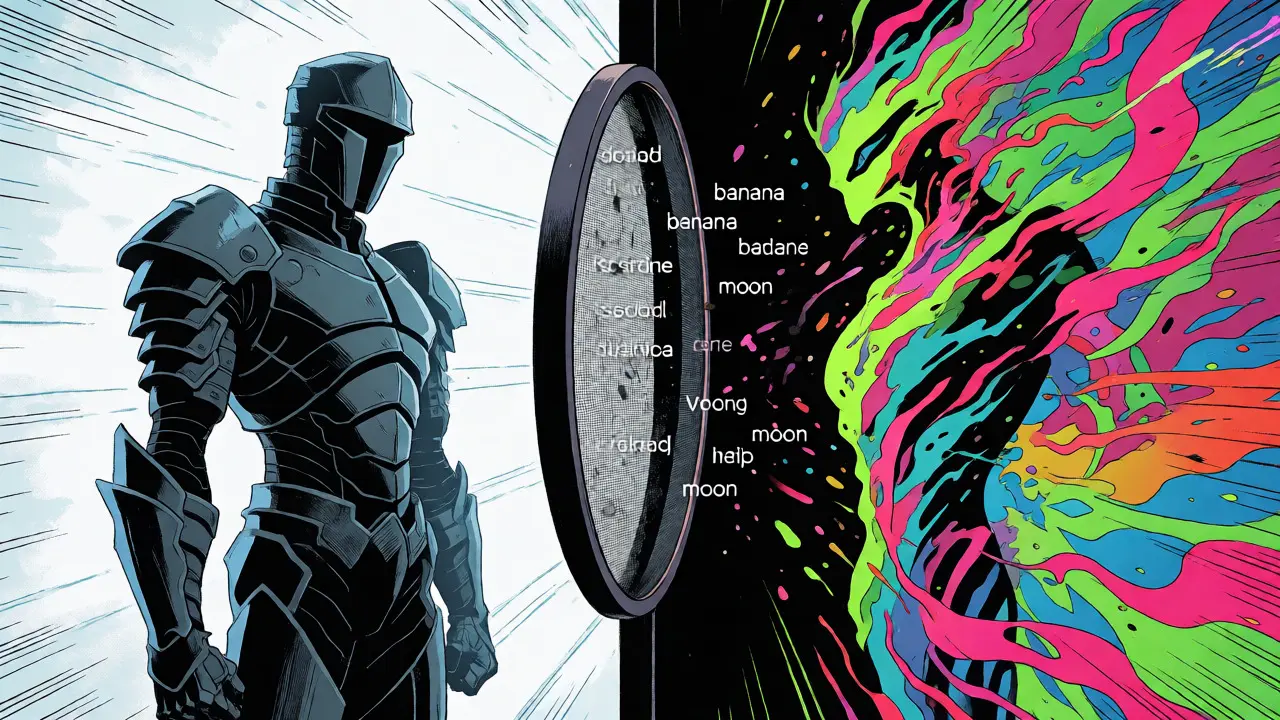
If you set top-p to 0.9, the algorithm sums the probabilities until it hits 90%. That includes 'mat' (60%), 'floor' (85% total), and 'rug' (95% total). It stops there. 'Moon' and 'banana' are discarded entirely because they fall outside the 90% cumulative threshold. The model then randomly selects from only 'mat', 'floor', and 'rug'. This ensures that the model never picks a word that is statistically unlikely, no matter how high the temperature is.
This adaptive nature makes top-p superior to fixed cutoffs. When the model is confident (one word has 95% probability), top-p naturally restricts the choice to just that one word, preserving accuracy. When the model is uncertain (many words have similar probabilities), top-p expands the pool to include more options, allowing for necessary flexibility.
How They Work Together
These two parameters don't operate in isolation. Temperature modifies the initial probabilities first, and then top-p filters the resulting list. This interaction means you can tune them independently to achieve specific behaviors.
For example, if you set temperature to 0.0, top-p becomes irrelevant. Since the model is forced to pick the absolute best candidate, there's no randomness left to filter. However, if you set temperature to 1.0 and top-p to 0.1, you create a very narrow window of choice. The temperature keeps the original probability spread, but the tight top-p threshold forces the model to stick strictly to the top few most likely options, reducing the chance of weird outliers.
A common mistake is setting both to extreme highs. High temperature plus high top-p (e.g., 1.2 and 0.95) creates maximum chaos. The model sees many options, and the probabilities are flattened so that even poor choices look viable. This is useful if you want to generate 50 distinct variations of a slogan, but terrible if you need a reliable customer service response.
Practical Settings for Real-World Tasks
Don't guess. Use these proven starting points based on what you're trying to build. Remember, these are guidelines, not laws-always test with your specific prompts.
| Use Case | Temperature | Top-p | Why? |
|---|---|---|---|
| Factual Q&A / Data Extraction | 0.0 - 0.2 | 0.1 - 0.3 | Maximizes accuracy and consistency. Eliminates hallucinations. |
| Code Generation | 0.2 - 0.4 | 0.8 - 0.95 | Code needs structure (low temp) but syntax variety (moderate top-p). |
| General Chatbot | 0.5 - 0.7 | 0.9 - 0.95 | Balances natural flow with coherent responses. |
| Creative Writing / Brainstorming | 0.8 - 1.2 | 0.9 - 0.95 | Encourages unique word choices and unexpected connections. |
| Summarization | 0.3 - 0.5 | 0.8 - 0.9 | Needs to stay close to source text but rephrase naturally. |
Pitfalls and Pro Tips
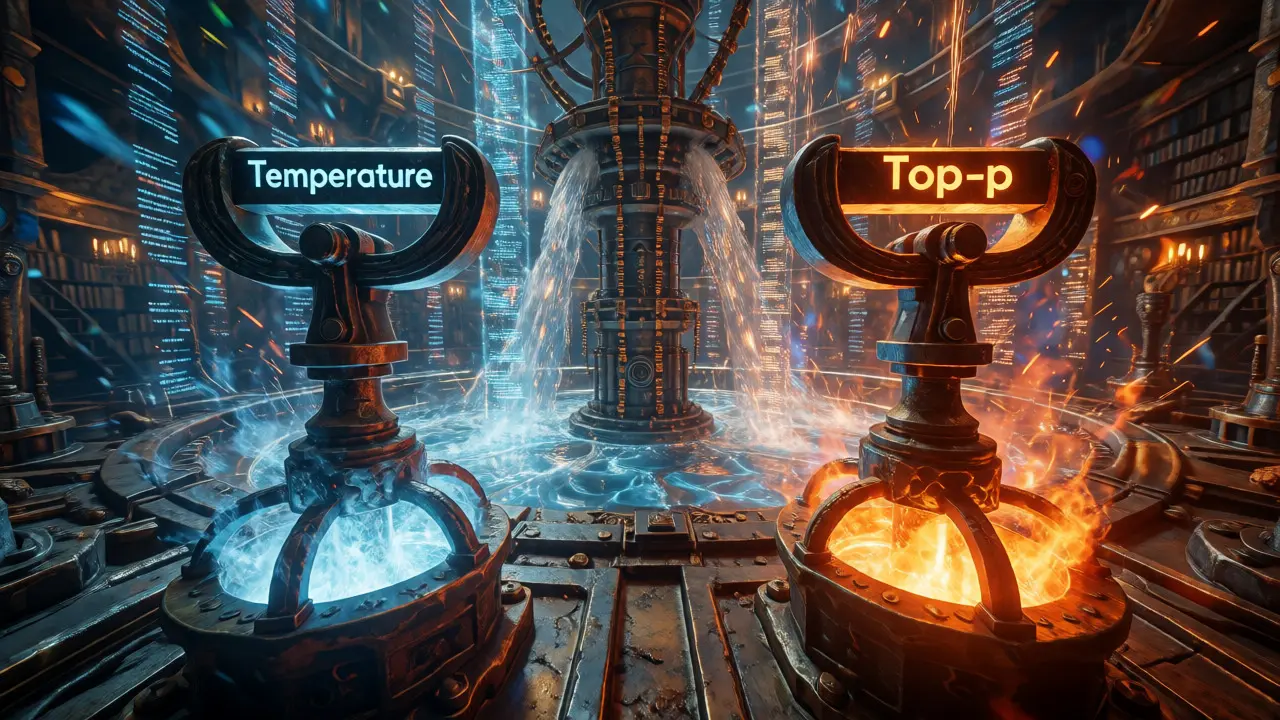
One major pitfall is ignoring the interplay with other settings. If you also use top-k, it works alongside top-p. Top-k limits the pool to the k most likely words, while top-p limits it by probability mass. Using all three simultaneously can over-constrain the model, making it rigid. Most modern APIs allow you to disable top-k if you're relying on top-p, which is generally recommended for better adaptability.
Another tip: monitor your outputs for "repetition loops." If the model gets stuck repeating the same phrase, try lowering the temperature slightly or adjusting top-p down. Repetition often happens when the model is too confident (high probability on one token) but the sampling method keeps selecting it due to lack of diversity pressure.
Finally, remember that defaults vary. OpenAI's GPT models often default to temperature 0.7 and top-p 0.95, while Anthropic's Claude might use different internal heuristics. Always check the documentation for your specific provider. If you're self-hosting open-source models like Llama 3 or Mistral, you have full control, so experiment freely.
Frequently Asked Questions
What happens if I set temperature to 0?
Setting temperature to 0 makes the model deterministic. It will always select the single most probable token for the next step. This means if you run the same prompt multiple times, you will get the exact same output every time. Top-p and top-k settings become irrelevant in this mode because there is no randomness to filter.
Is top-p better than top-k?
Generally, yes. Top-p (nucleus sampling) is adaptive, meaning it adjusts the number of candidate words based on the model's confidence. Top-k always considers a fixed number of words, which can be too restrictive when the model is uncertain or too loose when it is highly confident. Top-p maintains quality across varying levels of uncertainty better than static top-k.
Can I use both high temperature and low top-p?
Yes, and this is a valid strategy. High temperature flattens the probability distribution, making less likely words more competitive. Low top-p then cuts off the tail end of that distribution, ensuring that even though the probabilities are flatter, the model still only chooses from the most plausible core group. This can result in creative but still coherent outputs.
Do these parameters affect the cost of using an LLM API?
Not directly. Cost is usually determined by the number of input and output tokens processed. However, higher temperature and top-p might lead to longer, more verbose responses if the model goes on tangents, which could indirectly increase costs. Conversely, very low temperatures might produce shorter, more concise answers.
What is the ideal setting for coding assistance?
For coding, precision is key. A temperature between 0.2 and 0.4 is usually best. This allows for slight variation in variable naming or comment style but prevents the model from inventing non-existent functions. Pair this with a top-p of around 0.9 to ensure the model sticks to standard programming patterns without being overly rigid.



Somesh gupta
November 4, 2026 AT 09:12the distinction between temperature and top-p is often misunderstood in the industry yet this explanation clarifies the interaction perfectly
i have been using llms for quite some time now but never realized how much control we actually have over the probability distribution shapes
it is fascinating to think about how a simple scalar value can dictate whether an output feels robotic or human
the analogy of the mountain shape for temperature versus the climbable area for top-p is particularly illuminating for those of us who prefer visual metaphors
i appreciate the practical settings table as it saves hours of trial and error when configuring new agents
many developers tend to ignore these parameters entirely which leads to inconsistent user experiences across different sessions
the point about top-k being redundant when using top-p is crucial advice that should be highlighted more frequently in documentation
self-hosting models like llama 3 allows for this granular control which is a significant advantage over closed-source api endpoints
i plan to adjust my summarization pipeline settings based on the recommended ranges provided here
the section on repetition loops resonates with my recent debugging efforts where the model would get stuck in infinite cycles
understanding the cumulative probability threshold makes the nucleus sampling concept much less abstract
this guide serves as an excellent reference for both beginners and experienced engineers alike
thank you for breaking down the math without getting lost in unnecessary complexity
the balance between creativity and accuracy is indeed the primary challenge in modern ai application development