
Imagine your support team handling 10,000 emails a day without burning out. That’s the promise of Email and CRM Automation powered by Large Language Models (LLMs) that transform unstructured customer communications into structured, actionable data while generating contextually appropriate responses. It’s not just about replying faster; it’s about making every interaction feel like it was written by a human who actually knows the customer. For many businesses, the gap between volume and personalization is the biggest bottleneck in customer experience. LLMs are bridging that gap by reading intent, checking history, and drafting replies that sound natural, not robotic.
Why LLMs Change the Game for Customer Comms
Traditional automation relied on rigid rules: if keyword X appears, send template Y. But customers don’t speak in keywords. They complain about billing issues using vague language, reference past conversations, or mix urgent requests with casual chit-chat. LLMs understand this nuance. According to Salesforce, these models act as the engines powering generative AI, capable of understanding and responding to questions with natural language. This shifts the paradigm from simple routing to true comprehension. When an LLM reads an email, it doesn’t just scan for words; it infers sentiment, urgency, and the specific business unit responsible. This allows for a level of personalization at scale that was previously impossible without hiring armies of agents.
The Technical Backbone: How It Actually Works
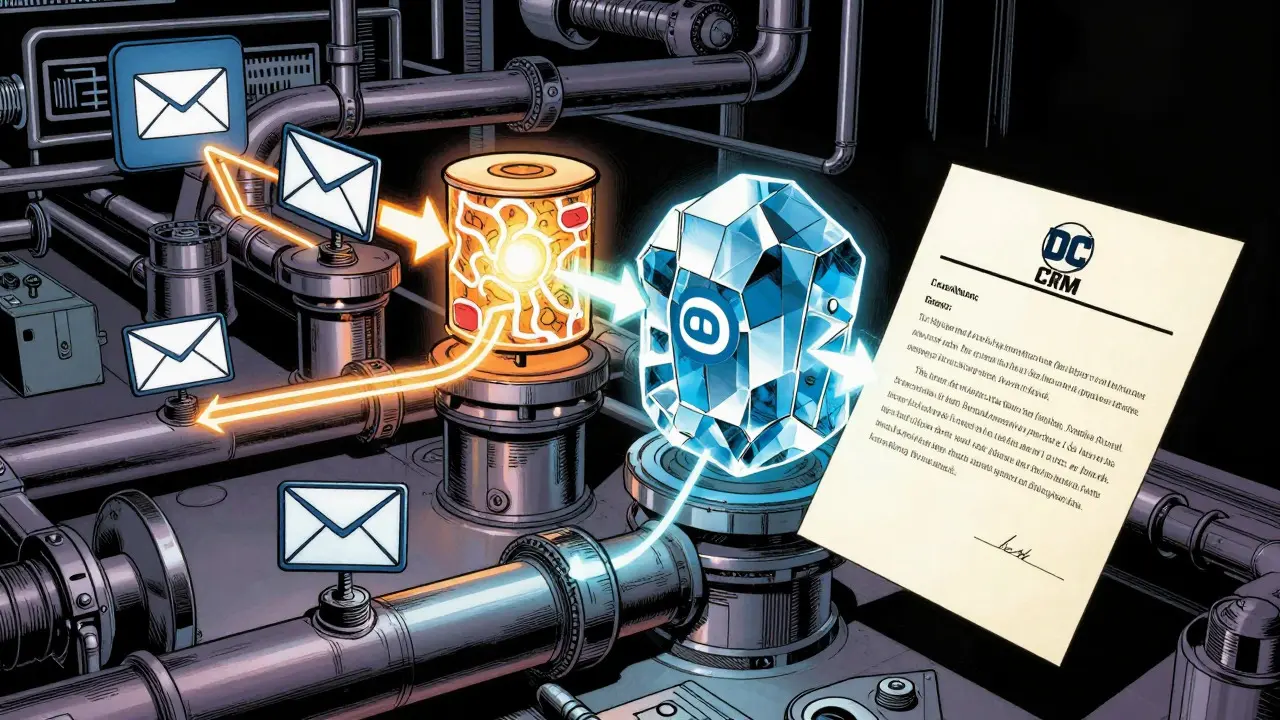
Under the hood, these systems aren’t magic boxes. They rely on multi-layered architectures. Take the approach used by major providers like AWS or Xebia. The process typically involves several critical steps:
- Ingestion and Parsing: The system pulls raw email data, including attachments, using tools like Amazon Textract or similar document processing engines.
- Semantic Categorization: The LLM rephrases the query for clarity and categorizes it by intent (e.g., "billing dispute" vs. "feature request") and urgency.
- CRM Enrichment: This is where the magic happens. The system queries your CRM (like Salesforce or HubSpot) to pull up the customer’s history, purchase status, and previous interactions.
- Drafting and Scoring: The model generates a response draft and assigns a confidence score. If the score is below a certain threshold (often 85%), it flags the email for human review.
Real-World Results: Beyond the Hype
Does it actually work? The numbers say yes, but with caveats. Enterprise implementations have documented significant wins. Yellow.ai reported an 80% reduction in ticket volume and a 64% cut in processing costs for clients like Bank of America and Verizon. In recruitment scenarios, research from IJIRST showed that LLM-driven cold emails achieved an 89.3% relevance scoring, leading to higher engagement rates.
| Metric | Manual Process | LLM-Powered Automation | Source/Context |
|---|---|---|---|
| Cost per Interaction | Baseline | 64% Reduction | arXiv Research (June 2025) |
| Ticket Volume | Baseline | 80% Reduction | Yellow.ai Client Data (Q4 2024) |
| First-Contact Resolution | Baseline | 20% Improvement | Enterprise Case Studies |
| Data Entry Time | Baseline | 47% Reduction | Salesforce Pilot (2025) |
Choosing Your Stack: Commercial vs. Custom
You have two main paths: buying a ready-made solution or building your own. Each has trade-offs. Commercial Platforms (e.g., Yellow.ai, Quiq): These are turnkey solutions. They handle the heavy lifting of integration and maintenance. Yellow.ai, for instance, claims a hallucination rate of less than 1%, which is crucial for trust. Their strength lies in ease of use for non-technical teams. If you’re a mid-sized company wanting quick ROI, this is likely your best bet. Expect implementation times of 8-12 weeks. Custom Builds (e.g., AWS Bedrock + LangChain): If you have deep technical expertise and unique workflow requirements, building on cloud infrastructure like AWS can be more flexible. You get granular control over prompt engineering and data privacy. However, this requires Python proficiency and cloud infrastructure knowledge. Developer forums often note that the learning curve is steep for teams without dedicated AI specialists. For most organizations, the decision comes down to resource allocation. Do you have engineers who can maintain a custom LLM pipeline? If not, a commercial platform with strong API integrations is safer.

Implementation Pitfalls to Avoid
Even with the best tech, bad data kills good AI. Here are the three biggest traps:
- Dirty CRM Data: If your customer records are outdated or incomplete, the LLM will generate irrelevant responses. Implementation specialists cite clean CRM data as the single biggest predictor of success. Audit your database before you start.
- Ignoring Confidence Thresholds: Don’t let the AI send everything automatically. Set a rule: if the model’s confidence is below 85%, route it to a human. This prevents embarrassing errors while still automating the easy 80% of tickets.
- One-Size-Fits-All Prompts: Generic prompts yield generic results. Fine-tune your models with historical agent-customer interactions. This teaches the LLM your specific brand voice and common objections, improving relevance scores significantly.
The Future: From Reactive to Proactive
We’re currently in the reactive phase: the customer writes, the AI responds. The next frontier is proactive engagement. By 2027, Gartner predicts 80% of customer service organizations will use LLM-powered automation. But the technology is evolving beyond simple replies. We’re seeing early pilots where LLMs analyze email patterns to predict churn risks or suggest upsell opportunities before the customer even asks. This shift turns the CRM from a record-keeping tool into a relationship advisor. Imagine the system flagging a VIP customer whose recent emails show signs of frustration, prompting a retention offer automatically. That’s the endgame. For now, focus on getting the basics right: accurate categorization, fast response times, and seamless CRM integration. Master those, and you’ll be ready for the predictive era when it arrives.
What is the typical cost of implementing LLM email automation?
For mid-sized organizations, average implementation costs range from $150,000 to $500,000. This includes software licensing, integration services, and initial training. Smaller deployments might cost less, but enterprise-scale projects with custom fine-tuning tend to hit the higher end due to compute resources and specialist labor.
How do LLMs reduce hallucinations in customer emails?
They use Retrieval-Augmented Generation (RAG). Instead of relying solely on the model's internal knowledge, RAG connects the LLM to your live CRM data. The model retrieves specific facts about the customer (order history, past tickets) to ground its response. Additionally, confidence scoring flags low-certainty answers for human review, preventing incorrect information from reaching the customer.
Can LLMs handle multilingual support effectively?
Yes, modern LLMs are highly proficient in multiple languages. However, maintaining brand voice consistency across languages is a challenge cited in 43% of user feedback. To mitigate this, companies often fine-tune their models with localized examples or use translation layers that preserve tone rather than just meaning.
What is the role of human-in-the-loop validation?
Human-in-the-loop (HITL) validation is a safety net. It involves setting thresholds where the AI drafts the reply, but a human approves it before sending. This is crucial for high-value customers or complex issues. As models improve, the percentage of emails requiring human review drops, but HITL remains essential for quality control and training the model through feedback loops.
How long does it take to see ROI from LLM CRM automation?
Most organizations report achieving Return on Investment (ROI) within 3 to 6 months. Initial deployment takes 8-12 weeks. Early gains come from reduced manual data entry and faster first-response times. Long-term savings accrue from lower operational costs and improved customer retention metrics.