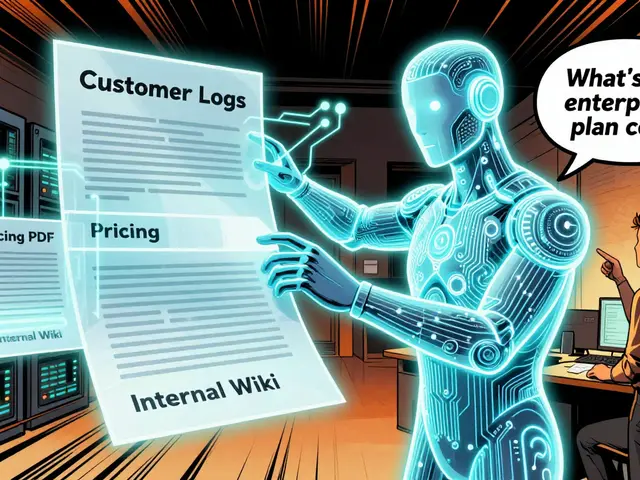
Refactoring a legacy codebase used to mean days of manual find-and-replace operations, constant fear of breaking dependencies, and endless hours spent verifying that every import statement still works. You’d change one file, break three others, fix those, and then realize you missed a critical type definition somewhere else entirely. That era is ending. Cursor is an AI-powered code editor that has evolved into a sophisticated platform for handling complex, multi-file changes in large enterprise codebases. Specifically, its version 2.0 release introduced a capability called Composer, which allows the tool to coordinate multiple independent agents to refactor dozens or even hundreds of files simultaneously.
If you are working with a repository containing thousands of files, standard autocomplete tools fall short. They lack the context to understand how changing a function signature in one module impacts five other modules downstream. Cursor addresses this by moving beyond single-file assistance to true cross-file dependency management. This guide explains how to leverage these capabilities effectively, avoiding common pitfalls while accelerating your development workflow.
Why Traditional AI Tools Fail at Scale
To appreciate what Cursor does differently, you first need to understand why previous attempts at AI-assisted coding struggled with large projects. Most early AI coding assistants were optimized for single-file autocomplete. They would look at the current file, predict the next few lines, and stop there. When you tried to use them for refactoring-like renaming a variable across an entire project-they often missed files because their context window was too small or they lacked a mechanism to track relationships between files.
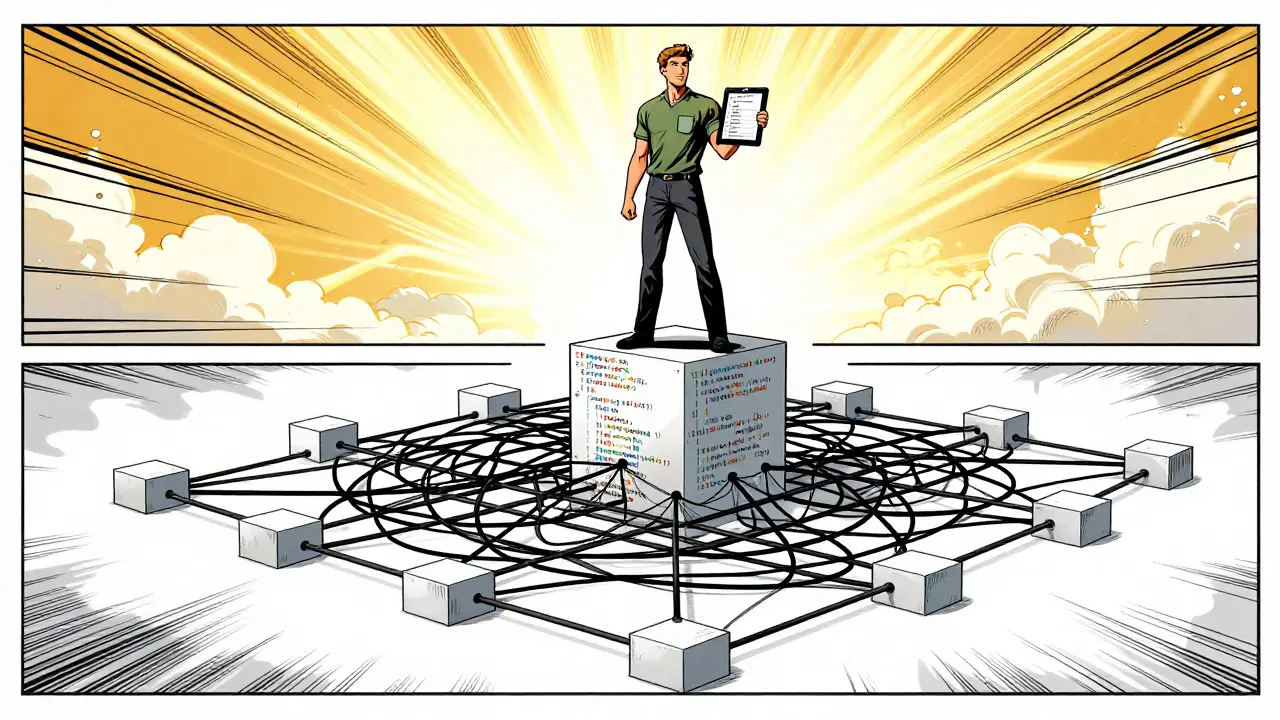
Consider a scenario where you want to convert relative imports to absolute paths in a React application. A basic AI tool might update the file you are currently editing but ignore the corresponding export changes needed in sibling components. This leads to inconsistent states where File A expects a certain structure, but File B hasn’t been updated to provide it. According to technical analyses from AugmentCode, this limitation existed because earlier versions of AI editors did not have a way to manage cross-file dependencies explicitly. They treated each file as an isolated island rather than part of a connected ecosystem.
Cursor’s solution involves a fundamental architectural shift. Instead of relying on a single linear process, it uses a multi-agent system. These agents operate in parallel, each responsible for a subset of files, but they share a synchronized context. This means Agent 1 knows exactly what Agent 2 is doing, preventing the kind of conflicting changes that plague traditional tools. For developers managing codebases with over 50,000 files, this distinction is the difference between a usable tool and a frustrating distraction.
The Core Architecture: Composer and Multi-Agent Workflows
At the heart of Cursor’s new capabilities is the Composer model, a proprietary AI model specifically trained for multi-file coordination and complex codebase analysis. Unlike general-purpose language models, Composer understands software architecture patterns, import/export relationships, and type systems. It processes changes within a context window of up to 128,000 tokens, allowing it to hold a significant portion of your codebase in memory simultaneously.
The magic happens through the use of Git worktrees, a Git feature that allows multiple working directories from the same repository, enabling isolated testing environments for each AI agent. When you initiate a multi-file change, Cursor spins up to eight independent AI agents. Each agent operates in its own isolated workspace. This isolation is crucial because it prevents one agent’s experimental changes from corrupting the main branch before you’ve had a chance to review them. If an agent makes a mistake, you can discard just that agent’s work without affecting the others.
This architecture provides several tangible benefits:
- Parallel Processing: Agents can edit different parts of the codebase simultaneously, reducing wait times significantly. Refactors that previously took minutes now complete in under 30 seconds.
- Synchronized Context: All agents share the same understanding of the codebase’s state, ensuring consistency across files.
- Granular Control: You can accept or reject changes from individual agents independently. This level of control is essential for maintaining code quality in large teams.
However, this power comes with hardware requirements. While Cursor runs on machines with 8GB RAM, performance benchmarks indicate that codebases larger than 50,000 files require at least 16GB RAM for optimal multi-file operations. Without sufficient memory, the agents may struggle to maintain context, leading to slower response times or incomplete refactors.
Setting Up Your Environment for Success
Before diving into complex refactors, ensure your environment is configured correctly. Cursor supports macOS 12.0+, Windows 10+, and Linux. The most critical setup step involves configuring your Git integration. Since Cursor relies heavily on Git worktrees for its multi-agent workflow, having a clean, well-maintained Git history is non-negotiable.
Start by creating a dedicated branch for your refactoring efforts. Never run multi-file changes on your main production branch. Use the command line to create a new branch:
git checkout -b refactor-multi-file-changesNext, familiarize yourself with the Composer interface, the primary UI component in Cursor for initiating and managing multi-file AI operations. You can access it using the keyboard shortcut Command+Shift+I (on Mac) or Control+Shift+I (on Windows/Linux). This opens a panel where you can add files to the context and provide natural language instructions for the desired changes.
For best results, limit the number of files you add to the context initially. While Cursor can handle many files, adding too many at once can dilute the AI’s focus. Start with a smaller subset-perhaps 10-20 related files-to test the accuracy of the changes. Once you’re confident in the output, expand the scope incrementally. This approach minimizes the risk of widespread errors and makes debugging easier if something goes wrong.

Executing Multi-File Refactors Step-by-Step
Let’s walk through a practical example: converting class-based React components to functional hooks across a large application. This is a common task that involves changing not just the component syntax but also lifecycle methods, state management, and event handlers.
- Identify Target Files: Use your IDE’s search functionality to locate all class components. Add these files to the Composer context. Remember, you can add up to 20 files per agent for optimal performance.
- Define Clear Instructions: In the Composer panel, write a precise prompt. Instead of saying “convert to hooks,” specify: “Convert these class components to functional components using useState and useEffect. Preserve all existing logic and prop types. Update any references to ‘this.state’ to direct variable access.”
- Initiate the Change: Click the “Run” button. Cursor will spin up the necessary agents and begin processing the files. You’ll see real-time progress indicators showing which files are being edited.
- Review Aggregated Diffs: Once the agents finish, Cursor presents an aggregated diff view. This shows all changes across all files in a single, unified interface. Scroll through carefully, looking for any anomalies or missed updates.
- Apply Selectively: Use the granular apply controls to accept changes file by file. If an agent made a mistake in one file, reject just that change and manually correct it before proceeding.
This workflow ensures that you maintain full control over the final outcome. The AI handles the heavy lifting of identifying patterns and applying transformations, but you remain the gatekeeper for quality assurance.
Comparing Cursor to Alternatives
How does Cursor stack up against other popular AI coding tools? Let’s compare it with Aider, a command-line AI coding assistant that focuses on sequential file editing and GitHub Copilot Workspace, Microsoft's AI-powered development environment integrated with GitHub.
| Feature | Cursor 2.0 | Aider | GitHub Copilot Workspace |
|---|---|---|---|
| Multi-File Support | Up to 8 agents simultaneously | Limited to ~3 files per commit | Variable, lacks persistent state |
| Context Window | 128,000 tokens | Standard LLM limits | Repository-wide indexing |
| Dependency Management | Explicit via Composer | Sequential processing risks | Implicit via PR analysis |
| Isolation Mechanism | Git worktrees | Local file edits | Branch-based workflows |
| Pricing (Pro Tier) | $20/month | Free/Open Source | Included with GitHub Pro |
Aider excels at simple, sequential edits but struggles when changes need to propagate across many files. Its sequential nature means that if File 1’s update isn’t properly reflected in File 15, you end up with inconsistencies. GitHub Copilot Workspace offers broad repository awareness but lacks the fine-grained control provided by Cursor’s multi-agent system. For complex refactoring tasks requiring precise coordination, Cursor’s explicit dependency management gives it a clear edge.
Common Pitfalls and How to Avoid Them
Even with advanced tools like Cursor, mistakes happen. Here are the most common issues users encounter and strategies to mitigate them.
Missed Files: Sometimes, an agent might miss a file with indirect dependencies. To prevent this, always run Cursor’s dependency analysis feature (View > Show Dependencies) before starting a refactor. This visualizes the relationships between files, helping you identify any connections the AI might overlook. If you notice missing files, manually add them to the context.
Overwhelming Scope: Trying to refactor an entire codebase in one go is risky. Break down large tasks into smaller, manageable chunks. For example, instead of converting all components at once, start with a single module or feature area. This reduces cognitive load and makes verification easier.
Ignoring Version Control: Always commit your changes frequently during a refactor. If something goes wrong, you can easily revert to a previous stable state. Treat each major step as a separate commit. This practice also helps you track which specific instruction caused an issue, making debugging more efficient.
Assuming Perfection: No AI tool is infallible. Always review the generated diffs thoroughly. Look for subtle errors like incorrect type annotations, broken imports, or logic flaws. Human oversight remains essential, especially for critical systems where reliability is paramount.
Enterprise Adoption and Future Trends
As AI-assisted coding becomes mainstream, enterprises are adopting strict protocols for using tools like Cursor. Surveys indicate that 73% of enterprise teams implement rigorous change verification processes for AI-generated code. This includes automated testing pipelines, peer reviews, and static analysis checks. These safeguards ensure that AI accelerates development without compromising security or stability.
Looking ahead, Cursor’s roadmap includes features like automatic dependency graph visualization and deeper integration with enterprise build systems. These enhancements will further reduce the friction associated with multi-file refactoring. Industry analysts predict that by 2027, AI-assisted refactoring will be a standard part of development workflows for most large organizations. Tools that effectively manage cross-file dependencies will gain significant market advantage, driving continued innovation in this space.
While AI tools are becoming increasingly powerful, they are not replacing human judgment. Complex architectural decisions still require deep understanding and experience. Cursor serves as a powerful amplifier for developer productivity, handling repetitive tasks so you can focus on high-level design and problem-solving. By mastering its multi-file capabilities, you position yourself to tackle larger, more complex projects with greater confidence and efficiency.
What is the maximum number of files Cursor can handle in a single operation?
Cursor supports up to 20 files per agent for optimal performance. With up to 8 agents operating simultaneously, you can theoretically process around 160 files in parallel. However, for very large codebases, it is recommended to break tasks into smaller groups to maintain context accuracy and avoid overwhelming the system.
Does Cursor work with languages other than JavaScript and TypeScript?
Yes, Cursor supports a wide range of programming languages including Python, Go, Rust, C++, and Java. The Composer model is trained on diverse codebases, allowing it to handle multi-file refactoring across various ecosystems. Performance may vary depending on the complexity of the language’s type system and dependency structures.
How much does Cursor cost for professional use?
The Pro tier costs $20 per month and offers unlimited multi-agent operations. The Enterprise tier starts at $40 per user per month and includes custom deployment options, enhanced security features, and priority support. Basic features are available for free, but multi-file capabilities are primarily unlocked in paid plans.
Can I undo changes made by a specific agent?
Yes, Cursor provides granular control over changes. You can accept or reject modifications from individual agents independently. The undo function works per agent, meaning reverting one agent’s work leaves other results intact. This flexibility is crucial for maintaining code integrity during complex refactors.
What are the system requirements for running Cursor efficiently?
Cursor requires macOS 12.0+, Windows 10+, or Linux. Minimum RAM is 8GB, but for large codebases exceeding 50,000 files, 16GB or more is recommended to ensure smooth multi-agent operations and fast context loading. Adequate disk space for Git worktrees is also important.