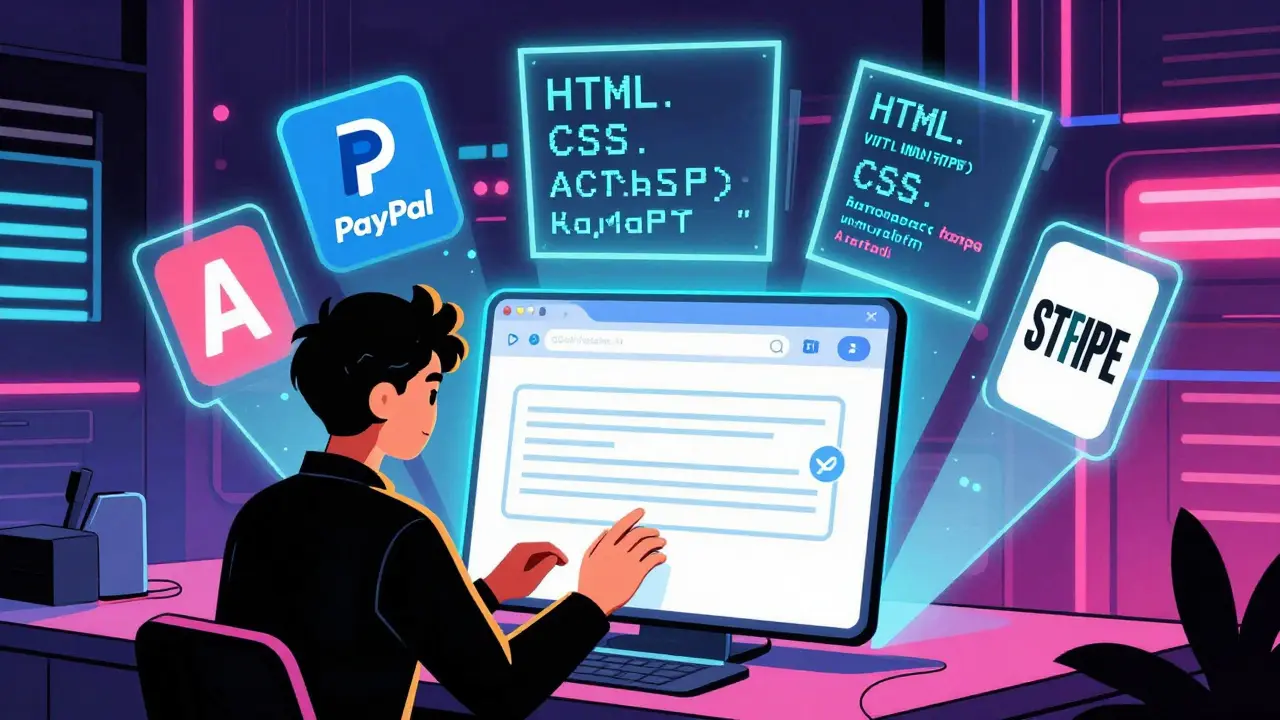
Imagine building a fully working product catalog and checkout flow in under four hours - no team of developers, no weeks of waiting, no $10,000 budget. That’s not a fantasy. It’s vibe coding, and it’s changing how small businesses launch online stores.
Traditional e-commerce development used to mean hiring a developer, explaining your idea, waiting for wireframes, reviewing code, fixing bugs, and then waiting again for deployment. It could take weeks. Now, with vibe coding, you type a simple sentence like "create a product catalog with filters for price and color, and a PayPal checkout button" - and within minutes, you get working code. No need to know JavaScript. No need to set up a local server. Just open your browser, type your request, and watch it build.
What Exactly Is Vibe Coding?
Vibe coding isn’t magic. It’s the fusion of natural language prompts, AI-generated code, and pre-built e-commerce integrations. Think of it like using Siri or Alexa to write software - but for online stores. Platforms like Replit and Lovable let you describe what you want in plain English, and they generate functional HTML, CSS, and JavaScript that connects directly to PayPal, Stripe, or Shopify APIs.
This approach took off in 2024 after PayPal partnered with Replit to give developers direct access to payment APIs inside a browser-based coding environment. Since then, it’s exploded. By Q4 2025, 43% of all new e-commerce stores launched used some form of vibe coding. That’s up from just 12% the year before.
The real win? You don’t need to be a coder. If you’ve ever used WordPress or Shopify, you already understand the basics. Vibe coding removes the technical wall. You focus on what your store should do - not how to code it.
How Fast Can You Build a Product Catalog?
Let’s say you run a small online shop selling handmade candles. You want to add 50 new scents with images, prices, and category filters. Traditionally, this might take a developer three days. With vibe coding?
- Step 1: Open Replit and connect your PayPal account.
- Step 2: Type: "Generate a product catalog with 50 items. Each item has a name, price, image URL, category (citrus, woodsy, floral), and a "Add to Cart" button. Include a price slider filter."
- Step 3: Wait 90 seconds. The platform generates a working page with all 50 products, filters, and responsive design.
- Step 4: Test it. Adjust colors or layout with drag-and-drop tweaks.
- Step 5: Publish. Done.
That’s it. Total time: under two hours. And it works on mobile, tablet, and desktop. No extra plugins. No theme conflicts. Just clean, functional code that updates in real time.
Users on Reddit reported building catalogs with variant selectors (like size and scent) in just 3 hours - a task that would’ve taken their dev team two weeks. GitHub developers use vibe coding to generate mock product data for testing. One user created 500 realistic product entries with descriptions, prices, and images in 15 minutes using a single prompt.
Building a Checkout Flow That Actually Works
Product catalogs are easy. Checkouts? That’s where things get tricky - and where vibe coding shines.
Most no-code platforms force you into rigid checkout templates. Vibe coding lets you build custom flows. Want a one-page checkout with a discount code popup? A post-purchase upsell screen? A multi-step flow that asks for gift message options? You can describe it.
Here’s how one merchant did it:
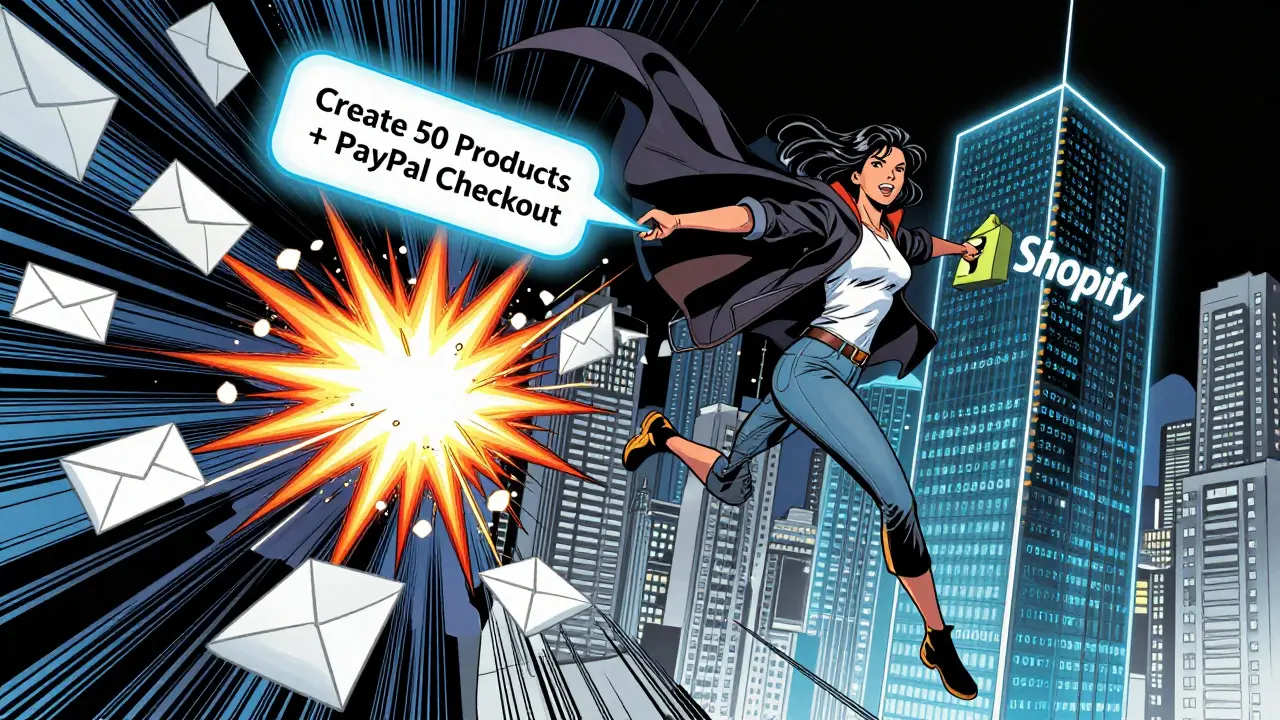
- Typed: "Create a checkout flow with PayPal, Stripe, and Apple Pay. Show a discount banner if the cart is over $50. Add a checkbox for gift wrapping. Send an email confirmation after payment."
- The system generated the code, including form fields, payment buttons, and logic for the discount.
- Tested it in sandbox mode - no real money involved.
- Found a bug: the gift wrapping checkbox didn’t update the total. Fixed it by typing: "Make the gift wrapping fee add $3 when checked. Update cart total dynamically."
- Deployed. Live in 4 hours.
According to PayPal’s developer data, 78-85% of vibe-coded checkouts work on first try. That’s way higher than traditional code, which often needs 5-10 rounds of fixes.
But here’s the catch: 27% of support tickets from vibe-coded checkouts involve webhook errors - meaning the system didn’t properly notify the merchant when a payment succeeded. That’s why testing in sandbox mode is non-negotiable. Never skip it.
Vibe Coding vs. Traditional Development vs. No-Code
Not sure if vibe coding is right for you? Here’s how it stacks up:
| Method | Time to Prototype | Customization | Cost | Best For |
|---|---|---|---|---|
| Traditional Development | 17-40 hours | High | $5,000-$20,000+ | Enterprise systems, complex inventory |
| No-Code (Shopify, Wix) | 4-8 hours | Low | $29-$299/month | Basic stores, beginners |
| Vibe Coding | 2-4 hours | Medium-High | $0-$15/month | Custom storefronts, promo sites, niche markets |
Traditional coding gives you full control - but it’s slow and expensive. No-code tools are easy but feel locked in. Vibe coding sits in the sweet spot: fast like no-code, flexible like traditional development.
For example, if you’re running a pop-up holiday store for just 30 days, vibe coding is perfect. You can build it, test it, launch it, then delete it. No long-term contract. No monthly fees. Just pure speed.
Where Vibe Coding Falls Short
It’s not a cure-all. There are limits.
First, don’t use it for your core inventory or accounting systems. PayPal’s own guidelines warn: "Vibe-coded projects in the Green Zone must never connect directly to core business systems." Why? Because the code isn’t built for 99.99% uptime. If your inventory syncs with a legacy ERP, stick with traditional development.
Second, complex tax engines or multi-currency rules? Still tricky. Vibe coding tools don’t yet handle regional tax laws automatically. You’ll need to manually code those rules or hire a developer for the final polish.
Third, scaling. If your store hits 10,000 visitors a day, vibe-coded sites may struggle with performance. They’re great for prototypes and small shops - not for Amazon-level traffic.
And here’s the real surprise: 68% of vibe-coded projects need developer help before going live. The AI writes the code, but humans still have to fix edge cases - like what happens if a customer clicks "Buy" twice? Or if the internet drops mid-payment? Those bugs don’t show up in testing.
Who Should Use Vibe Coding?
Here’s who benefits most:
- Small business owners who want to test new product lines without hiring a dev.
- Marketers launching time-sensitive campaigns (Black Friday, product launches, influencer collabs).
- Freelancers who need to build quick client sites without outsourcing.
- Developers who want to prototype ideas fast before writing full code.
Here’s who should avoid it:
- Enterprise brands with complex backend systems.
- Stores with 500+ SKUs needing automated inventory sync.
- Businesses in regulated industries (pharmaceuticals, financial services) where compliance is strict.
Getting Started: Your 5-Step Plan
Ready to try it? Here’s how to start today:
- Pick a platform. Replit (with PayPal) is best for developers. Lovable is easiest for Shopify users. Base44 is cheaper but less polished.
- Connect your payment API. Get your PayPal or Stripe API keys. Paste them into the platform. It’s like logging into your bank - simple.
- Describe your catalog. Use clear language: "Create a grid of 20 products. Each has a title, price, image, and category. Add a search bar."
- Test in sandbox mode. Never skip this. Use fake credit card numbers provided by PayPal or Stripe. Make sure the checkout works.
- Deploy and monitor. Launch. Watch for errors. If the cart doesn’t update, go back and tweak the prompt. AI learns from feedback.
Most users with basic HTML/CSS skills get comfortable in under 5 hours. Complete beginners take about 11 hours. That’s less time than it takes to watch a Netflix series.
What’s Next? The Future of Vibe Coding
By 2027, Gartner predicts 70% of e-commerce platforms will include vibe coding as a standard feature. Shopify’s leaked roadmap shows native vibe coding support for theme customization coming in October 2026. Google is building a "Gemini Commerce Assistant" trained on real e-commerce patterns - it’ll soon be able to write entire checkout flows from a single sentence.
And security? It’s improving. In January 2026, PayPal added automatic PCI compliance checks to vibe-coded checkouts. That means if your code tries to store credit card data, the system blocks it before you even publish.
The trend is clear: building online stores is becoming as easy as writing an email. The barrier isn’t tech anymore - it’s knowing what to ask for.
Can vibe coding replace Shopify or WooCommerce?
No. Vibe coding doesn’t replace platforms like Shopify - it complements them. Think of it like Excel for finance: it doesn’t replace accountants, but it lets non-accountants do quick calculations. Vibe coding lets you build custom pages or test ideas fast, then push them to Shopify or WooCommerce when ready. It’s a prototyping tool, not a hosting platform.
Is vibe coding secure for payments?
Yes - if you use trusted platforms like Replit with PayPal or Lovable with Shopify. These platforms handle PCI compliance automatically. They don’t store card data. Payments go directly through PayPal or Stripe. The risk isn’t the code - it’s misconfiguring webhooks or skipping sandbox testing. Always test with fake transactions first.
Do I need to know how to code to use vibe coding?
No, but it helps. You don’t need to write JavaScript or React. But if you understand basic concepts like buttons, forms, and product categories, you’ll get better results faster. If you’ve ever used WordPress or Canva, you already have the right mindset. The AI writes the code - you just tell it what you want.
What if the AI generates buggy code?
That’s normal. The first version is usually 70-80% complete. The rest requires tweaks. You can fix it by asking the AI: "Make the price filter update the product list without refreshing the page." Or "Add a loading spinner when the cart updates." Most platforms let you edit the generated code directly. Think of it like drafting an email - you don’t send the first version.
Can vibe coding handle high traffic?
Not yet. Vibe-coded sites are great for small to medium traffic - up to 1,000 visitors per day. For higher traffic, the code needs optimization. That’s where traditional development still wins. Use vibe coding to launch fast, then upgrade to a fully custom site if your traffic grows.
If you’re looking to test a new product line, run a flash sale, or launch a niche store without waiting months - vibe coding gives you the power to move fast. It’s not about replacing developers. It’s about giving merchants the tools to build what they imagine - without the wait.


Donald Sullivan
March 1, 2026 AT 04:19Bro this is just AI-generated garbage wrapped in a hype jacket. You think typing 'create a catalog' actually works? I've tried it. The checkout breaks on iOS, the filters don't update, and half the images are stolen from Amazon. No one's fixing the edge cases. You're not building a store - you're building a time bomb.
Tina van Schelt
March 1, 2026 AT 08:19OMG I tried vibe coding for my candle shop and it was like magic ✨ I typed 'make it feel like a cozy cabin in the woods' and BOOM - soft lighting, cinnamon-scented hover effects, and a 'Buy Now' button that looked like a hand-carved wooden charm. My customers said it felt like hugging a fireplace. I cried. This isn't tech - it's alchemy.
Ronak Khandelwal
March 2, 2026 AT 12:31Y'all are missing the bigger picture 🌍 Vibe coding isn't just about speed - it's about democratizing creation. For years, only those with privilege, access to devs, or deep pockets could build digital spaces. Now? A single mom in Kerala can sell her handmade jewelry to a grandma in Ohio without writing a single line of code. This is liberation. 🙌 Let's not get lost in the bugs - let's celebrate the breakthrough. The future is inclusive, and it's built with prompts, not pipelines. 💫
Jeff Napier
March 3, 2026 AT 01:26Sibusiso Ernest Masilela
March 3, 2026 AT 12:20Let me guess - you’re proud of building a 'store' that looks like a 2012 GeoCities page? I’ve seen your 'vibe-coded' sites. The CSS is a dumpster fire. The JS is spaghetti. The webhook errors? You're lucky it doesn't delete your inventory. This isn't innovation. It’s a scam for people who think 'drag and drop' counts as entrepreneurship. Real builders write code. Not ask AI to do their job.
Daniel Kennedy
March 3, 2026 AT 13:55Look - vibe coding isn’t perfect, but it’s a game-changer for people who’ve been locked out of tech. I’ve helped 12 small vendors launch stores this year. One had a stroke last year and couldn’t type - she used voice prompts to build her entire shop. The AI messed up the font size, sure - but we fixed it in 10 minutes. That’s the point. It’s not about replacing devs - it’s about giving power back to the people who actually run the business. Don’t hate the tool. Learn to use it.
Taylor Hayes
March 3, 2026 AT 20:45Just wanted to add - the sandbox testing tip is GOLD. I ignored it once. Thought 'it works on my screen'. Nope. Customer paid, but the webhook dropped. No confirmation email. They emailed me 17 times. I almost lost them. Now I test everything with fake cards. Even if it takes 20 minutes. Better than losing trust. Also - if you’re a developer, try using vibe coding to prototype before you write real code. It’s saved me 30+ hours on side projects. It’s not magic. It’s just really, really good at the first draft.