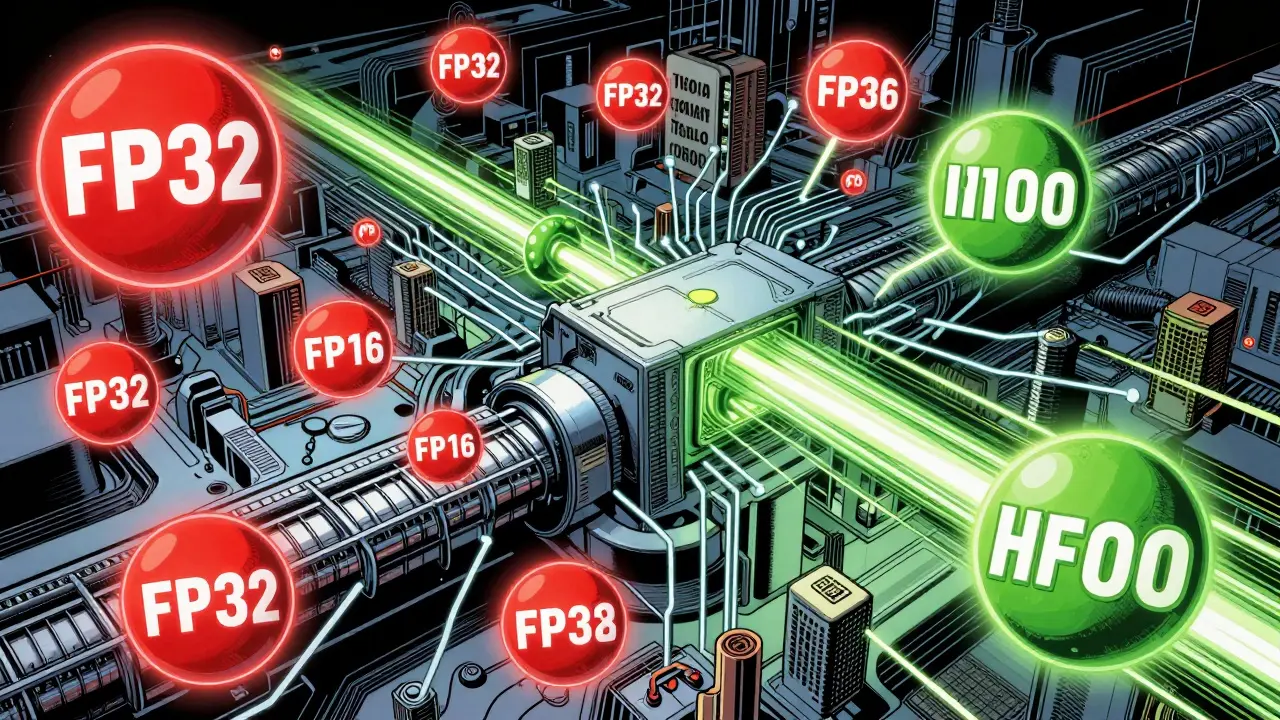
Training large language models used to take weeks, burn through millions of dollars in cloud credits, and require racks of high-end GPUs. Now, many teams finish the same job in days - not because they have more hardware, but because they switched to mixed-precision training. This isn’t magic. It’s smart math. By using different number formats at different parts of the training process, you get faster speeds, lower memory use, and sometimes even better accuracy - all without changing a single line of model architecture.
Why Precision Matters in Training
At the heart of every neural network are numbers. Every weight, gradient, and activation is stored as a floating-point number. The most common format has been FP32 - 32 bits of precision, giving you a huge range of values and very little risk of rounding errors. But FP32 is heavy. Each number takes 4 bytes of memory. For a 70-billion-parameter model like Llama 3, that’s over 280 GB just to store the weights. Add gradients, optimizer states, and activations, and you’re looking at nearly 1 TB of GPU memory. Most systems don’t have that.
Enter FP16 and BF16. Both use only 16 bits - half the memory. That means you can fit twice as many parameters in the same GPU memory. Or, more usefully, you can train with much larger batch sizes. Bigger batches mean more stable gradients and faster convergence. But there’s a catch: fewer bits means less precision. If you just swap FP32 for FP16 everywhere, your gradients can vanish or explode. Tiny updates get rounded to zero. Loss values overflow. The model stops learning.
FP16 vs BF16: The Core Trade-Off
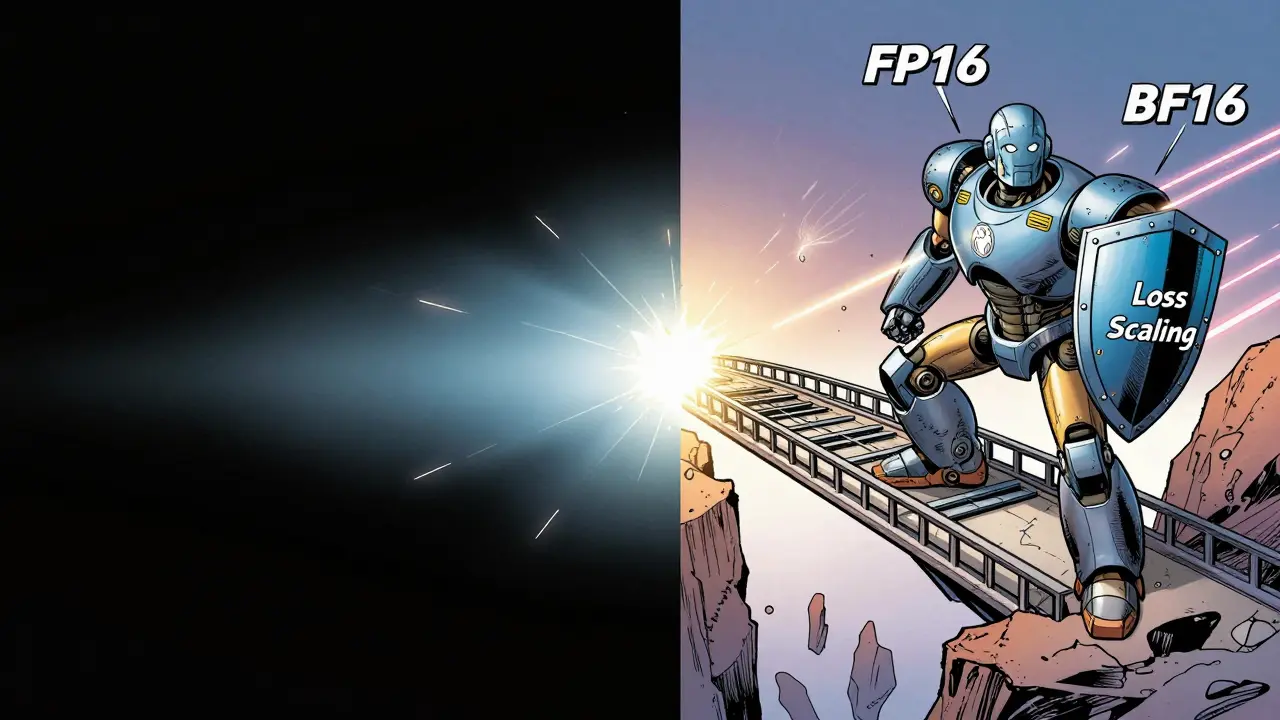
FP16 (half-precision) has a 5-bit exponent and 10-bit mantissa. That gives it a dynamic range of about 10^-5 to 10^4. Sounds fine? Until you’re training a 100-layer transformer. Gradients in early layers can be smaller than 10^-5. They get rounded to zero. This is called underflow. Many early adopters of FP16 saw their models fail to converge - until they added loss scaling.
BF16 (Brain Floating Point), developed by Google for TPUs, fixes this. It keeps the same 8-bit exponent as FP32, so its range is nearly identical - roughly 10^-38 to 10^38. But it cuts the mantissa to 7 bits. That means less precision in the decimal part, but the scale stays intact. For large language models, where gradients are often tiny but spread across many layers, BF16’s wider range makes training far more stable. Meta’s Llama 3 team switched from FP16 to BF16 and saw fewer training crashes and higher final accuracy.
Here’s how they compare:
| Feature | FP16 | BF16 |
|---|---|---|
| Bits | 16 | 16 |
| Exponent bits | 5 | 8 |
| Mantissa bits | 10 | 7 |
| Dynamic range | ~10^-5 to 65,504 | ~10^-38 to 10^38 |
| Memory savings | 50% vs FP32 | 50% vs FP32 |
| Training stability | Lower - needs loss scaling | Higher - closer to FP32 |
| Hardware support | Pascal (P100) and newer | Ampere (A100) and newer |
| Accuracy on LLMs | 97.2% of FP32 | 98.7% of FP32 |
For most teams today, BF16 is the better default choice - if your hardware supports it. NVIDIA A100, H100, and AMD MI300X all handle BF16 natively. If you’re stuck on older V100s or RTX cards, FP16 still works, but you’ll need to be careful.
How Mixed Precision Actually Works
Mixed precision doesn’t mean using FP16 everywhere. It means using FP16 where it’s safe, and FP32 where it’s critical. The trick is in the separation:
- Forward pass: Weights and activations are converted to FP16 or BF16. Matrix multiplies run faster on Tensor Cores.
- Backward pass: Gradients are computed in FP16/BF16, but immediately copied to a master FP32 copy.
- Weight update: The optimizer (like Adam) runs in FP32. This keeps the precision of the updates high, avoiding tiny corrections from being lost.
- Loss scaling: If gradients are too small, they get multiplied by a factor (like 2^16) before being converted to FP16. After backprop, they’re scaled back down before updating the FP32 master weights.
This system - called Automatic Mixed Precision (AMP) - is built into PyTorch and TensorFlow. You don’t need to manually convert tensors. Just wrap your forward pass in autocast() and use a GradScaler. In PyTorch 2.2, it’s as simple as three lines:
scaler = torch.cuda.amp.GradScaler()

with torch.cuda.amp.autocast():
    outputs = model(inputs)
    loss = criterion(outputs, targets)

scaler.scale(loss).backward()
scaler.step(optimizer)
scaler.update()
That’s it. The framework handles the rest. No manual tensor casts. No memory management. Just faster training.
Real-World Gains: Speed, Cost, and Scale
What does this actually mean in practice?
Meta trained Llama 3 70B using BF16 mixed precision on H100s. Without it, they’d need 4x more GPUs or 4x more time. With it, they trained with batch sizes of 1024 per GPU - impossible in FP32. Training time dropped from 14 days to 5 days on 8x A100s, according to user reports on Reddit. The cost? Down from $1.2 million to under $500,000 for a 7B model, per Lambda Labs’ analysis.
Memory savings are even more dramatic. FP32 uses 4 bytes per parameter. BF16 uses 2. That means a 70B model fits in 140 GB of memory - not 280. Add in optimizer states and gradients, and you’re still under 250 GB total. That fits on 8x H100s with 80 GB each. In FP32? You’d need 16 GPUs.
Speed gains? NVIDIA’s benchmarks show BF16 mixed precision delivers 3.4x more samples per second than FP32 on 8B models. For transformer-heavy workloads, the speedup is often 2.5x. And here’s the surprise: accuracy often improves. Dr. Sara Hooker found that the small amount of noise introduced by lower precision acts like a regularizer - reducing overfitting and boosting validation scores by 0.5% to 1.2%.
When Mixed Precision Fails - And How to Fix It
It’s not magic. Things go wrong.
**Problem 1: Gradient underflow.** You see loss values jumping to NaN, or validation accuracy dropping after a few epochs. This is almost always because gradients are too small and got rounded to zero in FP16. Solution? Increase the loss scale factor. Start with 2^16 (65,536). If it still fails, go to 2^18. PyTorch’s scaler does this automatically in dynamic mode - but if you’re using custom loss functions or non-standard layers, you might need to tweak it manually.
**Problem 2: Hardware mismatch.** You try to run BF16 on an RTX 3090. It doesn’t crash - but it runs at FP32 speed. Why? Because Ampere GPUs (A100 and newer) have Tensor Cores optimized for BF16. Older cards don’t. You’ll get the memory savings, but no speed boost. Check your GPU architecture. If it’s not Ampere or newer, stick with FP16.
**Problem 3: Custom layers break autocast.** If you wrote a custom activation or loss function, PyTorch might not know whether to cast it to FP16 or keep it in FP32. Solution? Wrap it in torch.cuda.amp.custom_fwd and custom_bwd decorators. Or just force it to FP32 with input = input.float() inside the function.
**Problem 4: Learning rate too high.** Mixed precision can make training more unstable. If your model diverges, try reducing your learning rate by 10-20%. It’s a simple fix that often solves instability.
Most issues are solved by starting with AMP and letting the framework handle it. Only dive into manual control if you hit a wall.
Beyond BF16: The Rise of FP8 and Beyond
FP16 and BF16 are the present. FP8 is the future.
Meta’s Llama 4, announced in September 2024, uses a mix of BF16 and FP8. FP8 uses just 8 bits - half the memory of BF16. That means you can fit 2x more parameters in the same memory. Training speed jumps another 1.5x. But precision is razor-thin. A single FP8 number has only 4 bits for the mantissa. That’s not enough for direct use in gradients.
So FP8 isn’t used everywhere. It’s used only in forward and backward passes - weights are still stored in BF16. Specialized quantization techniques keep the model from falling apart. NVIDIA’s Blackwell GPUs, shipping in Q2 2025, will have native FP8 Tensor Cores. Google’s upcoming TPU v5 will follow. AMD’s MI300X already supports FP8 in software.
But here’s the catch: FP8 only works for models that are already well-trained. You can’t start training a new LLM from scratch in FP8. The noise accumulates. You need to warm up in BF16, then switch. Researchers at MILA warn that below 4-bit precision, you need adaptive methods - like detecting which layers are sensitive and keeping them in higher precision. That’s the next frontier: AI-driven precision allocation.
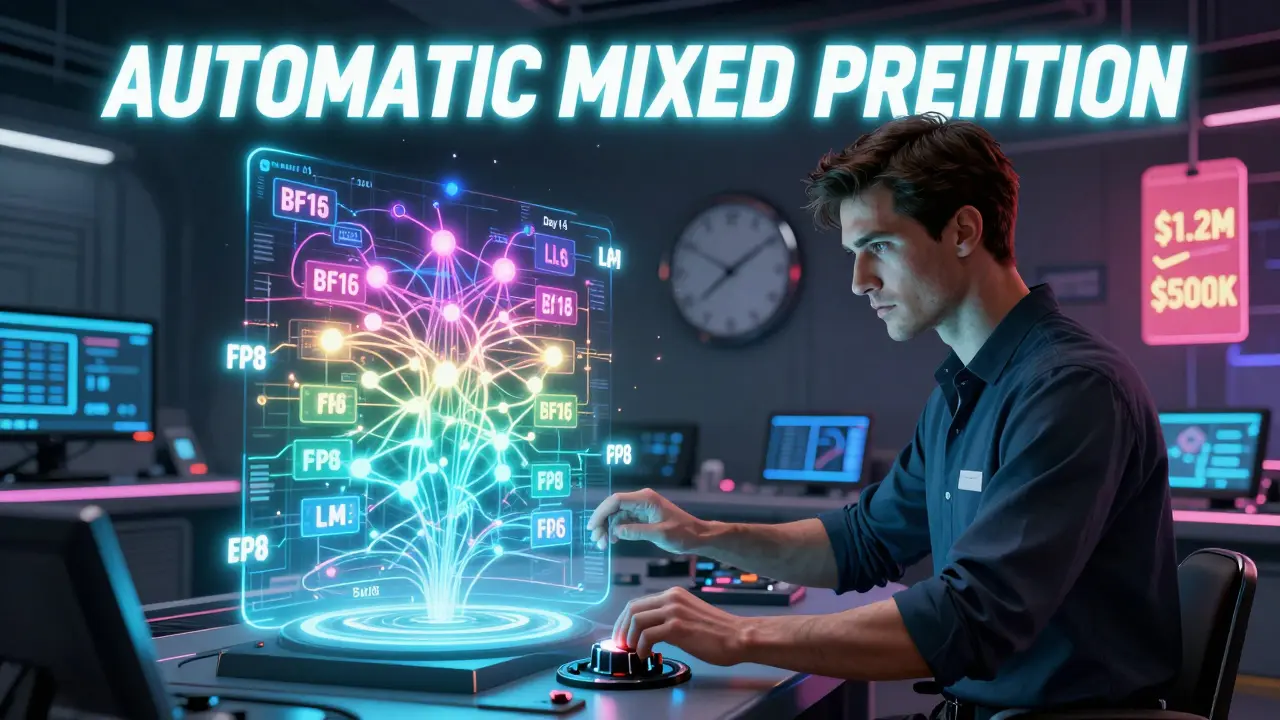
Google’s December 2024 research shows AI models can now predict, layer by layer, whether FP8, BF16, or FP32 is best - and switch automatically. The result? 22% faster convergence than static mixed precision.
What You Should Do Today
Here’s the practical roadmap:
- Check your hardware. If you have A100, H100, or MI300X - use BF16 mixed precision. If you have older GPUs, use FP16.
- Use automatic mixed precision. Don’t write your own casts. Use PyTorch’s
autocastor TensorFlow’stf.keras.mixed_precision. It’s battle-tested. - Start with default loss scaling. Let the scaler handle underflow. Only tweak it if you see NaNs.
- Monitor your loss. If it spikes or goes to NaN, reduce your learning rate. It’s often the culprit.
- Don’t chase FP8 yet. Unless you’re at Meta, Google, or NVIDIA - wait until the tools mature. FP8 is for production-scale training, not experiments.
Mixed precision isn’t optional anymore. According to Hugging Face, 92% of models with over 10 billion parameters use it. The industry moved on. If you’re training LLMs without it, you’re wasting time, money, and energy.
It’s not about being clever. It’s about being efficient. The hardware is here. The software is here. The savings are real. All you need to do is turn it on.



Kendall Storey
December 22, 2025 AT 18:31BF16 is the real MVP here. I switched from FP16 to BF16 on my A100s last month and my Llama 3 fine-tuning went from crashing every 3 epochs to running like a dream. No more loss scaling guesswork. Just turn on autocast and walk away. The 0.5% accuracy bump? Real. I saw it in my eval logs. Hardware finally caught up to the math.
Pamela Tanner
December 23, 2025 AT 09:50For anyone still using FP16 on RTX cards: please, just upgrade. I’ve spent more hours debugging NaN gradients than I care to admit. BF16 isn’t just better-it’s less stressful. And if your lab still uses V100s? Talk to your budget officer. The cost savings on cloud credits alone pay for new hardware in under three months.
Richard H
December 25, 2025 AT 06:56FP8 is hype. We’re not ready. I tried it on a 7B model last week-trained for 12 hours, validation accuracy dropped 4%. The ‘noise as regularizer’ thing? Only works if your model’s already stable. Don’t be that guy trying to cut corners on a startup budget. Wait for Blackwell.
Ashton Strong
December 27, 2025 AT 02:27I want to thank the author for this incredibly clear breakdown. As someone who’s been training models since the days of Caffe, I’ve seen a lot of ‘revolutionary’ techniques come and go. Mixed precision is one of the few that actually delivers on its promises. The fact that you can get 3x speedups with zero architecture changes? That’s not just efficiency-it’s democratization. Smaller labs can now compete. That’s huge.
And to those worried about FP8: don’t rush. The paper from Google last month showed that dynamic precision allocation reduces convergence time by 22%, but it’s still in research mode. For now, stick with AMP + BF16. It’s like having a turbo button that doesn’t require a PhD to use.
Also, if you’re using custom layers, don’t forget the custom_fwd decorators. I lost a whole weekend to that oversight. The PyTorch docs are good, but they assume you’ve read the manual. I haven’t. And I’m still here.
Finally-yes, the 92% adoption rate is real. I checked Hugging Face’s latest stats. If you’re not using mixed precision, you’re not just inefficient. You’re outdated. And that’s okay. We all start somewhere. Just don’t stay there.
Thanks again. This post saved me weeks of trial and error.
Steven Hanton
December 28, 2025 AT 12:45One thing not mentioned: what about model checkpoints? When you’re using mixed precision, do you save in FP32 or BF16? I’ve seen people save in FP16 and then load back into FP32 and get weird accuracy drops. Is there a best practice here?
Also, has anyone tried using BF16 with gradient checkpointing? I’m curious if the memory savings compound. I’ve got a 13B model that’s still borderline too big for my 8x A100s, even with AMP.
And just to clarify-when you say ‘FP8 isn’t for training from scratch,’ does that mean fine-tuning is okay? I’ve got a 7B model I’m adapting for medical QA. Would FP8 be viable there, or is it still too risky?