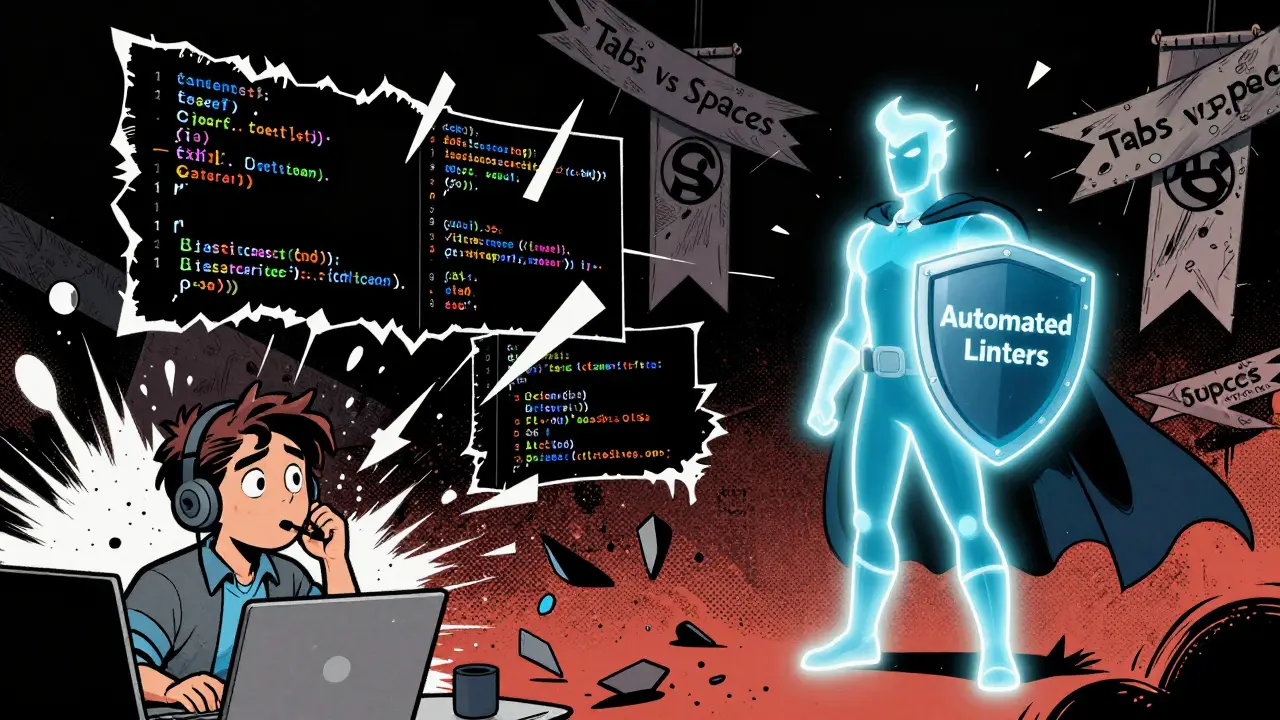
Ever opened a codebase and felt like you stepped into someone else’s head? Not because the logic was confusing, but because the indentation jumped around, variable names switched between camelCase and snake_case, and comments vanished halfway through the file? That’s not just annoying-it’s expensive. Inconsistent code slows down reviews, hides bugs, and turns onboarding into a guessing game. The fix isn’t more talent or longer hours. It’s a style guide.
Why Style Guides Aren’t Just About Looks
A style guide isn’t a set of arbitrary rules made by a senior dev who hates trailing commas. It’s a shared language. When every developer writes code the same way, your team stops wasting time arguing over formatting and starts solving real problems. According to Graphite’s 2023 survey of 1,200 engineers, teams with consistent style guides spend 15-25% less time on code reviews. Why? Because reviewers aren’t distracted by mismatched braces or inconsistent naming. They can focus on logic, edge cases, and security flaws.And it’s not just about speed. Inconsistent code makes bugs harder to spot. When everything looks different, the one line that’s doing something dangerous blends in. Consistent patterns act like visual anchors-your brain learns to scan for structure, and anomalies stand out. Beningo Consulting found that teams using style guides reduced bug introduction rates by nearly 18%.
What a Real Style Guide Includes (Beyond Indentation)
Most people think style guides are about tabs vs. spaces. They’re not. A good one covers the full lifecycle of code:- Formatting: How many spaces for indentation? Where do braces go? What’s the max line length? (Most teams use 80-120 characters.)
- Naming: Variables in camelCase, classes in PascalCase, constants in UPPER_SNAKE_CASE. No mixing. No exceptions unless you have a very good reason.
- Comments: When to write them-and when not to. Don’t comment what the code does. Comment why it does it. Avoid comments that just repeat the code.
- Function and Class Size: Functions over 50-100 lines? Red flag. Classes with more than 5-7 methods? Time to split them.
- Error Handling: Always use try/catch? When to throw vs. return null? How to log errors without leaking sensitive data?
- File Structure: Where do models go? Where do tests live? Should you have a utils folder or avoid it entirely?
- Language-Specific Rules: In Python, use PEP 8. In JavaScript, avoid var. In Java, always use braces-even for single-line ifs.
These aren’t suggestions. They’re agreements. The goal isn’t perfection-it’s predictability. When you open a new file, you should know exactly what to expect.
Manual Rules vs. Automated Enforcement
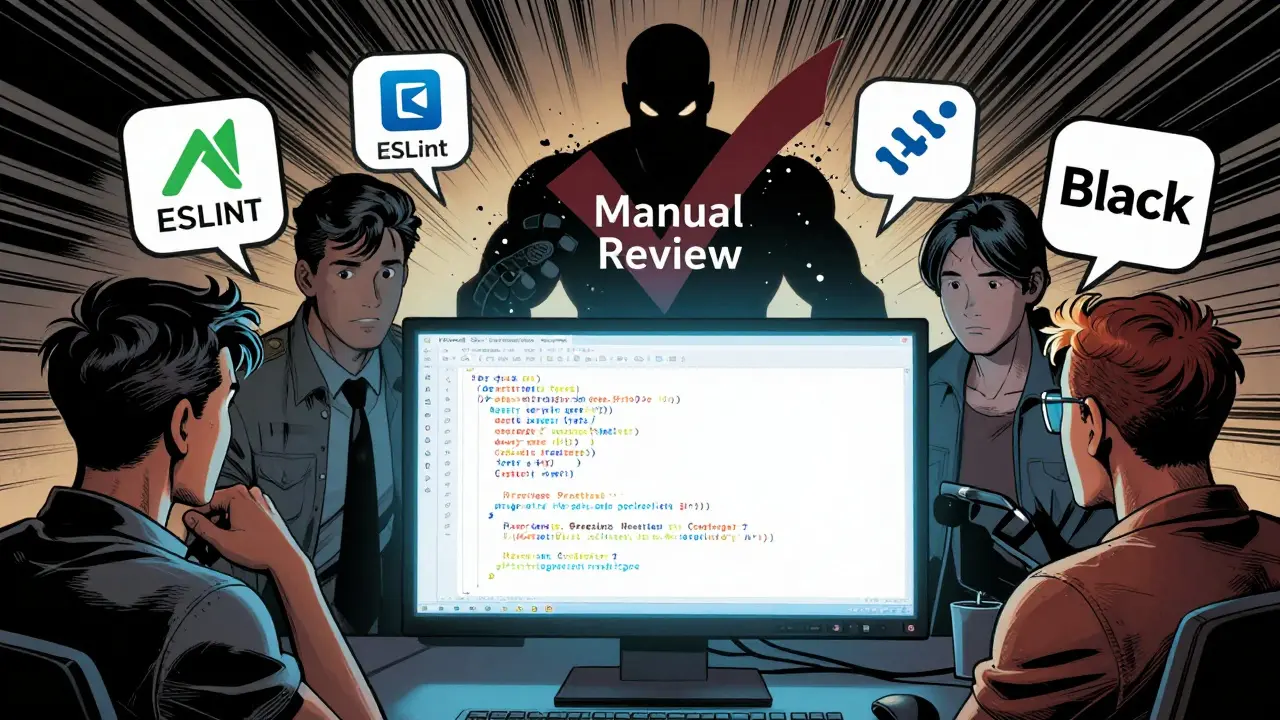
You can try to enforce style manually during code reviews. Good luck. Teams that rely only on human reviewers have 37% more style violations in production, according to Graphite’s data. Why? Reviewers get tired. They miss things. They argue about things that don’t matter.The smart teams automate everything they can. Linters and formatters do the boring work so humans can focus on what matters.
- JavaScript/TypeScript: ESLint + Prettier
- Python: Black + Flake8
- Java: Checkstyle + Spotless
- Go: gofmt
- Rust: rustfmt
These tools run automatically on every commit or pull request. If your code doesn’t match the guide, the build fails. No debates. No exceptions. Just clean code.
Teams using this setup cut time spent on style debates by 89%, according to LeadDev’s case studies. That’s not magic. That’s efficiency.
The Danger of Over-Engineering
More rules don’t mean better code. In fact, the opposite is true.The Broad Institute found that style guides with more than 120 specific rules reduced developer satisfaction by 32% and made onboarding 45% slower. Why? Because developers start seeing the guide as a prison, not a helper. They disable linters. They write workarounds. They leave the team.
One Reddit user shared how their company’s 200-page style guide led to 60% of developers turning off linting entirely. That’s not compliance-that’s rebellion.
Start small. Pick the top 10 rules that cause the most friction: naming, indentation, line length, function size, and comment style. Get those automated. Let the team live with it for a few weeks. Then, only add new rules when you see a real, repeated problem-not when someone has a preference.
How to Build a Style Guide That Actually Gets Used
A style guide that sits in a Google Doc and gathers dust is worse than no guide at all. Here’s how to make one that sticks:- Start with community standards. Don’t invent your own. Use Google’s style guides, PEP 8 for Python, or Airbnb’s JavaScript guide as a base. They’ve been battle-tested.
- Involve the whole team. Hold a 30-minute meeting. Ask: “What’s the most annoying thing about our code right now?” Don’t let one person dictate rules.
- Use a shared config file. Put your ESLint, Prettier, or Black config in the repo. Make it the single source of truth. No more “I thought we agreed…”
- Integrate with CI/CD. If the code doesn’t pass linting, it doesn’t merge. No exceptions.
- Document with examples. Don’t just say “use camelCase.” Show a before-and-after. Make it easy to understand.
- Treat it as living documentation. Review it every 6 months. Remove rules that don’t help. Add ones that solve real problems.
Teams that follow this process see 47% higher compliance rates, according to LeadDev. That’s because the guide feels like it belongs to them-not like it was handed down from on high.

What Happens When You Don’t Have One
You might think, “We’re a small team. We don’t need this.” But even two developers benefit.Without a style guide:
- New hires take weeks to get up to speed because every file looks different.
- Code reviews turn into style arguments.
- Legacy code becomes a minefield-no one remembers why something was written a certain way.
- Merge conflicts spike because two people changed the same file with different formatting.
GitHub’s 2023 survey found that 79% of developers prefer teams with style guides. But only 43% feel their current guide strikes the right balance. That gap? It’s fixable.
The Future: AI That Understands Context
Style guides aren’t going away. But how they’re enforced is changing.GitHub Copilot’s 2024 update now adapts code suggestions to your project’s existing style. If your repo uses snake_case, Copilot won’t suggest camelCase. If your team never uses optional chaining, it won’t suggest it either. In beta tests, this reduced style conflicts by 63%.
Tools like SonarQube 10.0 now use AI to recommend rules based on your codebase’s patterns-not just generic presets. You’re not enforcing a rulebook anymore. You’re training your tools to match your team’s behavior.
By 2026, Forrester predicts 60% of professional teams will use AI-assisted style enforcement. That doesn’t mean less control. It means smarter control. Less rigid. More adaptive.
Final Thought: Consistency, Not Perfection
The best style guide isn’t the one with the most rules. It’s the one that makes your code feel like it was written by one person-even when ten people wrote it.It’s not about being fancy. It’s about being clear. It’s not about pleasing a senior dev. It’s about making your team’s life easier.
Start small. Automate the rest. Listen to your team. And remember: a style guide should serve you-not the other way around.
Do I need a style guide if I’m working alone?
Yes-even solo developers benefit. Your future self will thank you. When you come back to code after a month, consistent formatting helps you understand it faster. It also makes it easier to bring on a teammate later without chaos.
Can I use someone else’s style guide like Google’s or Airbnb’s?
Absolutely. Most teams start with community standards like Google’s style guides or Airbnb’s JavaScript guide. They’re well-tested and widely understood. Customize them later if needed, but don’t reinvent the wheel at the start.
What if my team disagrees on a rule?
Let the tool decide. Use an auto-formatter like Prettier or Black. These tools don’t care about opinions-they just apply the config. If you can’t agree on spacing, automate it. Save the debates for logic, not commas.
How long does it take to adopt a style guide?
Developers usually get comfortable in 2-4 weeks. Full team adoption takes 8-12 weeks. The key is gradual rollout. Don’t force a full rewrite. Apply the rules to new code first, then clean up old code during regular refactoring.
Should I enforce style rules on legacy code?
No-unless you’re already touching that code. Running a formatter on 10,000 lines of legacy code creates massive merge conflicts and distracts from real work. Apply style rules incrementally: when you edit a file, fix its formatting. Over time, the whole codebase improves without disruption.
Are style guides worth it for startups?
Yes, even small teams. Y Combinator’s 2024 survey found only 32% of startups under 10 people use style guides-but those that do onboard new hires 35% faster and avoid costly rewrites later. Start with a 5-rule guide. Automate it. It’s one of the cheapest productivity boosts you can make.
What’s the most common mistake teams make?
Creating a guide without team input. The most failed style guides are the ones written by one person and imposed on everyone else. The result? Low adoption, resentment, and disabled tools. Involve your team from day one-even if it’s just a 15-minute poll.



Christina Morgan
January 9, 2026 AT 12:45I used to think style guides were just bossy senior devs being picky, but after switching to Prettier on my team, I swear my brain stopped hurting during code reviews. No more arguing about semicolons-just clean, predictable code. It’s like the difference between walking through a tidy kitchen versus one where someone left dishes everywhere.
Also, the part about AI adapting to your style? Mind blown. Copilot started suggesting my exact formatting without me even asking. Feels like it’s learning me, not just coding for me.
Kathy Yip
January 10, 2026 AT 14:47i kinda agree but also… why do we need so many rules? i mean, if the code works and its readable, who cares if its camelCase or snake_case? i think the real issue is people treating style guides like religious texts instead of tools.
also, i keep forgetting to capitalize ‘i’ in comments. sorry.
Bridget Kutsche
January 10, 2026 AT 17:03Just wanted to say thank you for this post-it’s the clearest explanation I’ve ever read on why style matters beyond aesthetics. I’ve been pushing for a guide on my team for months, and everyone kept saying ‘we’re too small.’ But your point about future-you being grateful? That hit home.
We started with just 5 rules: indentation, naming, no var, function length, and comments that explain why. Automated with ESLint. Two weeks in, our PRs are faster, new hires are asking less ‘why is this like this?’ and honestly? We’re happier. It’s not about perfection. It’s about peace of mind.
Jack Gifford
January 11, 2026 AT 13:16Y’all are underestimating how much time you save by automating this. I used to spend 20 minutes per PR just correcting spacing. Now? The bot does it. I spend that time actually reviewing logic.
Also, the 120-rule limit? Spot on. My last job had a 150-page PDF with rules like ‘use single quotes unless the string contains a single quote, then use double, but only if the file is in the components folder.’ We called it ‘The Bible.’ Nobody read it. Everyone disabled the linter. Then we got fired. Coincidence? I think not.
Sarah Meadows
January 12, 2026 AT 22:36Let’s be real-this isn’t about ‘consistency.’ This is about discipline. If you can’t follow basic formatting rules, you don’t belong in professional engineering. America’s coding standards are the gold standard. If you’re using some weird European indentation or Indian camelCase nonsense, you’re just slowing everyone down.
Stop pretending it’s ‘opinion.’ It’s professionalism. And if you can’t handle that, go work at a startup that still uses tabs.
Nathan Pena
January 14, 2026 AT 17:01Everyone’s missing the point. Style guides are a band-aid for poor hiring. If you need a 10-rule guide to make your code readable, you hired the wrong people.
Real engineers write clean code by default. The fact that you need Prettier to fix your mess is embarrassing. Also, AI adapting to your style? That’s not innovation-that’s code laundering. You’re training AI to accept mediocrity.
And don’t get me started on ‘community standards.’ Airbnb’s guide is a glorified opinion blog. PEP 8 is the only thing that matters. Everything else is noise.
Mike Marciniak
January 16, 2026 AT 11:43Style guides are a distraction. The real agenda? Corporations want to homogenize developers so they’re easier to replace. Linters? They’re surveillance tools. Every time you auto-format, you’re feeding data to your employer’s AI monitoring system.
And don’t believe the ‘79% prefer style guides’ stat-that’s from GitHub, owned by Microsoft. They want you to code like a machine so they can automate you out of a job later. Wake up.
I write code how I want. My compiler doesn’t care. Neither should you.
VIRENDER KAUL
January 17, 2026 AT 13:07It is a fundamental truth that without standardized coding conventions, software development descends into anarchy. The Western world has achieved technological dominance precisely because of rigid adherence to formal structure. In India, we have been practicing disciplined coding for decades-no exceptions, no compromises.
You speak of ‘small teams’ and ‘gradual rollout.’ This is weakness. True professionalism demands immediate and total compliance. If your team cannot follow the rules of PEP 8 or Google Java Style Guide without complaint, then they are not engineers-they are amateurs.
Let me be clear: any deviation from established norms is not a ‘preference.’ It is negligence. And negligence, in engineering, is unacceptable.
Mbuyiselwa Cindi
January 18, 2026 AT 05:09Love this. I’m in South Africa and we’re just starting out with style guides at our dev shop. We took the 5-rule approach-indentation, naming, function length, comments, and no var. Used Black and ESLint. Didn’t force it on old code. Just applied it to new stuff.
Three months later? New devs are up to speed in days. No more ‘why is this different?’ arguments. We even had a junior dev say, ‘I didn’t know I liked consistent code until I saw it.’
Don’t overthink it. Start small. Let the tool do the yelling. Your team will thank you.