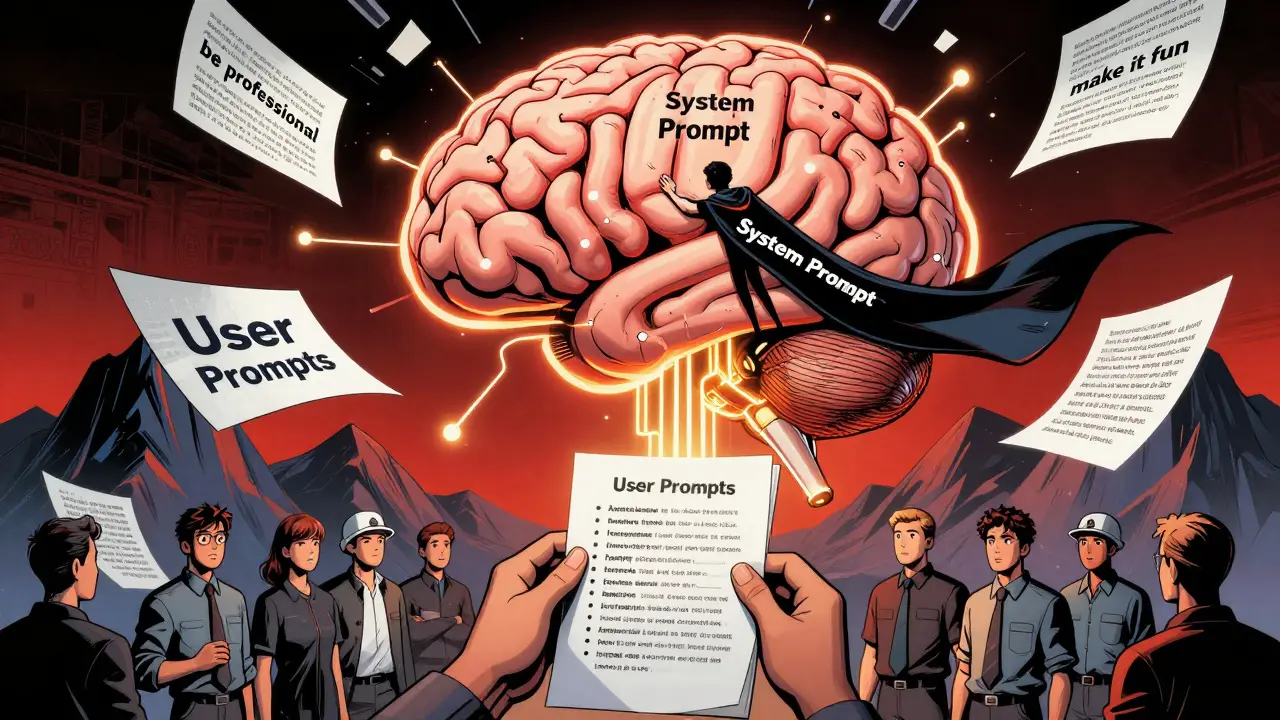
When you’re building an AI assistant for your team, product, or brand, one of the biggest headaches isn’t getting it to answer questions-it’s getting it to answer them the same way every time. You’ve seen it: one response sounds like a formal report, the next reads like a tweet, and the third forgets to include the required disclaimer. That’s not a bug. That’s a missing style guide in your system prompt.
System prompts are the invisible foundation of every AI interaction. They’re not the questions you ask. They’re the rules you set before the conversation even starts. Think of them like a company handbook for your AI: what tone to use, how to structure answers, what to avoid, and how to handle edge cases. When you embed your project’s style guide directly into this system prompt, you stop guessing and start controlling output quality at scale.
Why System Prompts Are the Only Place That Matters
Some teams try to enforce style by adding instructions to every user prompt. "Use a professional tone." "Follow AP style." "Keep it under 150 words." But here’s the problem: users forget. Models forget. Context windows fill up. By the third or fourth exchange, the AI loses track.
Anthropic’s research in May 2024 tested this directly. They compared 500 AI interactions where style rules were only in user prompts versus those where the same rules were baked into the system prompt. The results? System prompt implementations maintained 89% consistency across 100 consecutive interactions. User-prompt-only setups? Just 42%. That’s more than double the failure rate.
It’s not magic. It’s architecture. System prompts are persistent. They’re loaded once, every time the AI starts a new session. They don’t get buried under layers of conversation. If you want consistency, this is the only layer that matters.
The Four Components of a High-Performance System Prompt
Not all system prompts are created equal. The most effective ones follow a clear, repeatable structure. Based on analysis of over 140 production systems from GitHub’s "awesome-ai-system-prompts" repository and Tetrate’s 2024 guide, here’s what works:
- Role Definition: "You are a senior financial analyst at a Fortune 500 bank. Your job is to summarize quarterly earnings reports for executives." This tells the AI who it is-not what to do, but who it is when it does it.
- Communication Guidelines: "Use formal tone. Avoid slang. Never use contractions like 'can't' or 'won't.'" This defines voice, formality, and emotional texture. It’s not just about word choice-it’s about rhythm and authority.
- Format Requirements: "Structure responses in three sections: Summary, Key Metrics, Risk Factors. Use bullet points. Never exceed 300 words." This is where most teams fail. They say "be concise" instead of giving concrete structure. The difference? GitHub data shows that teams using explicit formatting rules saw 32% more consistent output than those relying on vague instructions.
- Behavioral Constraints: "Do not speculate about future earnings. If data is missing, say so. Do not generate hypothetical scenarios." This is your legal and ethical guardrail. In regulated industries like finance or healthcare, this isn’t optional-it’s compliance.
Teams that included all four components saw a 47% improvement in output consistency, according to Tetrate. Skip even one, and you’re leaving quality to chance.
How to Structure Your Style Guide Inside the Prompt
Writing a style guide as a paragraph? Bad idea. The DEV Community tested 200 prompts using paragraph-style instructions versus bullet points. Bullet points reduced ambiguity by 53%. Why? Scannability. AI models parse structure better than dense text.
Here’s a working example from a real newsroom using AP style:
Role: You are a news editor for a national wire service.
Tone: Professional, neutral, factual. No opinions. No hyperbole.
Format:
- Headline: Under 12 words. No colons.
- Lead paragraph: Who, what, when, where, why.
- Body: Use inverted pyramid. Most important info first.
- Quotes: Attribute every quote. Use "said," not "stated" or "remarked."
- Dates: Always spell out month. Use 2025, not '25'.
Constraints:
- Never use "amazing," "incredible," or "groundbreaking."
- If source is anonymous, say "according to sources." Never "anonymous sources."
- Always include the city name with state abbreviation after first mention of a location.
This version is 192 tokens. It’s short enough to fit in every context window. It’s structured enough that the AI doesn’t have to guess. And according to Reddit user u/NewsAI_Developer, embedding this exact guide cut AP style violations from 37% down to 8% in automated news articles.
Modular Style Guides: The Secret Weapon of Top Teams
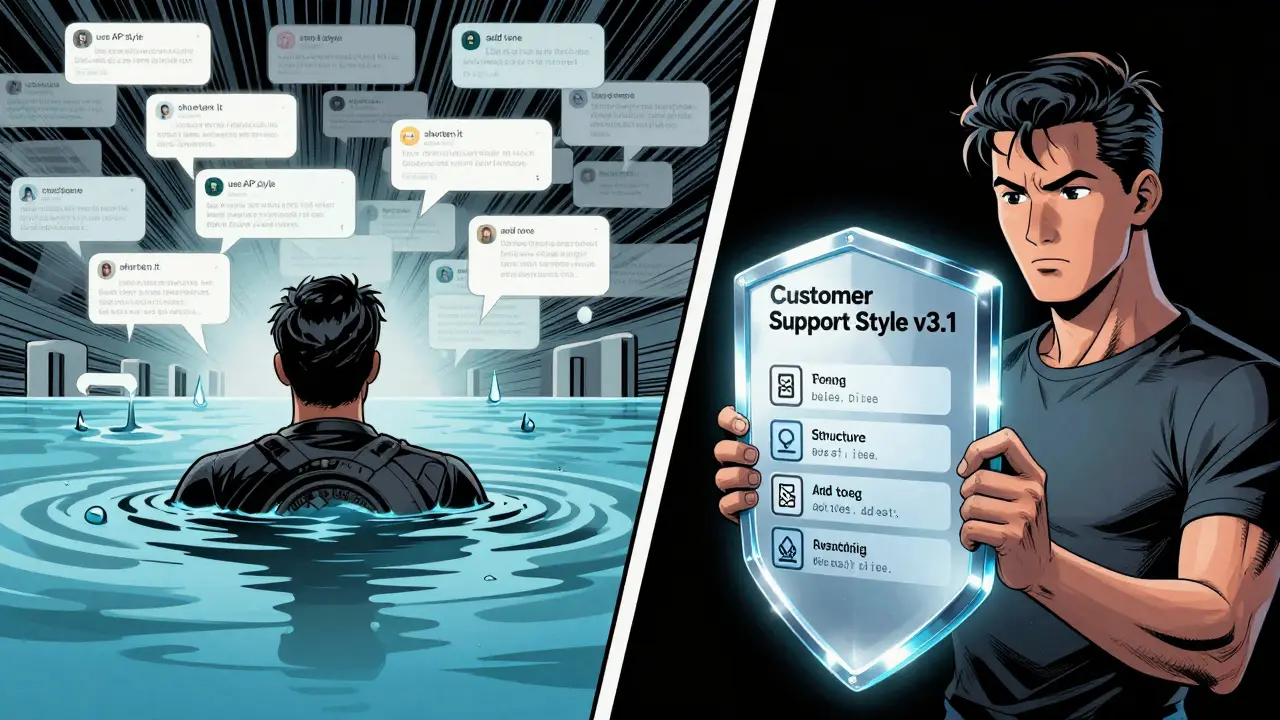
As projects grow, style guides get complex. You need different rules for customer support, marketing, legal, and engineering. Putting it all in one prompt makes it bloated and hard to update.
The smartest teams now use modular style guides. They store each style in a separate file-like StyleGuide_CustomerSupport.md or StyleGuide_CodeReview.md-and inject them into the main system prompt dynamically. GitHub’s repository shows that 68% of production systems use this method as of February 2026.
Why does this matter? Because you can test, version, and update each style independently. Need to change how your support bot handles refunds? Update the file. No need to retrain the whole system. No risk of breaking the engineering prompt while fixing the marketing one.
Even better: some teams now use XML-style tags to isolate style rules. For example:
<style>
  tone: formal
  structure: bullet points
  length: max 200 words
  compliance: include FTC disclaimer
</style>
Prompt Engineering Guide found that this method improved formatting consistency by 32% over free-form text-especially in financial services where exact wording is legally required.
What Not to Do: The Pitfalls of Over-Engineering
More rules don’t mean better results. In fact, too many constraints backfire.
Tetrate’s research found that system prompts exceeding 800 tokens caused a 22% drop in response relevance. Why? The AI gets overwhelmed. It starts prioritizing rule-following over usefulness. It becomes robotic.
And then there’s creativity. Dr. Marcus Zhang from MIT’s AI Ethics Lab warned that over-specifying style in creative domains-like copywriting or storytelling-reduced output originality by 63%. If your AI can’t surprise or delight, you’ve killed its value.
The fix? Layered style guides. Start with the essentials in the base prompt: tone, structure, constraints. Then, add domain-specific rules only when needed. A customer service bot might load a "refund policy" style guide only when the user mentions a return. A marketing bot might activate a "holiday campaign" style guide only in November and December.
This is what 78% of top-performing systems do, according to the Prompt Engineering Institute’s 2025 report. It’s not about having more rules. It’s about having the right rules at the right time.

Testing, Measuring, and Iterating Your Style Guide
Building a style guide isn’t a one-time task. It’s a product. And like any product, it needs testing.
Tetrate recommends at least 50 test cases across five categories: short answers, long-form summaries, multi-step reasoning, edge cases, and adversarial inputs. For example:
- "Summarize this 500-word report in 50 words."
- "What’s the risk if we delay the launch?"
- "Can you write this as if you’re explaining it to a 10-year-old?"
- "What if the data is incomplete?"
- "Can you use slang?"
Teams that followed this testing protocol reduced production consistency issues by 38%. That’s not luck. That’s engineering.
And don’t forget feedback loops. Trustpilot analyzed 1,842 enterprise AI reviews and found that systems with transparent, well-implemented style guides scored 4.6/5 for consistency. Those without? 3.2/5. Users notice. And they vote with their usage.
What the Data Says About Adoption
Here’s the reality: this isn’t a niche tactic anymore. It’s becoming standard.
- 83% of successful enterprise AI deployments include style guides in system prompts (PromptEngineering.org, 2023).
- 68% of Fortune 500 companies now use this method (Forrester, Q4 2025).
- The market for prompt and style guide tools grew 217% between 2023 and 2025 (Gartner, 2026).
- 92% of AI leaders believe this will be as standard as brand guidelines in five years (MIT Technology Review, 2025).
Financial services lead with 87% adoption. Why? Because one wrong word in a compliance statement can cost millions. Creative industries lag at 52%, not because they don’t need it-but because they fear losing creativity. The solution? Layered, lightweight style guides that protect essentials without suffocating expression.
Where to Start Today
You don’t need to overhaul everything. Start small.
- Identify one high-impact output: customer emails? Product descriptions? Internal reports?
- Write down your current style: tone, structure, must-haves, must-avoid.
- Turn it into bullet points. Keep it under 500 tokens.
- Inject it into your system prompt.
- Test it with 10 real user inputs.
- Fix what breaks. Repeat.
That’s it. No AI training. No new tools. Just better instructions in the right place.
Consistency isn’t about perfection. It’s about predictability. And predictability builds trust. Your users don’t care how smart your AI is. They care if they can rely on it. Your style guide in the system prompt is how you make that happen.
What’s the difference between a system prompt and a user prompt?
A system prompt is the foundational set of instructions loaded once at the start of every AI session. It defines the AI’s role, tone, structure, and limits. A user prompt is the specific question or request the human asks during the conversation. System prompts shape how the AI thinks; user prompts tell it what to answer.
Can I update my style guide without retraining the AI?
Yes. System prompts are not trained-they’re configured. You can edit the style guide text anytime, reload it into the prompt, and the AI adapts immediately. No retraining, no downtime. That’s why modular, file-based style guides are so powerful.
How long should my style guide be?
The sweet spot is 400-600 tokens. Shorter than 300, and you risk missing key rules. Longer than 800, and the AI starts ignoring parts of it. Use bullet points, not paragraphs, to maximize clarity within that limit.
Do I need special tools to manage style guides?
Not at first. You can start with plain text files and copy-paste them into your prompt. But as your needs grow, tools like PromptOps, PromptLayer, or custom versioned repositories (like GitHub) help manage updates, track changes, and roll back if something breaks.
What if my AI starts ignoring the style guide?
Check if your context window is too full. Long conversations can push the system prompt out of view. Use modular prompts to inject style rules only when needed. Also, simplify the language. If the AI can’t parse "do not use colloquialisms," try "use plain English, no slang."


Barbara & Greg
February 8, 2026 AT 19:55The fundamental flaw in most AI deployments is the refusal to treat system prompts as sacred architecture. This isn't about tweaking parameters-it's about establishing ontological boundaries. When you embed a style guide into the foundational layer, you are not merely instructing the model-you are defining its epistemic identity. Without this, the AI becomes a philosophical chameleon, reflecting every user's bias rather than embodying a coherent ethos. Consistency isn't a feature; it's the precondition for trust. Anything less is digital nihilism.
selma souza
February 9, 2026 AT 03:40There is no excuse for ambiguous phrasing in a system prompt. 'Use formal tone' is unacceptable. It must be: 'Do not use contractions. Avoid colloquialisms. Never employ emotive qualifiers such as 'amazing' or 'incredible.' Sentence structure must adhere to subject-verb-object clarity with no passive voice unless required for diplomatic neutrality.' If you can't define it precisely, you don't own it. And if you don't own it, your AI is a liability waiting to be sued.
Michael Thomas
February 10, 2026 AT 02:33Thabo mangena
February 10, 2026 AT 18:28As someone from South Africa, where clarity and precision are not luxuries but necessities in multilingual environments, I find this approach profoundly resonant. In our context, AI must serve not just one voice but dozens-each with distinct cultural and linguistic expectations. The modular style guide is not merely efficient; it is an act of linguistic justice. By isolating rules per function, we honor the diversity of users while maintaining institutional integrity. This is not just best practice-it is ethical engineering.
Karl Fisher
February 11, 2026 AT 12:12Okay but like… have you SEEN the way some of these system prompts look? I was working on a fintech project last year and the prompt was 1,200 tokens of dense, capitalized, comma-heavy nonsense. The AI started responding like a Victorian lawyer who’d been through a nervous breakdown. We cut it down to 480 tokens, added a single emoji-free tone directive, and suddenly it sounded like a human who actually cared. I’m not saying this is easy-I’m saying you’re overthinking it. Less is more. Always.
Buddy Faith
February 11, 2026 AT 15:25Scott Perlman
February 13, 2026 AT 11:41