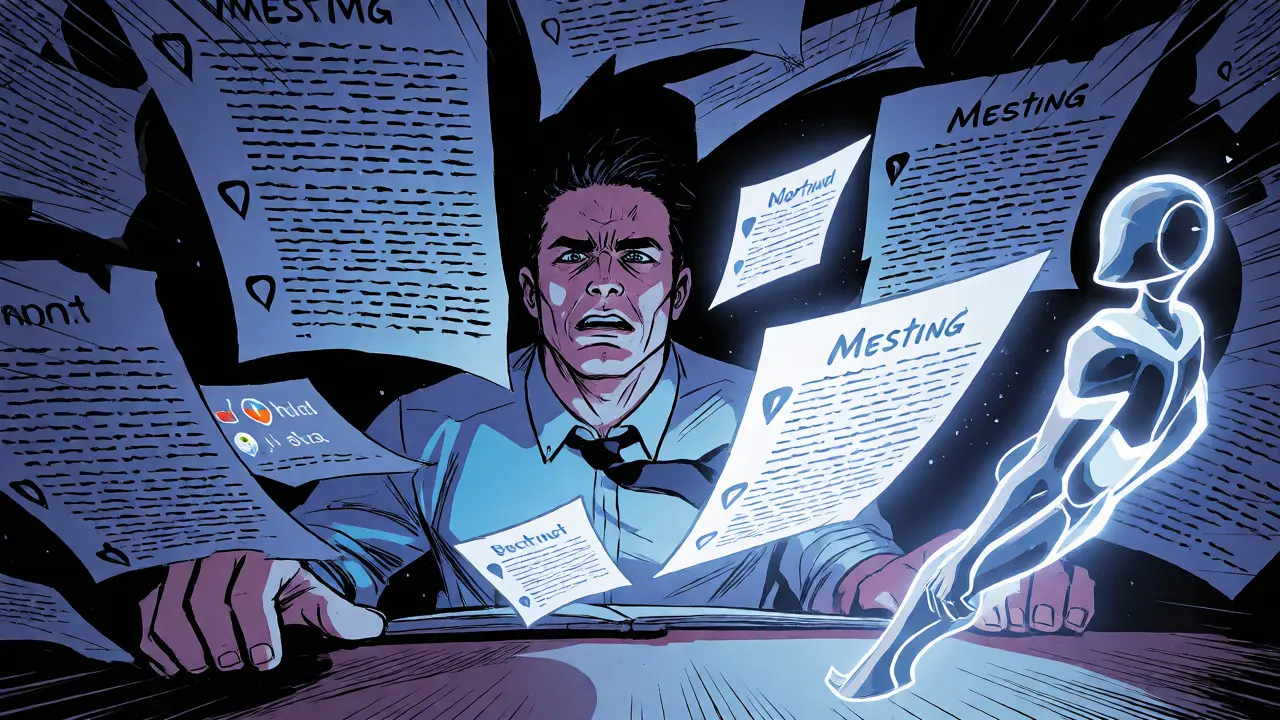
You know the drill. You sit down to write a Product Requirements Document (PRD) for your next feature. It starts with a blank page, then a messy meeting transcript, then three different Slack threads that contradict each other. By the time you finish, you’ve spent two days just trying to articulate what needs to be built. Now imagine handing that job off to a digital colleague who doesn’t sleep, doesn’t get tired of clarifying edge cases, and actually remembers every detail from yesterday’s standup.
This is where AI Pair PM comes in. It isn’t just another text generator. It’s a workflow where autonomous AI Agents take raw, chaotic inputs-meeting notes, user feedback, vague ideas-and turn them into structured, refined requirements. But here’s the catch: these agents don’t just dump a draft on your desk. They refine it. They challenge assumptions. They act like a senior product manager sitting right next to you, asking, "Wait, did we consider this scenario?" The result is faster documentation without losing the human insight that makes products work.
The Death of the Blank Page PRD
Traditional product management is heavy on documentation. According to industry benchmarks, product managers spend up to 30% of their week writing or updating specs. That’s nearly two full days lost to formatting bullets and chasing stakeholders for approvals. AI Pair PM attacks this bottleneck directly by shifting the role of the PM from writer to editor.
Instead of starting from zero, you start with a generated baseline. An agent ingests your raw data-say, a Jira ticket description, a customer support log, and a one-line email from the CEO about "making checkout faster." Within minutes, it produces a first-draft PRD. This isn’t magic; it’s pattern matching against thousands of successful requirement structures. The agent knows that "faster checkout" implies latency targets, payment gateway integration steps, and error handling protocols. It fills in the gaps so you don’t have to think about structure while you’re still thinking about strategy.
| Workflow Stage | Traditional Method | AI Pair PM Approach |
|---|---|---|
| Drafting | Manual typing from scratch (4-8 hours) | Agent generates initial structure (5-10 minutes) |
| Refinement | Back-and-forth emails with engineers | Agents simulate stakeholder questions iteratively |
| Consistency | Varies by PM experience level | Standardized templates enforced automatically |
| Error Rate | High risk of missed edge cases | Lower risk due to systematic checklist prompts |
How Agents Actually Refine Requirements
Generating a draft is easy. Any large language model can spit out text. The real value in AI Pair PM lies in the refinement loop. Think of it as having a red-team reviewer inside your document. These agents are programmed to look for ambiguity, contradictions, and missing dependencies.
Here’s how it works in practice. You input a requirement: "Users should be able to reset their password." A basic AI might write: "Implement password reset functionality." A paired agent system goes deeper. Agent A drafts the flow. Agent B acts as the critic, asking: "What happens if the email service is down? Do we allow phone verification? What’s the token expiration time?" The system then updates the document based on these simulated critiques. This iterative process mimics the best parts of a design review meeting, but it happens asynchronously and instantly.
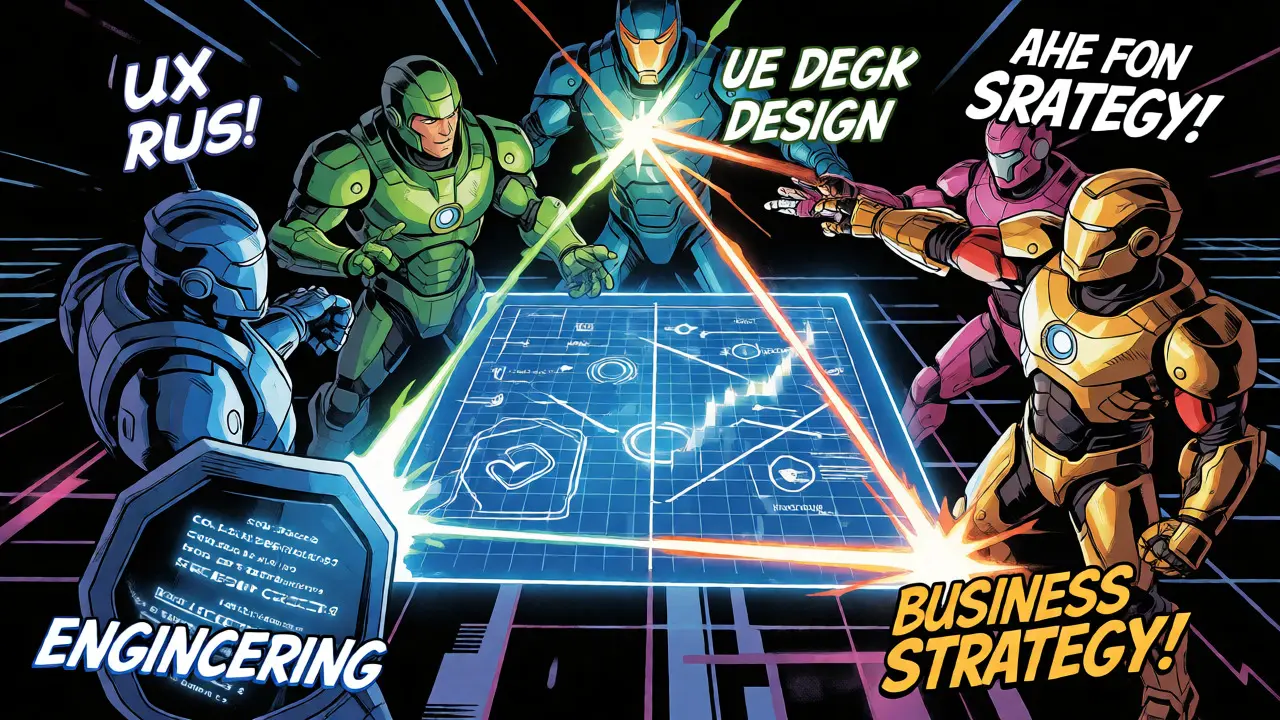
This approach relies on Multi-Agent Systems. One agent focuses on clarity, another on technical feasibility, and a third on business alignment. They debate internally before presenting a polished version to you. For example, if you ask for a "dark mode," the technical agent might flag that it requires new CSS variables, while the UX agent ensures contrast ratios meet WCAG standards. You get a comprehensive spec that accounts for multiple perspectives without scheduling three separate meetings.
Key Components of an AI-Powered PRD System
To make this work, you need more than just a chatbot. You need a structured environment where agents can operate effectively. Most effective implementations share four core components:
- Context Ingestion Engine: This connects to your source of truth tools like Confluence, Notion, or Jira. It pulls in historical data, past PRDs, and current sprint goals to ensure the new requirements align with existing architecture.
- Role-Based Agents: Distinct personas within the AI system. One plays the "Engineer," focusing on API endpoints and database schemas. Another plays the "Designer," focusing on user flows and states. A third plays the "Business Lead," focusing on KPIs and success metrics.
- Feedback Loop Mechanism: When you edit the AI-generated text, the system learns. If you consistently remove certain types of verbose explanations, the agents adapt their tone for future documents. This personalization reduces friction over time.
- Integration Layer: The output isn’t just text; it’s structured data. Good systems export directly to task trackers, creating tickets with acceptance criteria already filled in.
Real-World Impact on Team Velocity
Let’s look at the numbers. Teams adopting agent-assisted documentation often report a 40-60% reduction in time-to-first-draft. But speed isn’t the only metric. Quality improves because the AI doesn’t skip steps. Humans tend to rush through "obvious" details, assuming engineers will figure them out. Engineers hate guessing. They prefer explicit instructions. Agents excel at being explicitly pedantic.
Consider a case study from a mid-sized SaaS company in Asheville. Their PM team was struggling with scope creep. Every sprint ended with features half-built because requirements were fuzzy. After implementing an AI Pair PM workflow, they started using agents to stress-test every user story before development began. The agents flagged ambiguous terms like "fast" or "secure," forcing the PM to define specific latency thresholds or encryption standards. The result? Sprint completion rates jumped from 70% to 92% within two quarters. Fewer bugs reached QA because the requirements left less room for interpretation.

Pitfalls to Avoid
It’s not all smooth sailing. Relying too heavily on agents can lead to "hallucinated requirements." Sometimes, an agent will invent a feature constraint that doesn’t exist because it sounds logical. For instance, it might assume a mobile app must work offline when your product is strictly web-based. You always need a human check. Treat the AI output as a strong suggestion, not gospel.
Another risk is homogenization. If everyone uses the same default prompts, your PRDs might start looking identical across different products. This kills creativity. To avoid this, customize your agent personas. Make your "Design Agent" opinionated about minimalism. Make your "Data Agent" obsessed with tracking events. Personalize the voices so the output reflects your unique product culture.
Finally, watch out for data privacy leaks. Ensure your AI tool doesn’t send sensitive proprietary logic to public LLM APIs unless you have enterprise-grade security agreements. Some local-hosted models offer better control, though they may lack the nuance of larger cloud-based models.
The Future: From Documentation to Decision Making
We’re moving beyond simple text generation. The next phase of AI Pair PM involves predictive analytics. Imagine agents that don’t just write requirements but predict which ones will cause delays. Based on historical velocity data, an agent could warn you: "This dependency has caused bottlenecks in 80% of similar projects. Consider decoupling it."
Or consider dynamic requirements. Instead of a static PDF, your PRD becomes a living dashboard. As developers implement features, the AI updates the status of acceptance criteria in real-time. If a test fails, the agent suggests a revision to the requirement or flags a potential bug. This closes the loop between specification and execution, turning documentation from a chore into a strategic asset.
For product managers, this means your job shifts further toward high-level strategy and stakeholder empathy. You stop worrying about whether you remembered to list the API parameters. You focus on whether the product solves the right problem. The agents handle the tactical rigor, freeing you to handle the human complexity.
Does AI Pair PM replace human product managers?
No, it augments them. AI handles the mechanical aspects of drafting and structuring requirements, such as formatting, consistency checks, and identifying obvious gaps. Human PMs remain essential for understanding nuanced user emotions, negotiating political constraints among stakeholders, and making final strategic trade-offs that require context outside the data.
What tools integrate best with AI Pair PM workflows?
Most effective setups integrate with project management platforms like Jira, Linear, or Asana, and documentation hubs like Notion or Confluence. The key is bidirectional sync: the AI reads context from these tools and writes structured tasks back into them, ensuring the PRD remains connected to actual development progress.
How do I prevent AI from hallucinating non-existent features?
Use retrieval-augmented generation (RAG) techniques where the AI cites its sources. Always require the agent to link each requirement back to a specific input, such as a user interview quote or a competitor analysis snippet. Additionally, implement a mandatory human review step specifically focused on verifying factual accuracy before sharing the document with engineering teams.
Is AI Pair PM suitable for small startups?
Yes, especially for lean teams where the founder or lead developer wears the PM hat. Small teams benefit significantly from the speed and consistency AI provides, allowing them to maintain professional documentation standards without hiring a dedicated PM early on. However, they must be careful not to over-engineer requirements for simple MVPs.
Can AI agents handle complex technical dependencies?
Current agents are good at identifying obvious dependencies mentioned in the text but struggle with implicit architectural complexities. They work best when provided with clear system diagrams or API documentation. For highly complex backend changes, human architects still need to validate the technical feasibility sections generated by the AI.