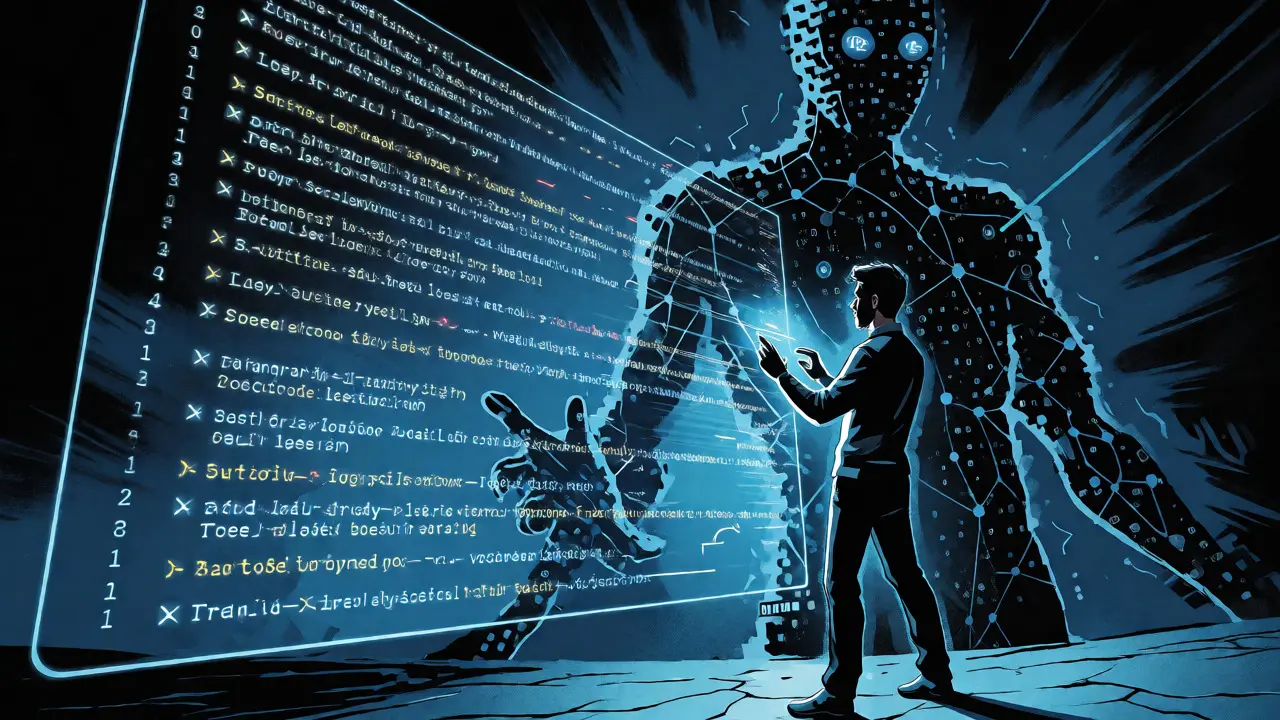
You’re moving fast. You prompt an AI assistant, it spits out a working function, you copy-paste, commit, and move on. This is vibe coding-a workflow where developers use Large Language Models (LLMs) like GitHub Copilot or Claude to generate code through natural language prompts rather than writing every line by hand. It feels like magic until your staging environment breaks or, worse, your production database leaks user data because the AI hardcoded an API key in plain text.
Here’s the uncomfortable truth: speed doesn’t equal safety. Veracode’s research from late 2024 found that nearly 45% of AI-generated code samples failed basic security tests. Kaspersky’s February 2025 analysis confirmed this, showing that AI tools often replicate insecure patterns from their training data. If you’re treating AI output as "done" without review, you’re not just coding faster; you’re accumulating technical debt with a security multiplier.
Why Traditional OWASP Still Applies (But Looks Different)
The OWASP Top 10 isn’t obsolete. It’s just wearing new clothes. The core risks-injection, broken authentication, sensitive data exposure-haven’t changed. What has changed is how they get introduced. In traditional coding, a developer might forget to sanitize input. In vibe coding, the AI might confidently generate unsanitized SQL queries because its training data was full of quick-and-dirty examples from Stack Overflow.
Think of the AI as a junior developer who knows everything but understands nothing about context. It optimizes for syntactic correctness and functional completion, not necessarily for security best practices. When you ask for a "quick login function," it might give you direct password comparison instead of hashed verification because that pattern appears frequently in tutorial datasets. The result? A vulnerability that maps directly to OWASP’s Broken Authentication category, but one you didn’t write yourself.
Broken Authentication: The Silent Killer in AI Code
Authentication flaws are rampant in AI-generated code. Infisical’s January 2025 Security Playbook documented a common failure mode: AI assistants generating logic like if (user && user.password === password). This looks fine if you don’t know better, but it fails two critical tests. First, it compares plain-text passwords, which means your database likely stores them unhashed. Second, it’s vulnerable to timing attacks.
Kaspersky identified CWE-306 (Missing Authentication) in 38% of tested AI code samples. Why? Because LLMs prioritize making the code run over making it secure. They see a variable named password and assume it’s safe to compare directly. They don’t inherently understand the need for bcrypt or Argon2 unless explicitly prompted or constrained by linters.
| Vulnerability Type | AI Pattern Example | OWASP Mapping | Fix Strategy |
|---|---|---|---|
| Plain Text Comparison | if (input == stored_pw) |
A07: Identification and Authentication Failures | Enforce hashing libraries via linting rules |
| Missing MFA Checks | Login succeeds after password check only | A07: Identification and Authentication Failures | Prompt for explicit MFA flow requirements |
| Insecure Session Handling | JWT stored in localStorage | A02: Cryptographic Failures | Use HttpOnly cookies; ban localStorage for tokens |
Injection Attacks: When Concatenation Becomes a Weapon
SQL Injection isn’t dead; it’s just hiding in generated strings. Vidoc Security’s March 2025 analysis showed that AI assistants frequently generate concatenated queries. You ask for a search feature, and the AI gives you:
SELECT * FROM users WHERE name = '" + userInput + "'
This is textbook injection vulnerability. The AI sees a string concatenation pattern in its training data and replicates it because it’s syntactically valid and works in simple cases. It doesn’t automatically reach for parameterized queries or ORM methods unless you guide it. With 29% of critical issues in AI code stemming from input validation failures, this is a top-tier risk.
Cross-Site Scripting (XSS) follows the same logic. AI often inserts user input directly into HTML templates without escaping. If you’re using React, JSX handles this automatically, but if you’re generating raw HTML strings or using older frameworks, the AI might miss the escape function. Persistent XSS vectors emerge when these unescaped inputs are stored and rendered later.
Sensitive Data Exposure: Hardcoded Secrets in Plain Sight
You’d think an AI would know not to hardcode API keys. But Legit Security’s April 2025 report found that 22% of AI-generated code samples contained hardcoded credentials. Why? Because many public repositories used for training contain temporary debug keys or example values that look like real secrets.
A common scenario: You ask the AI to connect to AWS S3. It generates a snippet with accessKey: 'AKIAIOSFODNN7EXAMPLE'. That’s obvious. But sometimes it generates apiKey: process.env.API_KEY || 'fallback-key-123'. The fallback key gets committed to Git, and suddenly your staging environment is leaking a secret. Worse, AI assistants have been known to embed entire database connection strings with plaintext passwords in configuration files.
Client-side storage is another trap. AI often suggests storing JWT tokens in localStorage for convenience. This makes the token accessible to any JavaScript running on the page, including malicious scripts injected via XSS. Secure practice dictates HttpOnly cookies, but AI defaults to simplicity.
Model Denial of Service and Supply Chain Risks
The OWASP Foundation released its Top 10 for LLM Applications in December 2023, introducing categories specific to AI workflows. Two stand out for vibe coders: Model Denial of Service (DoS) and Supply Chain Vulnerabilities.
Model DoS happens when malicious inputs cause the LLM to consume excessive resources. In a vibe coding context, this might mean a complex prompt causes the AI to hang or timeout during generation, disrupting your dev loop. More critically, supply chain risks involve the tools themselves. CVE-2025-53109, documented in early 2025, highlighted how MCP (Model Context Protocol) extensions could create data-exfiltration channels. If your AI assistant has access to your file system or environment variables, a compromised extension could leak sensitive data.
Agent Instruction File Poisoning is a newer threat. Attackers can manipulate the instruction files that guide AI behavior, subtly altering how code is generated across a team. If one developer updates a shared config to include a benign-looking but insecure default, everyone’s AI starts generating vulnerable code.
How to Secure Your Vibe Coding Workflow
You don’t need to stop using AI. You need to change how you validate it. Traditional Static Application Security Testing (SAST) tools miss 38% of AI-specific vulnerabilities according to Snyk. They look for patterns humans write, not the subtle logical gaps AI introduces.
- Enforce Linting Rules: Configure ESLint or Pylint to flag plain-text password comparisons, hardcoded strings that look like keys, and unsafe HTML rendering.
- Prompt for Security: Don’t just ask for a function. Ask for a "secure function using bcrypt and parameterized queries." Explicit constraints reduce ambiguity.
- Review Generated Configs: Always inspect configuration files and environment variable usage. Never trust the AI to handle secrets management correctly without oversight.
- Use AI-Aware Scanners: Tools like Semgrep or specialized AI-security plugins can detect patterns unique to LLM outputs, such as overly permissive CORS settings or missing CSRF tokens.
Backslash Security’s May 2025 evaluation showed that even the best models, like Claude 3.7-Sonnet, produced vulnerable code in 40% of cases. No model is perfect. Treat every AI suggestion as a draft, not a final product.
Frequently Asked Questions
Is AI-generated code less secure than human-written code?
Not necessarily less secure overall, but it contains different types of errors. Humans make typos and logical mistakes; AI makes contextual and best-practice omissions. Studies show similar rates of classic vulnerabilities, but AI tends to repeat insecure patterns from its training data more consistently.
Can I rely on my existing CI/CD pipeline to catch AI bugs?
Partially. Standard unit tests will pass for functionally correct but insecure code. You need specific security scans integrated into your pipeline that target OWASP Top 10 patterns, especially those related to injection and authentication, which AI frequently mishandles.
What is the biggest security risk in vibe coding?
Complacency. Developers often skip code review for AI-generated snippets because they look clean. This leads to hardcoded secrets, missing input validation, and weak authentication flows entering production unchecked.
Does using a paid AI model improve security?
Marginally. Paid models like Claude 3.7-Sonnet showed slightly higher secure code generation rates (60%) compared to open-source alternatives (47%), but the difference isn't large enough to eliminate the need for manual security review.
How do I prevent AI from hardcoding API keys?
Add pre-commit hooks that scan for regex patterns matching common key formats (e.g., AKIA..., sk-...). Also, configure your AI assistant's system prompt to strictly forbid literal strings for secrets and enforce environment variable usage.