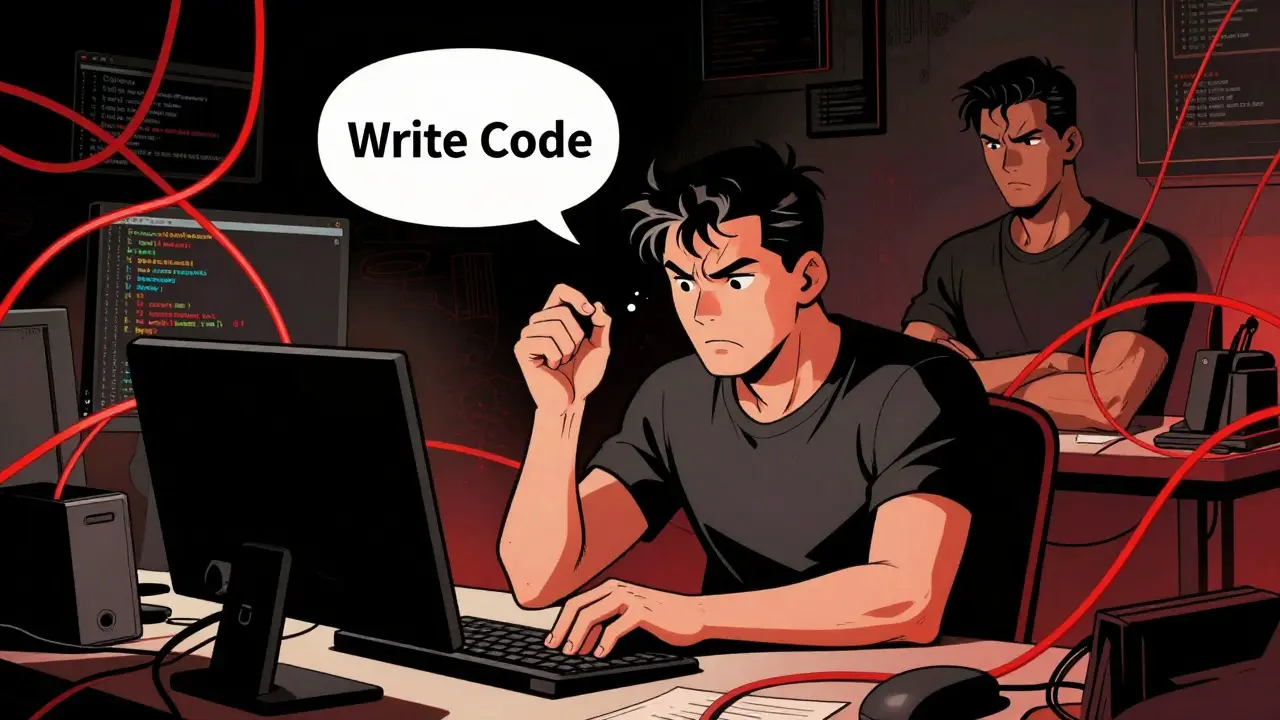
You’ve probably been there. You ask an AI model to write a function, it spits out code that works perfectly on the first try, and you feel like a genius. Then, three months later, you need to tweak that same function for a new feature. The code is a tangled mess of hard-coded values, missing error handling, and zero comments explaining why certain logic exists. You spend two hours debugging something that should have taken ten minutes. This isn’t just bad luck; it’s bad prompting.
The problem isn’t the AI. It’s that most developers treat prompts like one-off commands rather than architectural specifications. When you write vague instructions, you get generic code. Generic code creates technical debt. To stop this cycle, we need to shift from asking AI to "write code" to teaching it how to write maintainable code. This means crafting prompts that explicitly demand readability, modularity, and documentation from the very first line.
The Cost of Vague Instructions
Let’s look at the numbers. A study by GitHub in March 2024 found that using maintainability-focused prompts reduced the need for code refactoring by 37% compared to generic approaches. That’s not a marginal improvement; it’s a massive shift in productivity. Why does this happen? Because AI models are pattern matchers. If your prompt doesn’t specify a pattern for quality, the model defaults to the most common, often lowest-effort patterns found in its training data-which frequently include messy, hacky solutions.
Consider the difference between these two requests:
- Vague: "Write a Python script to scrape product prices from this website."
- Maintainable: "Create a modular Python class to scrape product prices. Include separate methods for fetching HTML, parsing data, and handling rate limits. Add docstrings explaining the expected input format and potential exceptions. Use type hints for all function arguments."
The second prompt forces the AI to structure the code logically. It anticipates future changes (like changing the website structure) by separating concerns. It also documents the code, making it easier for another developer-or you, six months from now-to understand what’s happening. According to Badal Khatri’s analysis of over 1,200 prompt iterations in early 2024, effective prompts contain nearly three times as many explicit quality constraints as ineffective ones.
Five Core Principles for Maintainable Prompts
To consistently produce clean code, your prompts should adhere to five core principles outlined by frameworks like the Vibe Coding Framework. These aren’t just nice-to-haves; they’re essential for long-term project health.
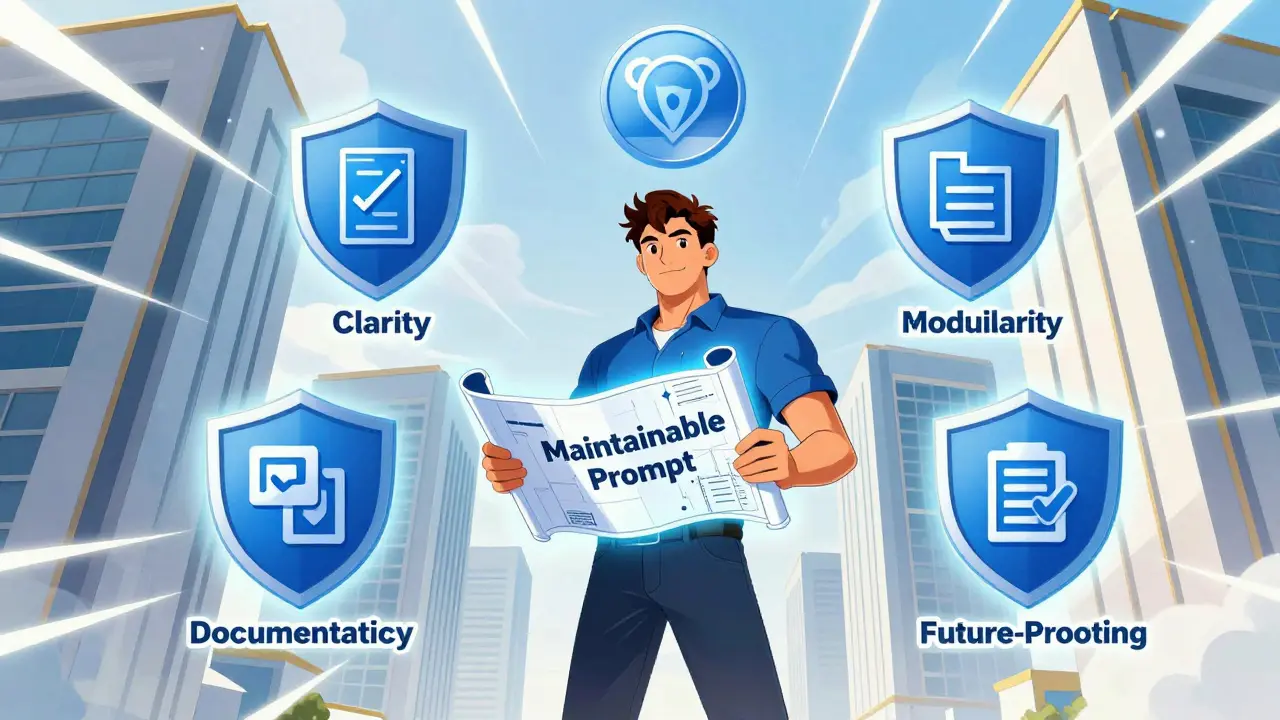
- Clarity Over Cleverness: Ask for straightforward, self-documenting code. Avoid requests for "concise" or "clever" solutions, which often lead to dense, unreadable lines. Instead, request code that prioritizes readability for junior developers.
- Modularity: Explicitly ask for separation of concerns. If you’re building a user authentication system, tell the AI to create distinct functions for validation, hashing, and session management. This makes testing and updating individual components much easier.
- Comprehensive Documentation: Don’t just ask for comments; ask for explanations of the "why." A comment saying `// Increment counter` is useless. A comment saying `// Increment counter to track API rate limit usage before retry` provides critical context.
- Consistent Patterns: Reference existing codebases. Tell the AI to follow the same style guide, naming conventions, and architectural patterns used in your current project. This reduces cognitive load when switching between files.
- Future-Proof Design: Ask the AI to consider extensibility. For example, instead of hard-coding database credentials, prompt it to use environment variables. Instead of writing rigid conditional statements, suggest using strategy patterns or configuration objects.
These principles transform the AI from a simple code generator into a collaborative architect. By embedding these requirements directly into your initial prompt, you reduce the amount of cleanup needed later.
Specificity vs. Over-Engineering: Finding the Balance
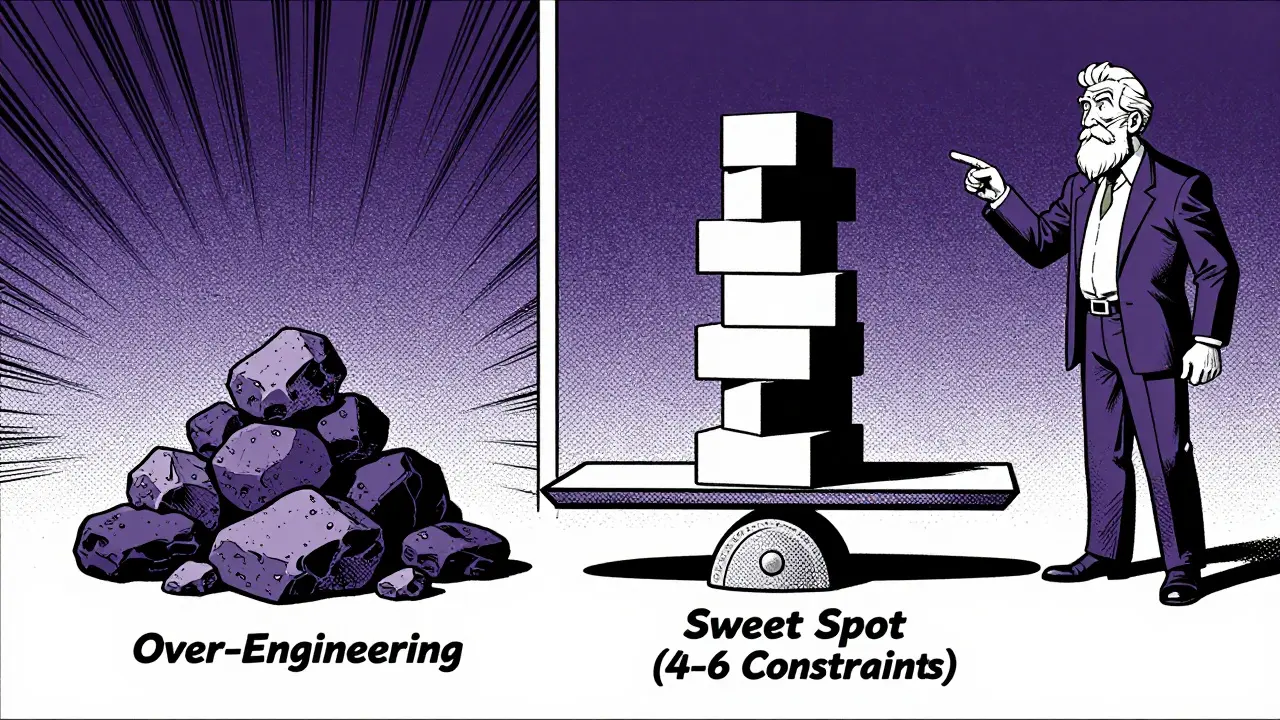
One of the biggest challenges with maintainable prompts is knowing when to stop specifying. There’s a fine line between being helpful and being restrictive. Dr. Sarah Chen from Google AI noted in her 2024 IEEE presentation that referencing specific implementation patterns reduces code inconsistency by 63%. However, Anthropic warns against designing for hypothetical future requirements that may never materialize.
So, how do you strike the right balance? Focus on current pain points and standard best practices. If your team struggles with security vulnerabilities, add a requirement for input validation and sanitization. If performance bottlenecks are common, ask for efficient algorithms and memory management considerations. But don’t ask for microservices architecture if you’re building a simple script.
A good rule of thumb is to include 4-6 explicit quality requirements per prompt. Onspace.ai’s analysis of over 8,000 prompt iterations found this number to be the sweet spot for balancing specificity and flexibility. Too few requirements lead to inconsistent output; too many can cause "analysis paralysis" where the AI struggles to satisfy conflicting constraints.
Practical Techniques for Better Output
Beyond the core principles, several practical techniques can significantly improve the maintainability of AI-generated code. One powerful method is iterative refinement. Instead of expecting perfect code in one go, break the task into smaller steps. First, ask for a high-level design outline. Then, request the implementation of each component separately. Finally, ask the AI to review the entire codebase for consistency and edge cases.
Another technique is incorporating self-review mechanisms. After the AI generates code, follow up with a prompt like: "Review the above code for security vulnerabilities, performance bottlenecks, and maintainability issues. Suggest improvements." This catches about 17% more edge cases before initial implementation, according to community reports from GitHub users. It forces the AI to critique its own work, often revealing flaws it wouldn’t have flagged otherwise.
You can also use inline prompts within your IDE. Tools like VS Code Copilot allow you to write comments that serve as direct instructions to the AI. For example, adding a comment like `// TODO: Refactor this loop to use map/filter for better readability` guides the AI to improve specific sections without requiring a full rewrite. Developers report a 44% reduction in context-switching interruptions when using this approach, as it keeps them focused on their immediate task while still leveraging AI assistance.
Comparison: Generic vs. Maintainable Prompting
| Feature | Generic Prompting | Maintainable Prompting |
|---|---|---|
| Focus | Immediate functionality | Long-term code health |
| Documentation | Minimal or none | Comprehensive, explains 'why' |
| Error Handling | Basic try/catch blocks | Informative messages, specific exceptions |
| Refactoring Needs | High (37% more) | Low |
| Team Onboarding | Slower due to unclear logic | 41% faster with clear structure |
| Prompt Complexity | Low (5-10 mins to craft) | Medium (15-25 mins to craft) |
This table highlights the trade-offs involved. Yes, writing maintainable prompts takes more time upfront-about 23% longer, according to Badal Khatri’s measurements. But the return on investment is significant. You save hours in debugging, code reviews, and onboarding new team members. In enterprise environments, particularly in financial services and healthcare technology where regulatory compliance demands high code quality, this approach is becoming the standard. Gartner predicts that 90% of professional development teams will adopt maintainability-focused prompting by 2026.
Common Pitfalls to Avoid
Even experienced developers fall into traps when trying to optimize prompts. One common mistake is over-specifying constraints. If you dictate every variable name and indentation style, you limit the AI’s ability to find elegant solutions. Another pitfall is under-specifying critical attributes. Asking for "clean code" is too vague. Instead, define what clean means in your context: consistent naming, single responsibility principle, and thorough testing.
Also, beware of assuming the AI understands your entire codebase. While some tools offer context windows, it’s safer to explicitly reference relevant files or classes. For instance, instead of saying "Add a new feature," say "Add a new method to the UserProcessor class, following the same functional approach used in the transformPaymentData method." This ensures consistency across your project.
Finally, remember that maintainability isn’t just about code structure. It’s also about deployment and operations. Include requirements for logging systems, health checks, and environment configuration in your prompts. This holistic approach ensures that the code not only runs correctly but also integrates smoothly into your production environment.
What makes a prompt "maintainable"?
A maintainable prompt explicitly requests code that is readable, well-documented, modular, and easy to update. It includes specific requirements for error handling, consistent patterns, and future-proof design, rather than just focusing on immediate functionality.
How much more time does it take to write maintainable prompts?
Crafting maintainable prompts typically takes 23% more time than generic ones, averaging 15-25 minutes versus 5-10 minutes. However, this investment yields a 3.2x return in reduced debugging and refactoring time later.
Should I use maintainable prompts for every coding task?
Not necessarily. For one-off scripts or disposable prototypes, generic prompts are sufficient. Maintainable prompts excel in team environments, long-term projects, and regulated industries where code will be revisited and maintained over time.
How can I ensure the AI follows my team's coding standards?
Reference specific existing code files or methods in your prompt. Ask the AI to mimic the style, naming conventions, and architectural patterns of those examples. This ensures consistency and reduces the need for manual adjustments.
What is the best way to handle errors in AI-generated code?
Explicitly request informative error messages and specific exception handling. Ask the AI to identify potential failure points (like network timeouts or invalid inputs) and implement robust fallbacks or validation checks for those scenarios.


Amy P
May 18, 2026 AT 15:59The part about documentation explaining the 'why' instead of just the 'what' is spot on. Too many comments are useless noise. But asking for context changes everything.
Ashley Kuehnel
May 19, 2026 AT 09:29look i dont care about your fancy principles. most devs just want code that works period. spending 25 mins writing a prompt is stupid when you could just hack it together in 5 mins. who has time for that nonsense? its just another way to make simple tasks complicated. keep your maintainability tips to yourself lol
adam smith
May 20, 2026 AT 20:27You’re missing the point entirely. Spending 25 minutes now saves you 20 hours later. It’s basic math.
Mongezi Mkhwanazi
May 22, 2026 AT 20:07I’m with the author here. We need to stop treating AI like a magic wand and start treating it like a junior dev who needs clear specs. The comparison table is super helpful too. It really shows the trade-offs clearly. I’ve noticed that when I ask for specific patterns, the output is much cleaner. It’s not about over-engineering; it’s about setting expectations. If you don’t set them, you get garbage. Simple as that. I’ve been using Copilot inline prompts lately, and it’s been a game-changer for keeping context. No more switching tabs constantly. Just write the comment, let the AI fill it in, and move on. It keeps the flow intact. Highly recommend giving it a try if you haven’t already.
Mark Nitka
May 23, 2026 AT 09:38Great read! The five core principles are exactly what teams need to adopt. Clarity over cleverness is key. I see so many devs trying to show off with one-liners that no one else can understand. Modularity is also huge. Separating concerns makes testing so much easier. Documentation should always explain the why. Consistent patterns reduce cognitive load. Future-proof design prevents headaches later. These aren’t optional; they’re essential for any serious project. I’ve implemented these in my current role, and the codebase is much healthier. Team onboarding is faster too. New hires can actually understand the logic without digging through layers of obfuscation. It’s worth the extra time upfront. Trust me.
Kelley Nelson
May 24, 2026 AT 11:28I appreciate the balanced view on specificity vs. over-engineering. It’s easy to go overboard, but under-specifying is worse. The 4-6 rule seems practical. I’ve tried both extremes, and this sweet spot feels right. Referencing existing code is smart too. It keeps things consistent across the project. Thanks for sharing these insights. They’re definitely going into my prompt template library.
Aryan Gupta
May 24, 2026 AT 23:57This is a fantastic guide for anyone serious about software quality. The emphasis on readability and modularity cannot be overstated. I’ve found that asking for type hints and docstrings upfront saves so much time during code reviews. It forces the AI to think about interfaces and contracts. Also, the tip about self-review mechanisms is brilliant. Having the AI critique its own work catches edge cases I would have missed. It’s like having a second pair of eyes instantly. I’ve started incorporating this into my daily workflow, and the results are impressive. Fewer bugs, cleaner code, and less stress. Kudos to the author for putting this together. It’s a must-read for every developer.
Fredda Freyer
May 26, 2026 AT 11:29The section on common pitfalls is particularly useful. Over-specifying can stifle creativity, but under-specifying leads to chaos. Finding that balance is an art. I’ve learned to reference specific files and methods to ensure consistency. It helps the AI stay within the bounds of our existing architecture. Also, including requirements for logging and health checks is something I hadn’t considered before. It’s true that maintainability extends beyond just the code structure. Deployment and operations matter too. This holistic approach makes sense. I’ll be adjusting my prompts to include these aspects moving forward. Thanks for the valuable advice.