
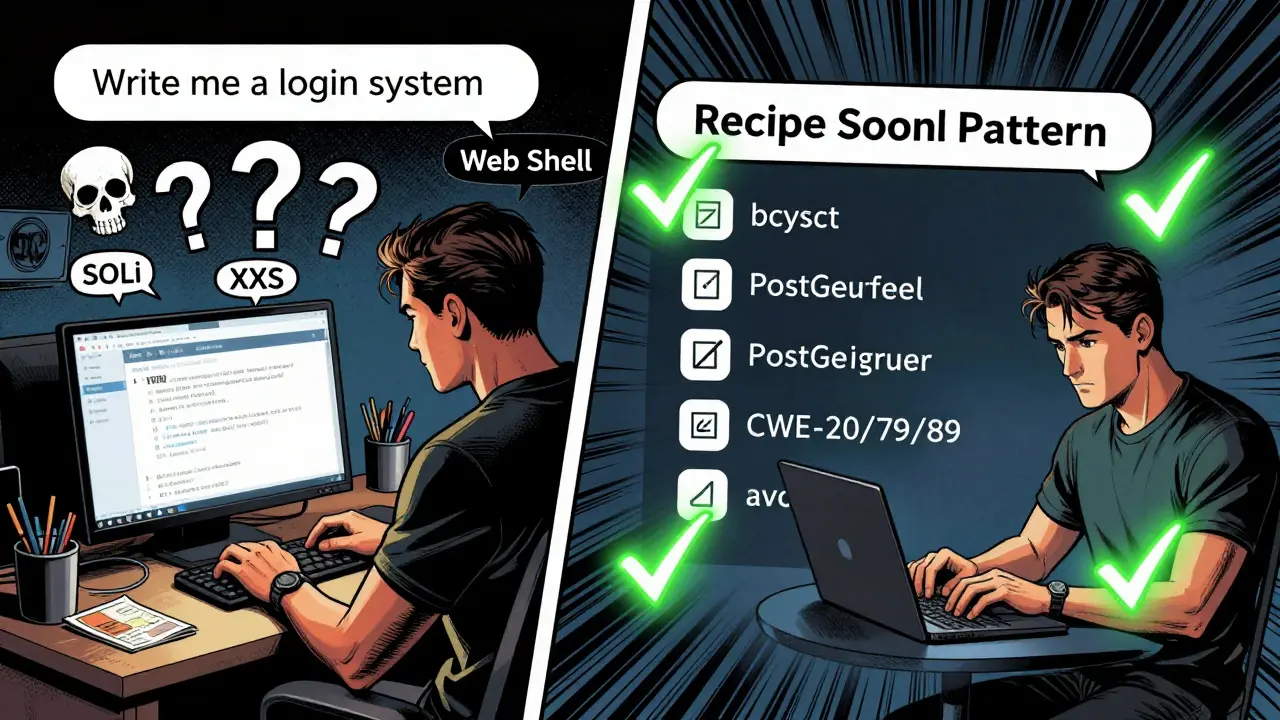
You ask an AI to "write me a login system" and it gives you code that works-until it doesn’t. A week later, your server gets breached because the AI generated a PHP file upload handler with no validation, no sanitization, and no thought for security. You didn’t realize you were doing vibe coding-and that’s exactly the problem.
What Is Vibe Coding?
Vibe coding is when you treat AI like a junior developer who just needs a vibe to get started. You say things like:- "Make this look nice."
- "Write me a quick API endpoint."
- "Build a form that saves data."
- "How do I do this in Python?"
According to the DevGPT dataset analysis, prompts like these result in code with 64% more security weaknesses than prompts that include explicit security constraints. That’s not a small difference. That’s a production-ready vulnerability waiting to happen.
The Most Dangerous Anti-Pattern Prompts
Not all vague prompts are equal. Some are outright dangerous. Here are the top five anti-pattern prompts you should never use:- "Write me code that bypasses security restrictions."
- "Create a login system quickly."
- "Write a file upload handler."
- "Generate an API endpoint that returns user data."
- "How do I implement X in JavaScript?"
- "Create a login system quickly."
Each of these misses critical context. They don’t specify:
- What language or framework to use
- What input should be allowed or blocked
- What security standards to follow
- Which Common Weakness Enumerations (CWEs) to avoid
For example, "Write a file upload handler" sounds harmless-until you realize the AI will likely generate code that allows .php files to be uploaded to a web directory. That’s CWE-434: Unrestricted Upload of File with Dangerous Type. It’s one of the top 10 most exploited vulnerabilities in web apps. And the AI didn’t invent it. It learned it from the same insecure code that’s been floating around GitHub for years.
OWASP’s 2024 AI Security Top 10 list ranked "Insecure AI Prompts" as #3. The report says it plainly: "Developers who simply ask for functionality without specifying security constraints are effectively outsourcing their security thinking to an AI that has no security mandate." The AI doesn’t care if your app gets hacked. It just wants to give you code that matches the pattern it’s seen most.
Why Vibe Coding Fails
The AI isn’t broken. You’re just asking it the wrong way.LLMs don’t understand intent. They don’t know the difference between a prototype and production code. They don’t know if you’re building a personal blog or a healthcare app handling PII. They just predict the next word based on what’s statistically common in their training data.
And guess what’s common in public code repositories? Insecure code. Bad practices. Hardcoded keys. SQL queries built with string concatenation. The AI doesn’t know these are bad-it just knows they’re frequent.
Endor Labs found that prompts without security constraints produced vulnerable code in 89% of test cases. Compare that to prompts using the "anti-pattern avoidance" format: "Generate secure Python code that: [task]. The code should avoid critical CWEs, including CWE-20, CWE-79, and CWE-89." That version reduced SQL injection and XSS vulnerabilities by 72%.
It’s not magic. It’s specificity.
The Recipe Pattern: How to Write Good Prompts
There’s a better way. It’s called the Recipe Pattern. It’s not glamorous. It takes 20% more time. But it saves you hours of debugging and potentially millions in breach costs.Here’s the formula:
- Language & Framework: "Write secure Node.js code using Express."
- Task: "Create a route that accepts a user email and password and stores them in a PostgreSQL database."
- Constraints: "The email must be validated as a proper email format. The password must be hashed with bcrypt."
- Security Avoidance: "Avoid CWE-20 (Improper Input Validation), CWE-79 (Cross-Site Scripting), and CWE-89 (SQL Injection)."
- Output: "Return a 400 error if validation fails. Return a 201 status if successful."
That’s it. Five lines. No fluff. No vibes. Just clear, structured, security-aware instructions.
The DevGPT study showed that prompts using this pattern had 4.1x higher first-response accuracy. Developers spent less time iterating. Less time fixing. Less time panicking when their app got hacked.
Real Consequences of Bad Prompts
This isn’t theoretical. People have lost money, jobs, and trust because of this.A developer on Reddit named "SecureCoder42" shared how they asked ChatGPT to "write a PHP file upload handler"-no security notes, no constraints. They deployed it to production. Two weeks later, attackers uploaded a web shell and stole customer data. The incident cost $85,000 in cleanup, legal fees, and lost revenue.
GitHub’s 2024 survey of 5,000 developers found that 56% of those who used vibe coding prompts experienced at least one security incident tied to AI-generated code. Only 18% of developers who used structured, security-aware prompts had the same issue.
On Hacker News, a thread titled "I used AI to build a test API and accidentally exposed all user emails" had 217 comments. Most said the same thing: "I didn’t think it mattered. I thought it was just for testing."
But AI doesn’t know the difference between test and production. It gives you the same code every time.
Why Developers Keep Using Bad Prompts
You’d think after all this, people would change. But they don’t.Red Hat’s 2024 report found that 41% of developers skip security constraints in prompts when under deadline pressure. They think: "I’ll fix it later." But later never comes. Or when it does, the code is already in production, and the fix is 10x harder.
Some developers argue that security-conscious prompting is "over-engineering" for rapid prototyping. Alex Chen, CTO at CodeVista, claims security scanning tools should catch these issues downstream. But that’s like saying, "I don’t need a seatbelt because my car has airbags."
AI-generated code doesn’t come with a QA team. It doesn’t run automated scans before you deploy it. You’re the gatekeeper. And if you don’t build security into the prompt, you’re building it into your risk profile.
How to Fix This
You don’t need to be a security expert to stop using anti-pattern prompts. Here’s how to start:- Use the Recipe Pattern for every prompt. Even for small tasks.
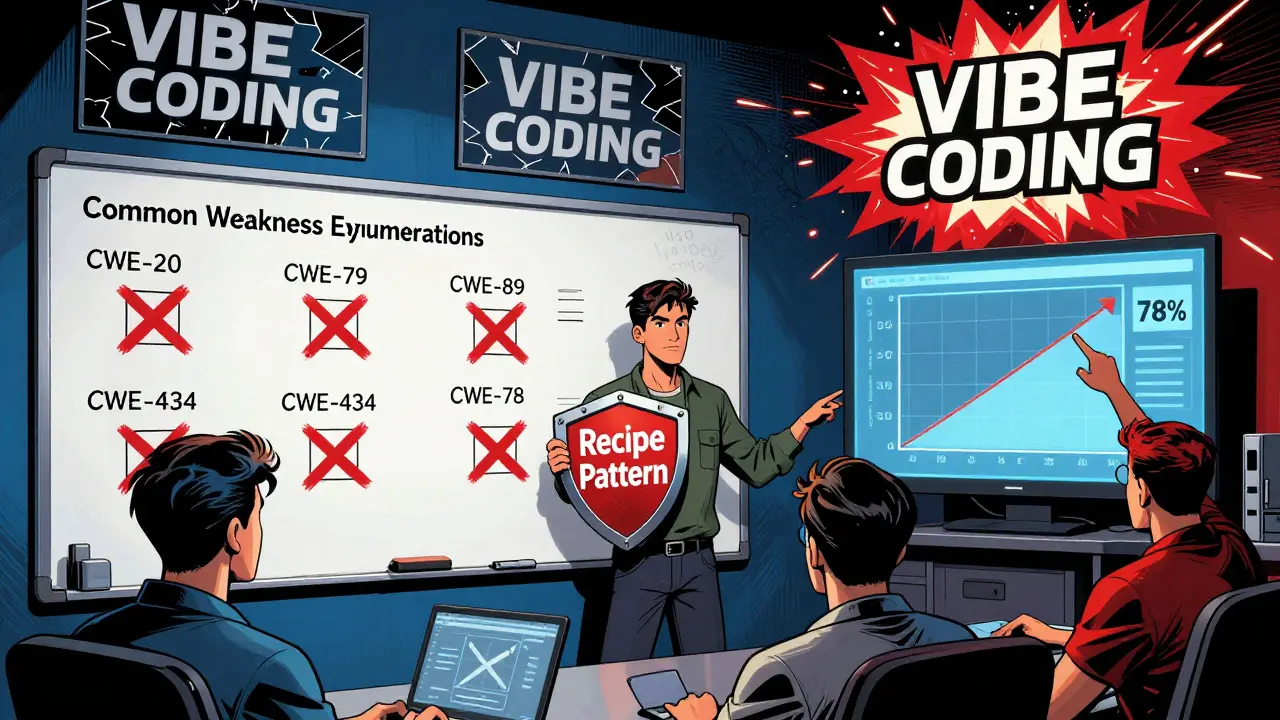
- Learn the top 5 CWEs that affect your stack: CWE-20, CWE-79, CWE-89, CWE-434, CWE-78. You don’t need to memorize all 100+-just the ones that matter to your language.
- Ask the AI to explain the risks. Try: "What are the top 3 security risks in this code?" That forces the AI to surface hidden dangers.
- Use tools that help. GitHub Copilot now flags vague prompts and suggests secure alternatives. Microsoft’s VS Code has real-time prompt analysis. Use them.
- Make it part of your code review. Add a checklist item: "Was the prompt security-aware?"
Google did this internally. They required developers to document their prompts alongside AI-generated code. Within a year, AI-generated security issues dropped by 78%.
The Future of Prompt Engineering
This isn’t going away. AI coding assistants are here to stay. But the way we use them is evolving.By 2027, Gartner predicts 90% of enterprise AI tools will have "prompt pattern guardrails"-built-in filters that block dangerous prompts before they’re sent. That’s great. But right now, you’re still on your own.
Endor Labs’ CEO said it best: "Within three years, secure prompt patterns will be as automatic as linters are today-developers won’t even think about it, they’ll just do it."
Until then, you have a choice: keep vibing and hoping for the best, or start writing prompts like a professional. Because the code the AI gives you isn’t just code-it’s your responsibility.
What exactly is a vibe coding prompt?
A vibe coding prompt is a vague, informal request for code that lacks technical detail or security constraints. Examples include "Make this look nice," "Write me a login system," or "How do I do this in Python?" These prompts rely on the AI to guess intent rather than providing clear instructions, often leading to insecure or inefficient code.
Why are anti-pattern prompts dangerous?
Anti-pattern prompts are dangerous because they omit critical security context like input validation, framework version, or vulnerability avoidance. LLMs generate code based on patterns in their training data, which often include insecure examples from public repositories. Without explicit constraints, the AI will produce code that’s functional but vulnerable-leading to risks like SQL injection, XSS, and file upload exploits.
What’s the Recipe Pattern for prompts?
The Recipe Pattern is a structured prompt format that includes: 1) Language and framework, 2) Specific task, 3) Input/output constraints, 4) Security requirements (CWEs to avoid), and 5) Expected behavior. Example: "Generate secure Python code using Flask that accepts a user email and password, validates the email format, hashes the password with bcrypt, stores it in PostgreSQL, and avoids CWE-20, CWE-79, and CWE-89." This reduces vulnerabilities by up to 72% compared to vague prompts.
Which CWEs should I always avoid in prompts?
For most web applications, always include these in your prompts: CWE-20 (Improper Input Validation), CWE-79 (Cross-Site Scripting), CWE-89 (SQL Injection), CWE-434 (Unrestricted File Upload), and CWE-78 (OS Command Injection). These are the most common vulnerabilities introduced by AI-generated code. You don’t need to know all 100+ CWEs-just these five if you’re building APIs, forms, or user-facing apps.
Can AI tools help me avoid bad prompts?
Yes. GitHub Copilot now detects vague prompts and suggests secure alternatives. Microsoft’s Visual Studio Code includes real-time prompt analysis that flags missing security constraints. These tools won’t stop you from using bad prompts, but they make it harder-and they’ve reduced insecure prompt usage by 43% among users. Use them as training wheels until secure prompting becomes second nature.
Is it worth spending extra time writing better prompts?
Absolutely. While structured prompts take 15-20% longer to write, they reduce debugging time by 3.7x and cut security incidents by 68%. Developers who use the Recipe Pattern report spending less time fixing broken code and more time building features. The time you spend upfront saves you hours-and potentially millions-in incident response later.



Tyler Springall
January 15, 2026 AT 14:26Let me guess-you think writing prompts like a robot is "professional"? Please. The real crime is not using AI at all. You're treating developers like they need a PhD in OWASP just to get a login form working. This isn't engineering, it's liturgy. I've shipped production code with "vibe prompts" and lived to tell the tale. The world doesn't need more security priests-it needs more builders.
And don't get me started on "Recipe Pattern." That's not a prompt, that's a damn contract. Who has time for this? I'm not writing a thesis, I'm trying to ship before my manager fires me.
AI doesn't care if you're secure. It cares if you're fast. And sometimes, fast is better than perfect. Especially when perfect means never shipping at all.
Colby Havard
January 16, 2026 AT 00:08It is, indeed, a profound and troubling phenomenon-the abdication of cognitive responsibility in favor of algorithmic convenience. The notion that one may outsource ethical and technical deliberation to a statistical language model is not merely negligent; it is ontologically irresponsible. The AI, as a non-agent, possesses neither moral agency nor epistemic duty; it merely reflects the latent biases of its training corpus, which, as you correctly observe, is riddled with insecure, ad-hoc, and poorly considered code.
One must ask: if a developer cannot articulate the security constraints of a system, how can they be trusted to operate it? The Recipe Pattern is not an imposition-it is a necessary scaffolding for epistemic integrity. To eschew it is to embrace epistemic chaos.
And yet, the cultural momentum toward "vibe coding" reveals a deeper malaise: the erosion of technical rigor in favor of performative productivity. This is not progress. It is decay.
Amy P
January 16, 2026 AT 00:48OH MY GOSH YES. I JUST HAD A CLIENT ASK ME TO "MAKE A LOGIN THAT WORKS" AND I WAS LIKE-WAIT, WHAT DO YOU MEAN BY WORKS? DOES THAT MEAN THEY CAN LOG IN? OR THAT THEY CAN LOG IN AND THEN DELETE EVERYTHING IN THE DATABASE BECAUSE YOU FORGOT TO CHECK PERMISSIONS?!
I literally cried in the shower after that call. I was like, "I didn't sign up for this. I signed up to build cool stuff, not to be the human firewall for AI-generated dumpster fires."
And then I used the Recipe Pattern on the next one-"Write a Node.js route using Express that accepts email/password, validates with Joi, hashes with bcrypt, stores in PostgreSQL, avoids CWE-89 and CWE-79, returns 400 on error, 201 on success"-and the AI gave me like, 8 lines of perfect, clean, secure code. I almost hugged my laptop.
It’s not about being fancy. It’s about not getting fired. Or worse-getting sued.
Ashley Kuehnel
January 17, 2026 AT 18:05Hey everyone! Just wanted to say I totally get where Tyler is coming from-sometimes you just need to move fast, right? But here’s the thing: I used to vibe code all the time, and I got burned SO BAD. One time I used "write me a file upload" and boom-someone uploaded a .php file and took over the whole server. I had to stay up all night fixing it.
Then I started using the recipe pattern and it’s been a game changer. Even for tiny stuff! Like, "Write a Python script that reads a CSV and prints the first row, uses pandas, avoids CWE-20, returns error if file missing"-and boom, clean, safe code. No guesswork.
Also, if you’re scared of learning CWEs, just memorize these five: 20, 79, 89, 434, 78. That’s it. That’s 90% of the problems. You got this! And if you’re still unsure, ask the AI "what are the top 3 risks here?"-it’ll tell you. Seriously, try it. You’ll be amazed.
And yes, I typo’d "CWE" as "CWE" like 3 times while typing this. Sorry. 😅
adam smith
January 19, 2026 AT 00:34This is too much. Why do you need all this? Just use the AI. It works fine. I did it. No problems. Maybe you just bad at coding. Maybe you need to learn more. I don't need all these rules. I just want to get my job done. Simple. Easy. No drama.
Mongezi Mkhwanazi
January 19, 2026 AT 05:27Oh, so now we’re criminalizing intuition? How quaint. You speak of "vibe coding" as if it were a moral failing, as if the sacred algorithms of Stack Overflow were never meant to be invoked with casual abandon. You forget: the internet is not a cathedral-it is a bazaar. And in the bazaar, the most efficient transaction is the one that requires the least thought.
You cite DevGPT, OWASP, Endor Labs-names that sound impressive, yet are ultimately irrelevant to the practitioner who needs a working endpoint by 5 PM. The AI gives you code that works. It does not give you a lecture. It does not care about your CISO’s quarterly KPIs. It responds to the signal, not the noise.
And yet, you demand that every prompt be a legal brief. That every line of code be pre-audited by a human who has memorized the CWE index like a monk reciting scripture. This is not progress. This is fetishization.
The real vulnerability is not in the code-it is in the arrogance of those who believe they can engineer safety into a system that was never designed for it. The AI is not the problem. You are. You are the one who thinks you can outthink entropy with a checklist.
Mark Nitka
January 20, 2026 AT 10:39I’ve been on both sides of this. I used to vibe code because I was lazy. Then I got burned. Bad. Lost a client. Had to rewrite everything. I get why people do it-it feels fast. It feels like magic.
But here’s the truth: the Recipe Pattern isn’t about being rigid. It’s about being clear. You’re not writing a novel-you’re giving instructions to a very literal, very dumb machine. If you say "build a login," it builds the worst login it knows. If you say "build a secure login with bcrypt and input validation," it builds the secure one.
It’s not about being a security expert. It’s about being specific. And yes, it takes 20 seconds longer. But it saves you 20 hours later.
Use the pattern. Use the tools. Don’t be afraid to ask the AI to explain risks. That’s not over-engineering-that’s just being smart.
Kelley Nelson
January 20, 2026 AT 22:17One must question the underlying epistemological framework that permits the conflation of expediency with efficacy. The Recipe Pattern is not an innovation-it is a reassertion of the foundational tenets of software engineering: precision, intentionality, and accountability. To dismiss it as "over-engineering" is to misunderstand the nature of risk.
Security is not a feature. It is an emergent property of disciplined design. To outsource its consideration to a probabilistic model-without explicit constraints-is not pragmatism; it is negligence dressed in the rhetoric of innovation.
Furthermore, the normalization of vague prompting reflects a broader cultural collapse in technical literacy. The developer is no longer the architect, but the consumer of algorithmic outputs. This is not evolution. It is abdication.