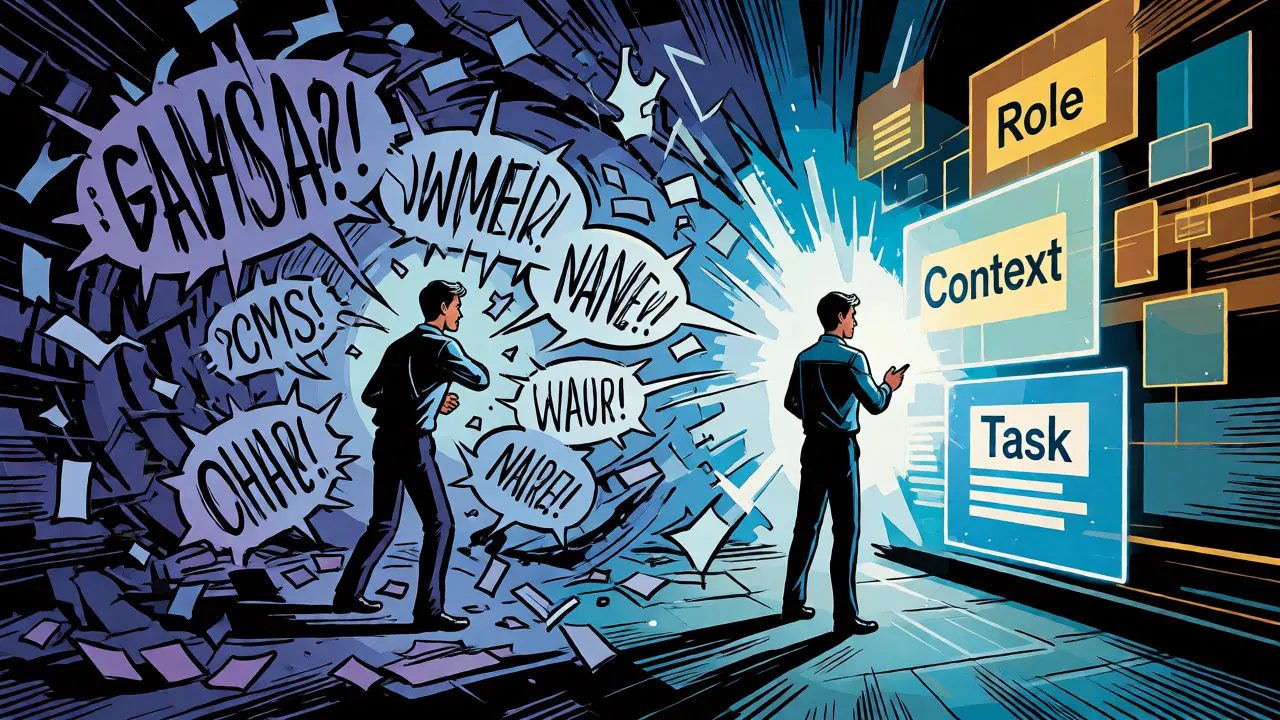
You’ve probably been there. You ask an AI to write a product description, get something decent, then try again for a different product and get total garbage. Why? Because you didn’t give it the same instructions. That’s where prompt templates come in. They’re not just fancy text files; they are structured frameworks that turn chaotic AI interactions into reliable business tools. Instead of typing new questions every time, you plug variables into a proven structure. This saves hours, ensures brand consistency, and makes your AI outputs predictable enough to actually use in production.
Why Random Prompts Fail at Scale
If you treat AI like a magic 8-ball, you’ll get random answers. If you treat it like a junior employee with specific job descriptions, you get work. The core problem with ad-hoc prompting is inconsistency. One day your chatbot sounds professional, the next it’s chatty and vague. Prompt engineering is the process of guiding these models by structuring input before it hits the model, as defined by AWS documentation. But doing this manually for every request is unsustainable.
Templates solve this by encapsulating open-ended user input within carefully structured prompts. Think of them as code for language. When you standardize the format, you can benchmark performance. You can compare how Model A handles a support ticket versus Model B because the *input* was identical. Without templates, you’re comparing apples to oranges. With them, you’re running controlled experiments. This reproducibility is critical if you want to move from "cool demo" to "business-critical tool."
The Anatomy of a High-Performing Template
A good template isn't just a sentence with blanks. It’s a modular system. Most effective templates follow a clear logical flow: Role, Context, Task, Constraints, and Output Format. Let’s break down why each part matters using real-world logic.
- Role: Who is the AI pretending to be? "Act as a senior copywriter" yields different results than "Write a blog post."
- Context: What background info does the AI need? Location, audience demographics, or previous conversation history.
- Task: The specific action. Not just "analyze," but "identify three key trends from the attached data."
- Constraints: What should it avoid? Word limits, tone restrictions (e.g., no jargon), or mandatory keywords.
- Output Format: How do you want the answer? JSON, bullet points, HTML table, or plain text?
For example, a basic marketing prompt might look like this: "Act as a social media manager for [Brand Name]. Write an Instagram caption for [Product] targeting [Audience]. Keep it under 150 words, use emojis, and include a call to action." See how each slot serves a purpose? The role sets the voice, the context defines the target, and the constraints ensure usability.
Marketing: Consistency Across Channels
Marketing teams drown in content volume. You need emails, ads, landing pages, and social posts-all sounding like the same brand. Generative AI excels at speed, though human-written content often still holds the edge on nuance. That’s why templates are vital here: they let you generate initial drafts rapidly while maintaining quality control.
Consider a template for email subject lines. Instead of asking for "good subject lines," you use a pattern that includes the value proposition, urgency level, and character limit. You can create variants for different segments. For high-value leads, the template might emphasize exclusivity. For cold prospects, it might focus on pain points. By swapping variables, you personalize at scale without rewriting the core logic every time.
| Feature | Ad-Hoc Prompting | Templated Approach |
|---|---|---|
| Consistency | Low - varies by user mood/knowledge | High - standardized structure |
| Speed | Slow - requires iterative refinement | Fast - one-shot generation |
| Scalability | Poor - hard to manage 100+ variations | Excellent - swap variables easily |
| Brand Safety | Risky - may miss tone guidelines | Safe - constraints embedded in template |

Customer Support: Reducing Friction and Hallucinations
In support, accuracy is everything. A hallucinated policy update can cost you customers. Templates help by forcing the AI to stick to known facts and defined roles. A common technique is "role assignment with boundary setting." For instance, a template might instruct the AI: "You are a support agent for Company X. Answer only using the provided knowledge base. If the answer is not in the text, state 'I don't know' rather than guessing."
This prevents the AI from making up return policies. Another powerful pattern is "structured questioning." Instead of letting the AI guess what the user needs, the template instructs it to ask clarifying questions first. Example: "Before answering, ask the user for their order number and the issue type. Do not provide a solution until both are received." This turns a vague interaction into a guided troubleshooting session, reducing back-and-forth tickets by up to 30% in some case studies.
Analytics: Turning Data into Insights
Most people use AI to summarize reports. But templates can do deeper analytical work. The key is "generated knowledge prompting." This technique asks the model to first list relevant facts or patterns, then synthesize them into insights. For example, a template for sales analysis might say: "Step 1: Identify the top three declining regions from the data below. Step 2: Hypothesize two potential causes for each decline based on market trends. Step 3: Recommend one actionable strategy for each region."
By breaking the task into steps, you reduce cognitive load on the model and improve accuracy. You can also embed domain-neutral instructions that highlight logical links. This allows analysts to reuse the same template across different datasets-sales, churn, or traffic-just by changing the input data. It democratizes analytics, allowing non-experts to get structured insights without writing complex SQL queries or Python scripts.
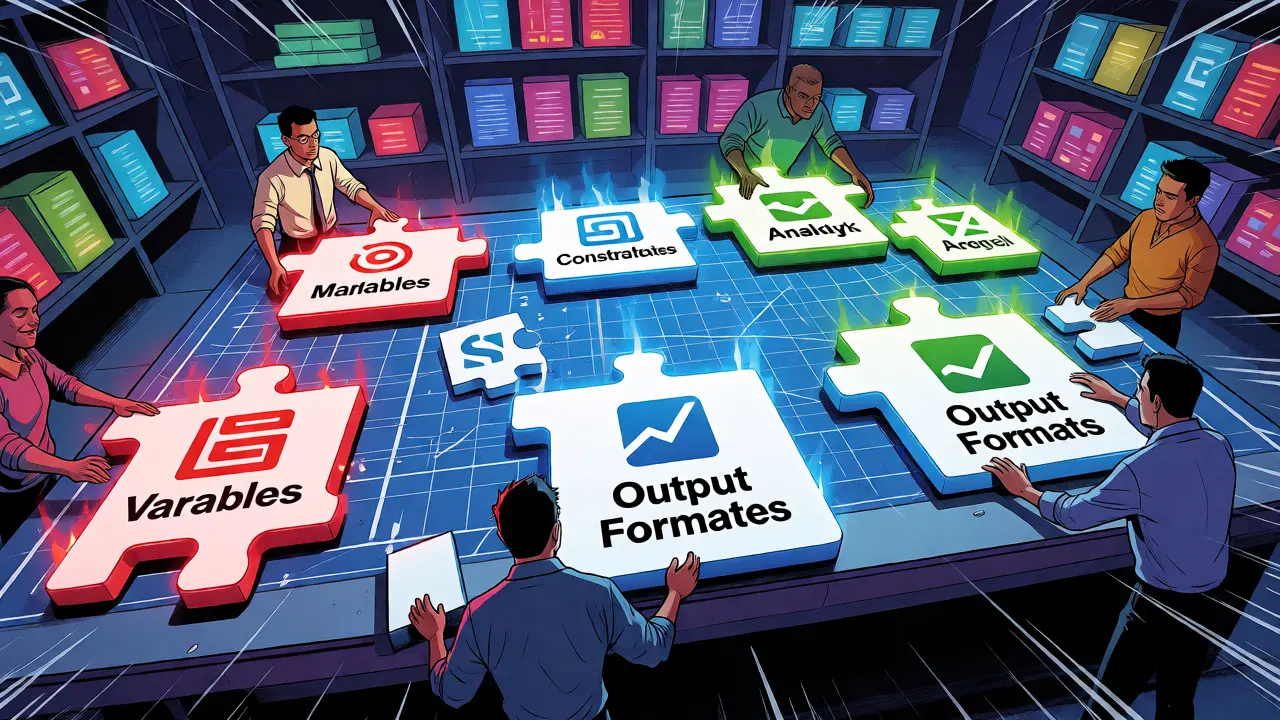
Building Your First Template Library
Don’t try to build a massive library overnight. Start with your highest-volume, lowest-complexity tasks. Email responses, meeting summaries, and ad copy are great starters. Here’s a quick checklist for creating your first set:
- Identify Repetitive Tasks: Look for anything done more than five times a week.
- Draft the Ideal Output: Write out what a perfect result looks like. Reverse-engineer the prompt needed to get there.
- Add Variables: Replace specific details with placeholders like {{customer_name}} or {{product_feature}}.
- Test with Edge Cases: Try inputs that are too short, too long, or ambiguous. Does the template hold up?
- Document the Use Case: Note when to use this template and when to avoid it.
Store these in a shared repository. Tools like Notion, Airtable, or dedicated prompt management platforms work well. Version control is crucial. If a template starts producing poor results, you need to know which change caused it.
Common Pitfalls and How to Fix Them
Even good templates fail if misused. One major pitfall is "over-constraining." If you add too many rules, the AI gets confused or ignores some. Keep constraints minimal and essential. Another issue is static context. If your company changes its pricing or product features, your templates become outdated. Set a review cycle-quarterly is usually safe-to update variable defaults and instructions.
Also, beware of bias. LLMs are trained on internet data, which contains biases. A marketing template for "CEO advice" might default to male pronouns or Western-centric examples unless explicitly instructed otherwise. Always test for inclusivity in your output samples. Finally, remember that templates aren’t a substitute for human oversight. Use them to draft, not to publish blindly. A human editor should always review final outputs, especially for sensitive communications.
What is the difference between a prompt and a prompt template?
A prompt is a specific question or instruction given to an AI model. A prompt template is a reusable framework with placeholders (variables) that can be filled with different data to generate similar types of outputs consistently. Templates allow for scalability and standardization, whereas individual prompts are often ad-hoc and inconsistent.
Do I need coding skills to create prompt templates?
No, you don’t need programming knowledge. Most templates are written in natural language. However, understanding basic logic structures (if/then, lists, roles) helps in designing effective templates. Many no-code AI platforms offer visual builders for creating and managing these templates.
How do I prevent my AI from hallucinating when using templates?
Include explicit constraints in your template such as "Answer only using the provided context" or "If unsure, state 'I do not know'." Additionally, use techniques like chain-of-thought prompting where the AI is asked to reason step-by-step before giving a final answer, which reduces the likelihood of fabricated information.
Can prompt templates improve SEO for generated content?
Yes. By including specific instructions for keyword inclusion, meta description length, and heading structure in your template, you ensure that all generated content adheres to SEO best practices automatically. This creates a consistent baseline that is easier to optimize further than unstructured AI text.
How often should I update my prompt templates?
Review them quarterly or whenever there are significant changes in your business processes, product offerings, or brand voice. Also, monitor performance metrics; if a template’s success rate drops, it may need tweaking to adapt to model updates or shifting user expectations.