AI is writing your code. Are you ready for the secrets it leaves behind?
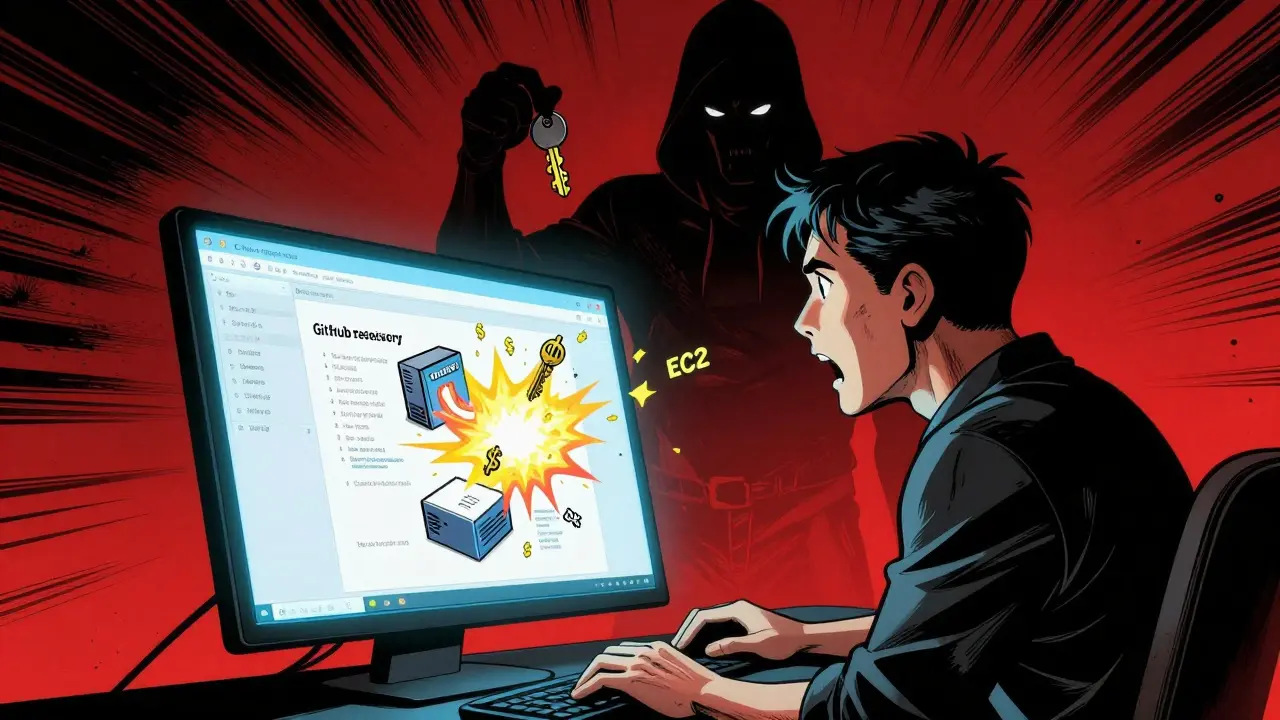
Imagine this: you use GitHub Copilot to generate a new API endpoint. It suggests a few lines of code, including an AWS key. You copy-paste it, push to GitHub, and deploy. Two hours later, your cloud bill spikes. Someone scraped your public repo, stole the key, and spun up $12,000 in EC2 instances. This isn’t fiction. In December 2024, Netlify found that 17% of applications using AI assistants had secrets blocked during deployment. That’s nearly one in six. And those are just the ones caught before they went live.
Traditional secret scanning tools-designed for human-written code-are failing against AI-generated repositories. Why? Because AI doesn’t copy-paste secrets. It generates them. It sees a prompt like “connect to the database” and fills in a fake key that looks real. It doesn’t know it’s a secret. You don’t know it’s a secret. But attackers do.
That’s why secrets scanning for AI-generated repos isn’t optional anymore. It’s the new baseline. And the tools that work best don’t just look for patterns-they understand context.
How AI generates secrets (and why your old scanner misses them)
AI coding assistants like GitHub Copilot, CodeWhisperer, and Claude don’t pull secrets from a database. They predict them. When you type “Get the API key for Stripe,” the model doesn’t say “I don’t know.” It generates something that looks like a Stripe key: sk_test_abc123xyz. It’s statistically plausible. It matches the format. It passes regex checks. But it’s not real-unless you accidentally used a real one.
Here’s the scary part: a 2023 Carnegie Mellon University study found AI models generated valid API keys in 15.7% of coding tasks when prompted with authentication context. That means, on average, every sixth time you ask AI to handle authentication, it gives you a working secret. And if you’re using real credentials in your dev environment, it might use those too.
Old-school scanners like Gitleaks or Detect-secrets rely on fixed patterns and entropy scores. They’re good at finding hardcoded keys like apiKey=abc123. But they miss:
- Keys embedded in JSON config files
- Keys generated dynamically in functions
- Test keys that look identical to production ones
- Obfuscated secrets (e.g., base64-encoded, split across lines)
AI-generated code has 3.2x more secret leaks than human-written code, according to the 2025 Snyk State of Open Source Security report. Your old scanner? It’s like using a flashlight to find a needle in a haystack-while the haystack is on fire.
How modern AI-specific scanners work
Today’s best tools don’t just scan-they reason. Netlify’s Smart Secret Scanning, launched in December 2024, uses three layers:
- Pattern recognition (67% of detection): Matches known formats for AWS, Azure, Stripe, Twilio, and 700+ other secrets.
- Context analysis (23%): Looks at where the key appears. Is it in a config file? A test file? A comment? A function that never runs?
- Usage pattern learning (10%): Has seen millions of repos. Knows that keys in
/tests/folders are usually fake. Knows that keys used only in CI/CD logs are likely temporary.
This context-aware approach cuts false positives by 43% compared to legacy scanners when analyzing AI-generated code. Legit Security’s tool, which uses AI filtering, reports false positive rates as low as 7.2%. Compare that to basic scanners, which average 22.6% false positives. That’s over three times more noise.
Tools like ZeroPath go further. They use CVSS 4.0 scoring to prioritize risks. Not all secrets are equal. A hardcoded Slack webhook? Annoying. A GCP service account with admin access? Catastrophic. These tools rank them by potential damage, so you fix what matters first.
Top tools compared: Open-source vs. commercial
Not all scanners are built the same. Here’s how the leading options stack up:
| Tool | AI Detection Accuracy | False Positive Rate | Setup Time | Best For | Price (per user/month) |
|---|---|---|---|---|---|
| GitGuardian | 96.2% | 9.1% | 8-12 hours | Enterprises needing maximum accuracy | $29 |
| Netlify Smart Scanning | 94.7% | 8.3% | 1-2 hours | Teams using Netlify deployments | $19 (included in Pro plan) |
| Legit Security | 95.1% | 7.2% | 4-6 hours | High-risk industries (finance, health) | $55 |
| TruffleHog 3.0 | 89.4% | 18.7% | 6-8 hours | Teams needing deep entropy analysis | Free |
| Gitleaks | 65.3% | 31.5% | 1-2 hours | Small teams on a budget | Free |
Open-source tools like TruffleHog and Gitleaks are great for learning and small projects. But if you’re using AI assistants daily, they’re not enough. Gitleaks misses 34.7% of contextually generated secrets, according to Aikido’s 2025 benchmark. It sees a key in a file and flags it-no matter if it’s a test key, a placeholder, or a real credential. That’s not security. That’s noise.
Commercial tools win because they’re trained on real AI-generated code. They know what Copilot does. They’ve seen what CodeWhisperer spits out. They’ve learned the difference between a fake key and a real one-not just by format, but by behavior.
What happens when you don’t use AI-specific scanning
Here’s a real example from Reddit, January 2025:
“We used Gitleaks. Thought we were safe. Copilot generated a real AWS key in a config file. We didn’t notice. Deployed to production. $8,000 in crypto mining bills later, we realized our CI/CD pipeline had been hijacked. Took us 3 days to trace it back to an AI-generated line.”
- u/DevSecOpsLead99
That’s not an outlier. It’s the new normal.
Without AI-specific scanning, you’re relying on:
- Code reviews (developers miss 70% of AI-generated secrets, per GitHub’s internal data)
- Manual audits (too slow, too inconsistent)
- Hope (not a strategy)
And when a breach happens? You’re not just losing money. You’re losing trust. Compliance. Maybe even your job.
NIST’s updated SP 800-53 Revision 6, released January 2025, now requires federal contractors to implement automated detection of hardcoded credentials in AI-generated code. If you’re in finance, healthcare, or government, this isn’t optional. It’s law.
How to set it up (and avoid the common mistakes)
Setting up AI-specific scanning doesn’t need to be a nightmare. Here’s how to do it right:
- Start with your CI/CD pipeline. Integrate scanning into your pull request checks. Don’t wait for production. Block secrets before they merge.
- Use a tool that integrates natively. Netlify, GitHub, and GitLab now offer built-in scanning. If you’re already on one of those platforms, use their tools. Less setup. Less friction.
- Configure context rules. Tell the scanner: “Ignore keys in /tests/”, “Ignore keys in .env.example”, “Ignore keys with ‘dev’ in the name.” This cuts false positives by half.
- Don’t scan everything at once. Start with your core repos. Expand over time. Scanning a 5GB monorepo on day one will crash your pipeline.
- Train your team. Show them what a false positive looks like. Show them what a real leak looks like. Make it visual. Make it personal.
Common mistakes:
- Using Gitleaks and calling it “good enough”
- Scanning only public repos (leaks happen in private ones too)
- Not updating rules when AI models change (Code Llama 3.0 generates 12.8% new secret patterns not covered by older tools)
- Ignoring test environments (that’s where most AI-generated secrets live)
What’s next? The future of AI security
The next wave of tools won’t just detect secrets-they’ll stop them before they’re written.
ZeroPath is building real-time AI secret generation prevention. Imagine Copilot suggesting a key… and the tool instantly says: “Don’t use that. You’re in production mode.” That’s coming in Q2 2025.
Legit Security is integrating with 15+ low-code platforms by Q3. That means even no-code builders will be protected.
But here’s the catch: AI is getting better at hiding secrets. Legit Security’s January 2025 research showed newer LLMs can bypass 31.4% of current detection rules using subtle pattern variations-like splitting keys across comments or using Unicode characters that look like letters.
This isn’t a race we can win with static rules. It’s a game of adaptation. The tools that survive will learn as fast as the AI does.
Final advice: Make scanning the default
AI isn’t going away. It’s accelerating. The question isn’t whether to use it. It’s whether you’re securing it.
Start small. Pick one tool. Integrate it into your main repo. Block secrets before they merge. Train your team. Watch the false positives drop. Watch your incidents disappear.
Because in 2025, the difference between a secure team and a breached one isn’t how smart your developers are. It’s whether you made secret scanning the default-and not the afterthought.
Do I need a paid tool for AI secret scanning?
Not necessarily, but open-source tools like Gitleaks and TruffleHog miss up to 35% of AI-generated secrets because they don’t understand context. If you’re using AI assistants daily, a commercial tool like Netlify or GitGuardian is worth the cost. They reduce false positives by 40%+ and block leaks before they reach production. Free tools are fine for learning or small projects-but not for production AI code.
Can AI-generated secrets be detected in private repos?
Yes, and you should scan them. Most breaches happen in private repos because teams assume they’re safe. AI doesn’t know if your repo is public or private. It generates secrets the same way. Tools like GitGuardian and Legit Security scan private repos with no extra setup. Never assume privacy equals security.
What if the scanner blocks a real secret?
That’s rare with modern tools, but it can happen. If a real key gets flagged, you can add it to a whitelist or adjust context rules. Most commercial tools let you mark a detection as “false positive” and the system learns from it. Over time, it gets smarter. Don’t disable scanning-tune it.
Does this slow down development?
Initially, maybe. But the long-term speed gain is massive. Teams using Netlify’s Smart Scanning reported 63% faster remediation times because they catch issues before merging. Without scanning, you’re spending hours debugging breaches, not building features. The friction is temporary. The cost of a leak is permanent.
Is this only for large companies?
No. Even small teams using GitHub Copilot are at risk. Netlify found 17% of all scanned apps-big and small-had secrets blocked. If you’re using AI to write code, you’re vulnerable. The cheapest tool (Netlify’s $19/month plan) protects your entire team. The cost of one breach? Often $50,000+.
How often should I update my scanner’s rules?
Update them every time your AI tool updates. GitHub Copilot, CodeWhisperer, and LLMs like Code Llama 3.0 change how they generate code. New secret patterns emerge every few months. Commercial tools auto-update. If you’re using open-source tools, check for updates monthly and test them on a sample repo. Don’t assume last year’s rules still work.

Priyank Panchal
December 23, 2025 AT 19:26Chuck Doland
December 24, 2025 AT 09:55Madeline VanHorn
December 25, 2025 AT 18:12Glenn Celaya
December 26, 2025 AT 19:33Wilda Mcgee
December 27, 2025 AT 00:18