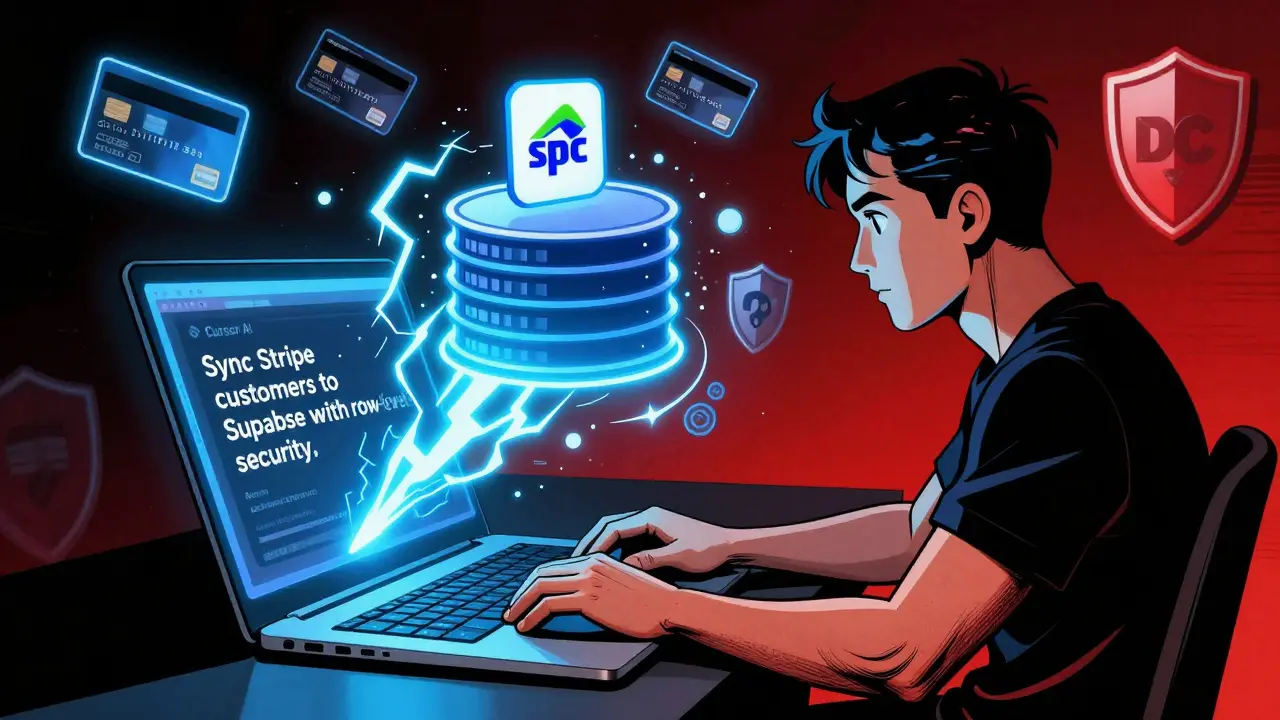
Imagine building a fully functional payment system with subscriptions, user accounts, and secure data sync in under two hours-no deep coding, no debugging nightmares, just prompts and AI doing the heavy lifting. That’s vibe coding for Stripe and Supabase, and it’s not science fiction. It’s what indie developers are using right now to launch SaaS apps faster than ever before.
What Is Vibe Coding, Really?
Vibe coding isn’t a framework or a library. It’s a workflow. You use AI tools like Cursor AI to generate code based on plain English prompts. Instead of writing 200 lines of webhook handlers to sync Stripe subscriptions with your database, you type: "Sync Stripe customers and subscriptions to Supabase users table with row-level security." And boom-AI writes it for you. This approach exploded in late 2025 after GritAI Studio’s tutorial series showed developers how to build a working Stripe Checkout flow with Supabase authentication in under 20 minutes. The magic isn’t in the AI writing perfect code-it’s in writing enough code to get you 90% there, so you can focus on fixing the last 10% instead of building from scratch.Why Stripe and Supabase Together?
Stripe handles payments. Supabase handles users, data, and authentication. Together, they form a stack that replaces entire backend services without needing Firebase, AWS, or custom Node.js servers. Supabase is built on PostgreSQL, so you get real SQL, row-level security, and real-time subscriptions. Stripe gives you PCI compliance, global payments, and automated billing. The combo is perfect for subscription apps, donation platforms, or membership sites. And here’s the kicker: Supabase released its Stripe Sync Engine in March 2025. It’s a one-click integration that automatically creates and updates tables in your database when customers subscribe, pay, or cancel. No webhooks to write. No manual mapping. Just turn it on and go.Step-by-Step: Building Your First Vibe-Coded Payment Flow
You don’t need to be a senior dev. But you do need basic JavaScript knowledge and a free Stripe and Supabase account. Here’s how to do it.- Set up Supabase authentication - Go to your Supabase dashboard, click Authentication, and enable Email/Password login. Add your site’s URL under Redirect URLs. This is where users get sent after signing in. Don’t skip this-33% of failed vibe coding attempts fail here because the redirect URL is wrong.
- Add a stripe_customer_id column - Open the Table Editor in Supabase, go to the users table, and add a new column called
stripe_customer_idwith type text. This links each user to their Stripe customer profile. - Enable Stripe Sync Engine - In Supabase’s Integrations tab, click Stripe. Log in to your Stripe account, authorize the connection, and pick the tables you want synced. Supabase will auto-create
stripe_customersandstripe_subscriptionstables. Done. - Set up Stripe in your app - Install
@stripe/stripe-jsversion 1.56.0. Add two environment variables:NEXT_PUBLIC_STRIPE_PUBLISHABLE_KEYandSTRIPE_SECRET_KEY. Never commit the secret key to GitHub. Use .env.local. - Generate the checkout flow with AI - In Cursor AI, type: "Create a React component that shows a $49/month subscription button. On click, create a Stripe Checkout session with customer email from Supabase auth. Redirect to success page after payment." The AI will generate the whole thing-button, session creation, redirection.
- Secure the data - Go to Supabase’s Row Level Security settings. Enable RLS on the
stripe_subscriptionstable. Add a policy: "Users can only see their own subscription data." Useauth.uid() = user_idas the condition. This step is missing in 33% of vibe-coded apps-and it’s how hackers steal payment data. - Test with Stripe test cards - Use card
4242 4242 4242 4242for success. Try4000 0000 0000 0002for failed payments. Use Stripe’s Webhook Simulator to triggercheckout.session.completedand watch Supabase auto-update the subscription table.
What Vibe Coding Gets Right
The biggest win? Time. Traditional Stripe + Supabase integration takes 20-40 hours. Vibe coding cuts that to under 2 hours. GritAI Studio tracked 50 developers-those using AI finished in 1.5 hours on average. One indie dev built a $49/month fitness coaching app in 40 minutes and made $1,200 in the first month. The AI also handles boilerplate you’d forget: idempotency keys for Stripe requests, token verification in email links, and session timeouts. Cursor AI’s November 2025 update added Stripe-specific templates that reduced errors by 63%. And if you’re building a donation page, a tip jar, or a simple membership site? Vibe coding is the fastest way to go live. Supabase analytics show 74% of vibe-coded apps are under $50/month subscriptions. That’s the sweet spot.Where Vibe Coding Falls Short
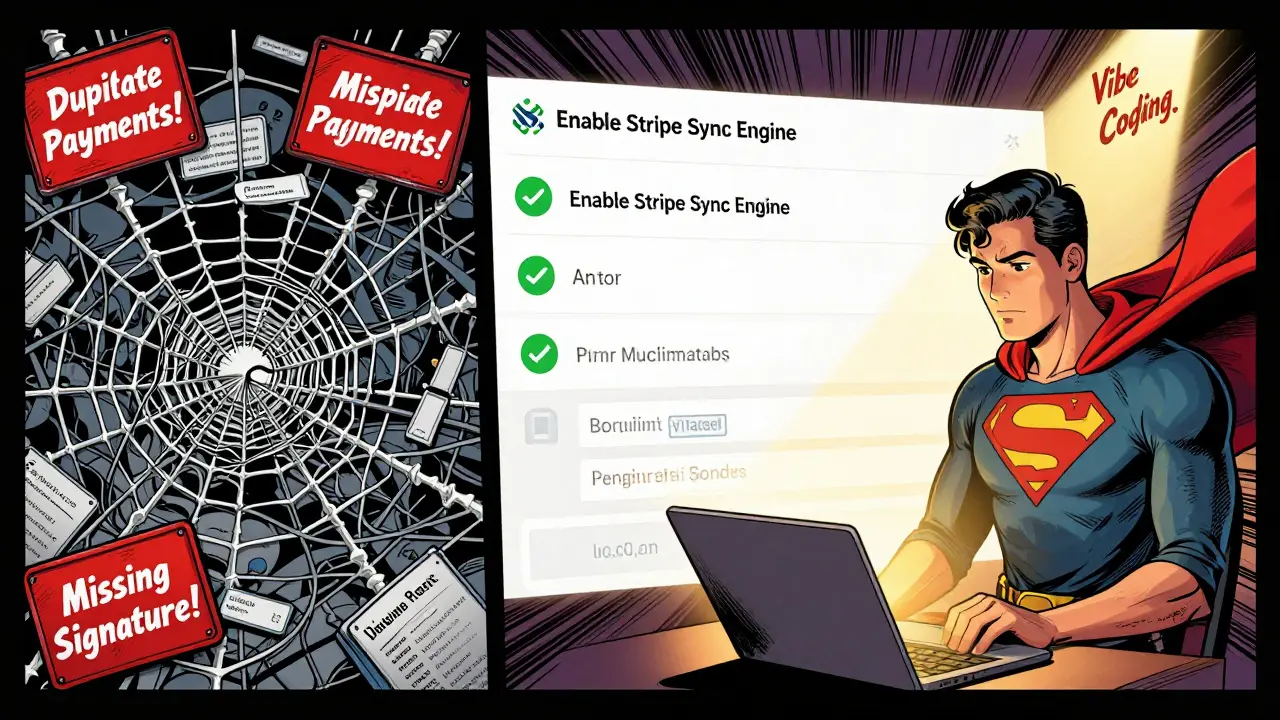
This isn’t magic. It’s a shortcut. And shortcuts have holes. The biggest issue? Security. AI doesn’t know your compliance needs. In October 2025, a Reddit user named FullStackDev2025 lost $2,300 because the AI-generated code didn’t check for duplicate payment events. Stripe sent twoinvoice.paid webhooks. The app processed both. No deduplication. No idempotency key. Just two charges.
Another common failure: webhook signature verification. 29% of users get this wrong. If you don’t verify the signature from Stripe, anyone can fake a payment notification and give themselves premium access. The AI often generates the webhook endpoint but forgets the verification step.
Also, complex logic breaks. Need to prorate upgrades? Handle tax calculations? Apply discounts based on user history? The AI will try-but it’ll generate messy, buggy code. Supabase’s Sync Engine handles basic prorations now, but if you need custom rules, you’re better off writing it manually.
Florian Zeba put it best: "Vibe coding gives you 95% of the work done. The other 5% takes 50% of your debugging time." That 5%? It’s the difference between a demo and a production app.
Pro Tips to Avoid Disaster
If you’re going to use vibe coding for payments, follow these rules:- Always validate environment variables - 41% of failures happen because keys are missing or wrong. Double-check .env.local before deploying.
- Enable Row Level Security on every table - Especially
users,stripe_customers, andstripe_subscriptions. Never assume Supabase locks data by default. - Test webhooks manually - Use Stripe’s Webhook Simulator. Trigger
customer.subscription.deletedand watch if your app removes access. - Run a security audit - Tools like Snyk or Bitwarden can scan your code for exposed secrets or missing headers. Do this before you go live.
- Don’t trust AI for billing logic - If you’re charging based on usage, tiers, or coupons, write the logic yourself. AI doesn’t understand business rules.

Who Should Use This? Who Should Avoid It?
Vibe coding is perfect for:- Indie hackers building MVPs
- Freelancers launching client apps fast
- Side project creators testing ideas
- Teams with one full-stack dev and no backend specialist
- Need full PCI compliance audits (enterprise apps)
- Handle regulated data (health, finance, EU users)
- Require custom billing workflows (e.g., multi-tiered SaaS with usage-based pricing)
- Have a legal team that requires code reviews
The Future of AI-Powered Payments
This isn’t a flash in the pan. Stripe’s December 2025 announcement of AI tools for low-code platforms shows they’re betting big. Supabase’s roadmap includes automated PCI checks and tax calculation sync by Q2 2026. The W3C is even forming a working group to standardize AI-generated payment code. Forrester predicts 35% of new SaaS apps will use AI-assisted payment integrations by late 2026. That’s not hype-it’s data. The real question isn’t whether vibe coding works. It’s whether you’re willing to take the extra 30 minutes to harden the code before launching. Because AI gives you speed. But only you can give it security.What Comes Next?
Once your payment system is live, the next step is user onboarding. Use Supabase’s real-time updates to show users their subscription status without refreshing. Add email reminders for failed payments using Supabase Functions. Or build a dashboard where users can upgrade, cancel, or view invoices-all pulled from Stripe via Supabase. You’ve built the engine. Now make it feel alive.Is vibe coding safe for production apps?
Vibe coding can be safe-but only if you harden the code. AI generates functional demos, not secure products. You must manually verify webhook signatures, enable row-level security, test for duplicate payments, and scan for exposed secrets. Many developers have lost money skipping these steps. Treat vibe-coded code like a prototype: test it like your business depends on it-because it does.
Do I need to know JavaScript to use vibe coding?
You need basic JavaScript knowledge. You don’t need to be an expert, but you should understand how functions, variables, and async code work. If you’ve built a React button that calls an API, you’re ready. If you’ve never touched a console.log, start with a beginner JavaScript course first. Vibe coding saves time, but it doesn’t replace understanding.
Can I use vibe coding with other payment processors?
Yes-but Stripe and Supabase are the best combo right now. The AI tools have been trained mostly on this stack. You can prompt for PayPal or Square, but the generated code is less reliable. Stripe’s API is clean, well-documented, and widely supported. Supabase’s one-click sync doesn’t exist for other databases. Stick with Stripe + Supabase for the best results.
What if the AI generates broken code?
It will. That’s normal. Vibe coding isn’t about perfect code-it’s about fast iteration. If the AI generates a broken webhook, check the signature verification. If the button doesn’t redirect, verify your environment variables. Use browser dev tools and Stripe’s dashboard logs to trace errors. Most issues are simple: a missing key, a typo in a URL, or a missing permission. Fixing them takes minutes once you know where to look.
How much does this cost?
Stripe charges 2.9% + $0.30 per transaction. Supabase is free for small apps (up to 500 MB storage, 2 million row reads/month). Cursor AI is free for basic use. You won’t pay anything until you start processing payments. Most indie devs stay under free tiers for months. When you scale, Supabase costs $25/month for more storage and users. That’s cheaper than hiring a backend dev for one day.


Morgan ODonnell
January 20, 2026 AT 02:51just tried this last weekend and honestly? it worked better than i expected. made a simple donation page in like 90 minutes. no stress, no crying over console errors. just typed it and let the ai do the heavy lifting. supabase synced everything like magic. still double-checked the rls though, dont trust the ai with security.
Liam Hesmondhalgh
January 20, 2026 AT 11:37lol vibe coding? more like vibe hoping. you call this development? this is copy-paste bingo with ai. anyone who ships this to production deserves to get hacked. and dont even get me started on the fact that you're using stripe without verifying signatures. absolute clown show.
Patrick Tiernan
January 20, 2026 AT 23:28so you just type stuff and the ai writes your code now? cool cool. i bet you also let it write your breakup texts and grocery lists. next thing you know youre outsourcing your entire life to chatgpt. the fact that people are calling this a workflow is terrifying. its called being lazy and pretending its innovation
Patrick Bass
January 21, 2026 AT 18:22i tried this too. worked fine for a basic checkout. but the ai missed the idempotency key. got two charges from one payment. had to fix it manually. also the row level security was off by default. took 20 minutes to fix what shouldve been automatic. still faster than writing it all from scratch though.
Tyler Springall
January 23, 2026 AT 09:39how quaint. you're outsourcing your intellectual labor to a language model trained on github repos and stack overflow scraps. this isn't innovation, it's digital serfdom. the next generation of developers will be trained to be prompt engineers, not engineers at all. the decline of software craftsmanship is not a trend-it's a tragedy.
Colby Havard
January 23, 2026 AT 21:10While the methodology described herein may appear expedient, it is fundamentally incompatible with the principles of robust software engineering. The absence of rigorous code review, the reliance on opaque generative models, and the systemic neglect of security primitives such as webhook signature validation constitute a perilous precedent. To deploy such systems in production environments is not merely irresponsible-it is an affront to the discipline of computer science.
Amy P
January 25, 2026 AT 19:09OMG I JUST BUILT A SUBSCRIPTION SITE IN 45 MINUTES AND I’M CRYING 😭😭😭 THIS IS THE FUTURE I DIDNT KNOW I NEEDED. I WAS SO SCARED OF STRIPE BEFORE BUT THE AI DID THE WHOLE THING AND THEN I JUST FIXED THE RLS AND IT WORKED?!?!?!?! I’M SO HAPPY I’M GOING TO TELL EVERYONE I KNOW. ALSO I USED THE TEST CARD 4242 AND IT WORKED FIRST TRY. I LOVE TECHNOLOGY.
Ashley Kuehnel
January 27, 2026 AT 03:46hey everyone! just wanted to add-i used this for my little art store and it was a game changer. i’m not a pro dev, just a painter who knows a bit of js. the ai gave me a solid base, then i went in and added the tax calc manually because i knew the ai would mess that up. also, triple check your .env file! i forgot to add STRIPE_SECRET_KEY and spent 2 hours wondering why it kept failing 😅. but seriously, if you’re just starting out, this saves so much time. just dont skip the security steps. you’ll thank yourself later!