
Remember when turning a messy Google Sheet into a working web app meant hiring a developer or spending months learning JavaScript? That era is officially over. In 2026, a new wave of builders-accountants, HR managers, and operations specialists-are using vibe coding to transform their data workflows into polished applications without writing a single line of traditional code.
Vibe coding isn't just a buzzword; it's a practical methodology that leverages artificial intelligence to bridge the gap between static data and dynamic software. If you have deep knowledge of your industry but zero interest in debugging syntax errors, this approach lets you describe what you want in plain English and watch AI build it for you. Let’s look at how this works, which tools you need, and where the real limits lie.
What Exactly Is Vibe Coding?
Vibe Coding is a development methodology that uses AI assistants to generate production-quality code from natural language prompts, allowing non-programmers to build functional applications rapidly. The term gained traction in late 2025 as models like Claude, ChatGPT, and Gemini became sophisticated enough to handle complex logic, user interfaces, and backend connections simultaneously.
Unlike traditional programming, where you construct an application brick by brick, vibe coding relies on iterative refinement. You provide a "vibe" or a detailed description of the desired outcome, and the AI generates the necessary files. You test them, find gaps, prompt again, and refine. It shifts your role from coder to architect and quality assurance manager.
The core advantage here is speed and accessibility. A domain expert who knows exactly how a resume builder or inventory tracker should function can now execute that vision directly. They don’t need to understand the underlying mechanics of HTTP requests or database schemas to get started-they just need to know what problem they are solving.
The Workflow: From Spreadsheet to App
Most vibe coding projects start with a spreadsheet because that’s where the data already lives. Here is how the typical transformation process looks in practice:
- Define the Scope: Start with a clear goal. For example, "I need a web form that adds new customer records to my Google Sheet and allows me to search and edit existing entries."
- Prepare the Data: Ensure your spreadsheet (like Google Sheets) is structured cleanly. Headers should be clear, and data types consistent.
- Prompt the AI: Use a tool like Google Apps Script integrated with an AI assistant. Paste your requirements into the AI chat. Ask it to generate a backend script (
code.gs) and a frontend interface (index.html). - Initial Generation: The AI produces a first draft. This version usually works but lacks polish. It might miss error handling or have a clunky UI.
- Iterative Refinement: This is the "vibe" part. Tell the AI, "Make the button blue," "Add a validation check for email addresses," or "Fix the bug where deleting a row crashes the page." Repeat until the app functions smoothly.
- Deploy: Use deployment features to create a live URL. Share this link with your team instead of sending around the spreadsheet file.
This workflow turns a manual, error-prone process into an interactive experience. Users no longer risk breaking formulas by clicking the wrong cell. Instead, they interact with forms designed specifically for their tasks.
Top Tools for Vibe Coding in 2026
The ecosystem for vibe coding has exploded recently. Different platforms offer varying levels of control and ease of use. Here is a breakdown of the most prominent options available today:
| Platform | Best For | Key Feature | Learning Curve |
|---|---|---|---|
| Base44 | Rapid full-stack apps | Integrated dashboard layouts and real-time preview | Low |
| Lovable | Frontend-heavy applications | High-quality UI generation from text | Medium |
| Cursor | Developers wanting AI assistance | Deep IDE integration with context awareness | High |
| Replit | Full-stack prototypes | Build entire stacks (frontend, API, DB) in minutes | Medium |
| Despia | Mobile packaging | Converts web apps to Android packages for Play Store | Low |
For beginners sticking close to spreadsheets, integrating AI directly with Google Apps Script remains the lowest barrier to entry. However, if you aim for a standalone product, platforms like Base44 or Lovable provide more robust infrastructure out of the box, including hosting and database management via services like Supabase.
Real-World Example: The Resume Builder
To understand the economic potential of vibe coding, consider the case of a resume builder application built entirely through this methodology. This wasn't a simple hobby project; it generated approximately $40,000 per month in revenue.
How did it work? The creator used vibe coding to build a professional template engine. The AI helped generate:
- A word-like editor with real-time preview functionality.
- Multiple design variations for different industries.
- Export capabilities for PDF, image, and sharable links.
- User authentication to save progress.
The backend handled data storage, while the frontend provided a seamless user experience. Crucially, the creator didn't write the CSS or JavaScript manually. They described the desired look and feel, iterated on the AI's output, and eventually packaged the mobile version using Despia to submit it to the Google Play Console. This demonstrates that vibe-coded apps can reach production maturity, handle payments via Stripe, and scale to thousands of users.
Where Vibe Coding Hits a Wall
While powerful, vibe coding is not a magic wand. There are specific scenarios where this approach becomes exponentially difficult or impractical. Understanding these limitations prevents frustration later on.
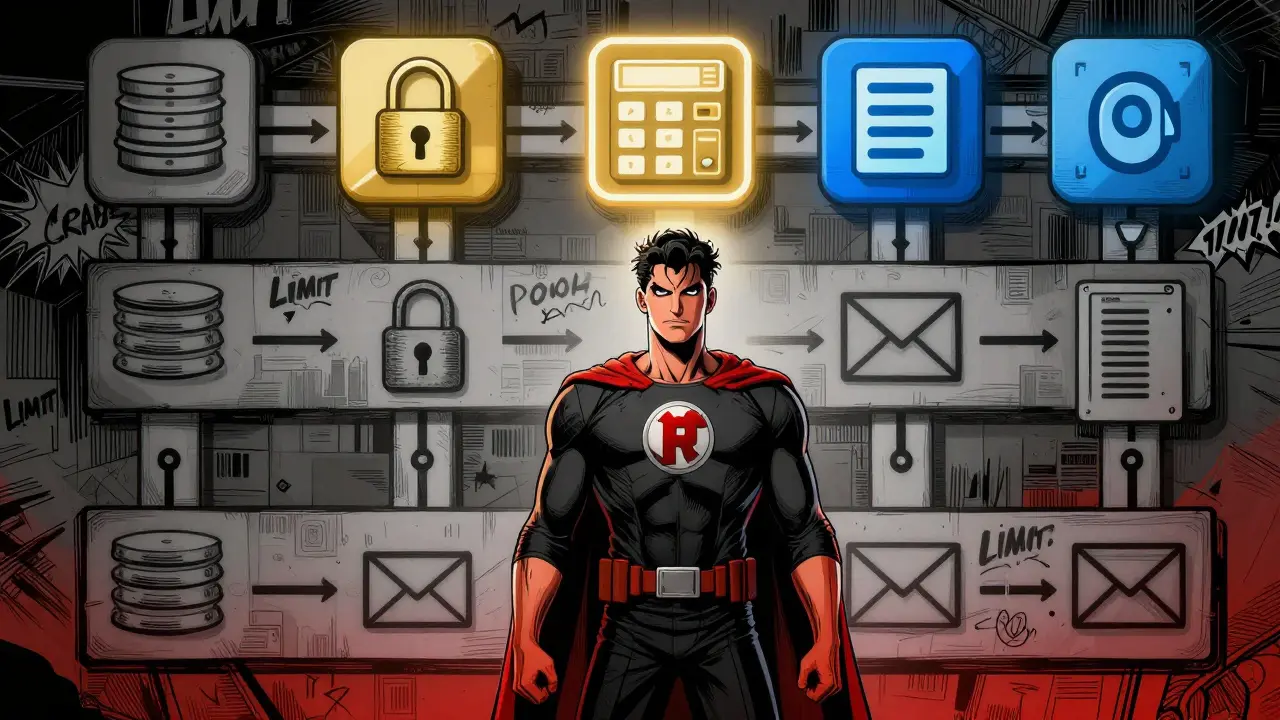
Complex Backend Requirements are the biggest hurdle. If your app needs:
- External Database Integration: Moving beyond LocalStorage or simple sheets to relational databases requires careful schema design that AI often struggles to maintain across iterations.
- Advanced Authentication: Simple login screens are easy. Managing sessions, permissions, and multi-user data isolation is hard.
- Email Deliverability: Sending transactional emails requires server-side configuration and anti-spam compliance that basic vibe coding setups lack.
- File Processing: Uploading and processing large files on a server demands infrastructure planning beyond prompt engineering.
In these cases, the "exponential complexity" kicks in. Each new feature doesn't just add time; it increases the likelihood of architectural conflicts. For self-contained tools like calculators, trackers, or internal dashboards, vibe coding shines. For enterprise-grade systems requiring distributed architecture, traditional development teams are still necessary.
Best Practices for Success
If you are ready to try vibe coding, follow these guidelines to maximize your chances of success:
- Be Specific in Prompts: "Make a nice form" yields poor results. "Create a responsive HTML form with fields for Name, Email, and Date, validated via JavaScript, posting data to a Google Sheet" yields usable code.
- Iterate Small: Don't ask for the whole app at once. Build the database connection first. Then the UI. Then the export feature. Small steps reduce bugs.
- Test Relentlessly: AI makes mistakes. Click every button. Break the app intentionally. Find the edge cases.
- Leverage Domain Expertise: Your value isn't coding; it's knowing what the user needs. Focus your energy on defining the workflow, not the syntax.
- Version Control: Keep copies of working versions. If an update breaks something, you can revert easily.
The Future of No-Code Development
Vibe coding represents a significant shift in who gets to build software. By abstracting away syntax, it democratizes creation. We are seeing community growth on platforms like Reddit and HackerNews, with tutorials emerging from creators like Sheets Ninja and Matt Palmer.
As AI models improve, the line between "prompting" and "coding" will blur further. However, the need for logical thinking, architectural planning, and quality assurance will remain. The best vibe coders won't be those who write the fanciest prompts, but those who deeply understand their domain and can effectively guide AI toward precise solutions.
Whether you are automating a personal task or launching a SaaS product, the barrier to entry has never been lower. All you need is a clear idea and the willingness to iterate.
Do I need to know how to code to use vibe coding?
No, traditional coding skills are not required. Vibe coding relies on natural language prompts to generate code. However, understanding basic concepts like databases, APIs, and user flow helps you specify requirements more accurately and debug issues faster.
Can I monetize apps built with vibe coding?
Yes. Many creators are generating significant revenue. Examples include subscription-based tools, ad-supported utilities, and one-time purchase apps. Integrations with payment processors like Stripe make monetization straightforward.
What are the main limitations of vibe coding?
Vibe coding struggles with complex backend architectures, such as advanced user authentication, multi-tenant data isolation, heavy file processing, and reliable email delivery. It works best for self-contained applications and CRUD (Create, Read, Update, Delete) workflows.
Which AI tools are best for vibe coding in 2026?
Leading tools include Claude, ChatGPT, and Gemini for code generation. Platforms like Base44, Lovable, Cursor, and Replit provide environments optimized for rapid AI-assisted development. For mobile deployment, Despia is a popular choice for packaging Android apps.
How do I deploy a vibe-coded application?
Deployment depends on the platform. Google Apps Script apps can be deployed as web apps with shareable URLs. Platforms like Base44 and Replit offer built-in hosting. For mobile apps, you may need to package the code using tools like Despia and submit it to app stores like Google Play Console.
Is vibe coding secure?
Security depends on implementation. While AI-generated code can be secure, it may contain vulnerabilities if not reviewed. Always audit generated code, especially regarding authentication and data handling. Use established libraries and avoid hardcoding sensitive information like API keys.